Cost / License
- Free
- Proprietary
Since
- Since 2024



Apps similar to MSI Afterburner include Open Hardware Monitor, which is free and open source. Other options are Nvidia App, MangoHUD, LACT and iStat Menus. You're spoiled for choice with System Information Utilities like MSI Afterburner: we list more than 50 alternatives for Windows, Mac, Linux, iPhone and iPad.

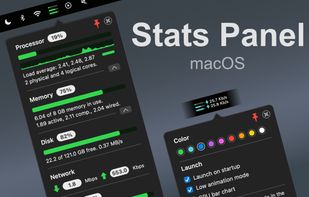
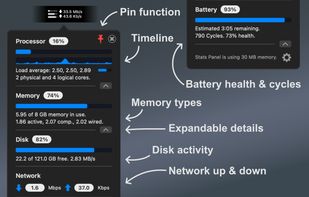
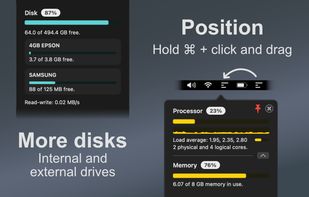
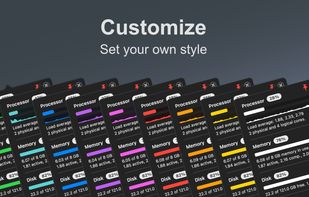
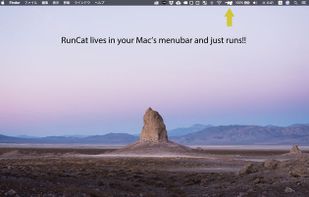
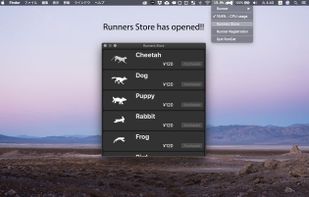
Lightweight macOS menu bar utility providing live CPU, memory, disk, network, battery, and thermal state monitoring, supporting Apple Silicon and Intel hardware, with customizable interface options, low resource usage, and strong privacy protections.
 United Kingdom


 Japan
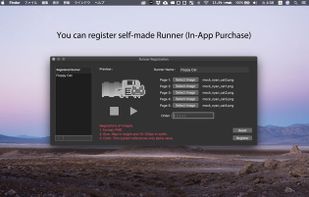
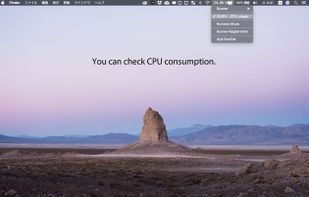


This app is designed to provide an informative overlay, always visible on the screen, displaying information about sensors. The overlay is currently non-clickable to avoid interfering with other windows.


Pitikapp provides highly customizable modules to monitor your computer and to interact with it.
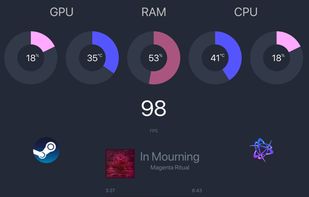
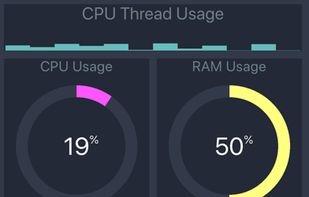


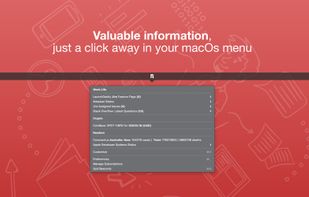
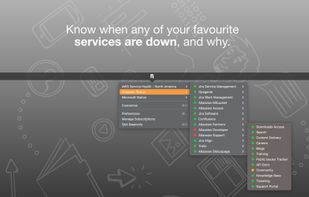
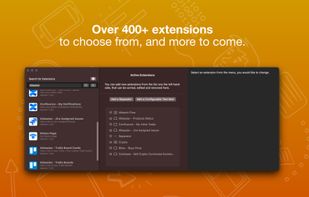
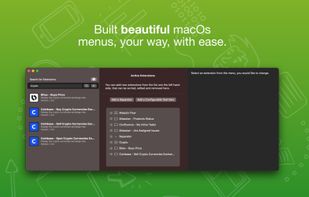
Beaconly is a flexible, easy to use data aggregating menu app that ties relevant information to you, beautifully one click-away in your macOs menu bar. Easily discover status of AWS, your Jira Tickets, and so much more.


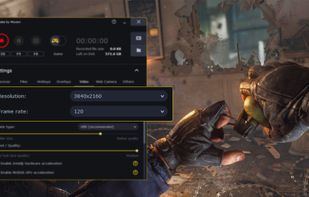
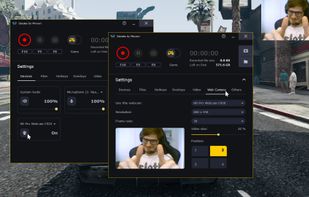
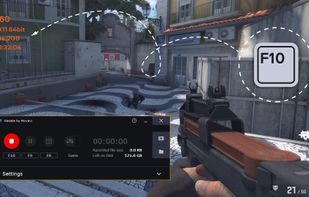
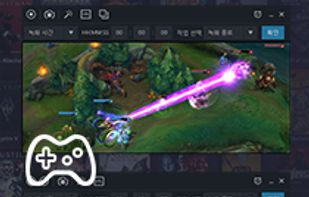
Gecata by Movavi is a lightweight game recording software for PCs that lets you capture gameplay or a Windows desktop with one click and no lags.
 Cyprus
 EU


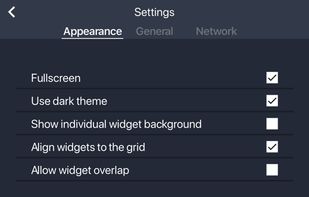
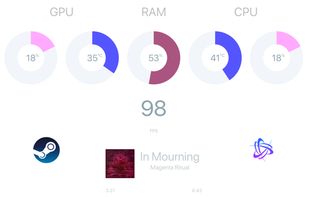
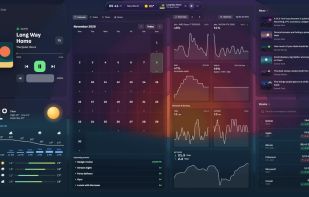
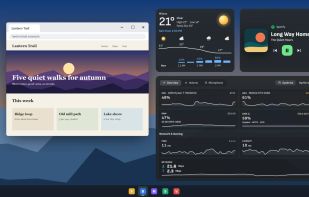
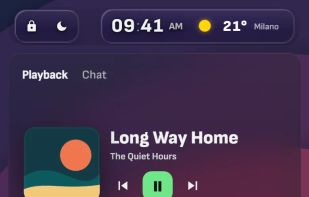
Xenon runs on your PC and puts live widgets on any screen you already have: the desktop itself, a second monitor, a small touchscreen, or an old tablet or phone that opens it in its browser over Wi-Fi, with nothing to install on that device.
 ItalyEU
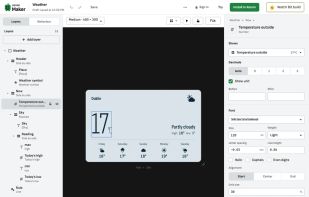


Record what you see on your PC screen exactly as it appears. GOM Cam also records all audio outputs from your PC, allowing you to make more dynamic videos. Record your computer screen, webcam video or games, and share with others on YouTube, Google Drive or Facebook.




Intel® Graphics Software is your all-in-one solution for graphics settings, display settings, gaming/app profiles, performance monitoring, and video enhancement, enabled for Intel® Graphics products.
 United States


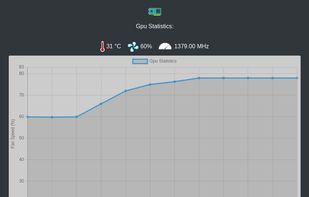
GPU Fan Control tool. Contribute to marcelloti/gpu-fan-control development by creating an account on GitHub.


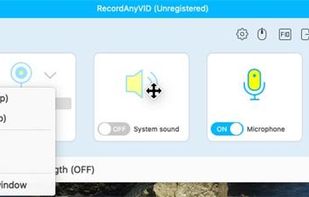
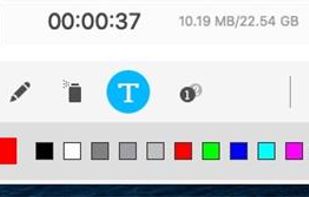
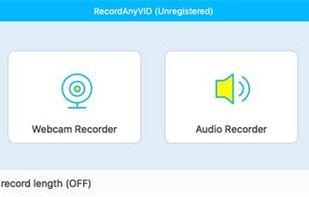
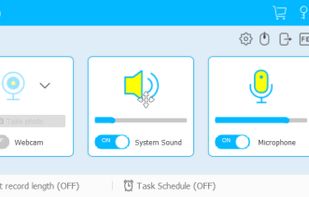
It's an easy-to-use screen recorder software for Windows and Mac computers. With it, you can easily select the recording area such as screen or customized size you like.
 China