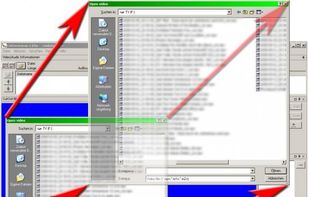
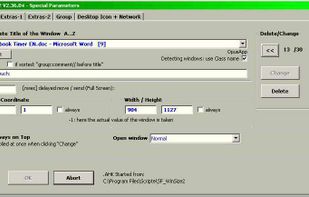
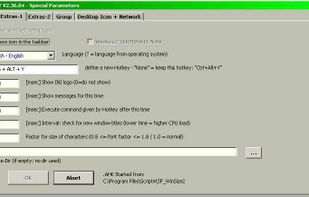
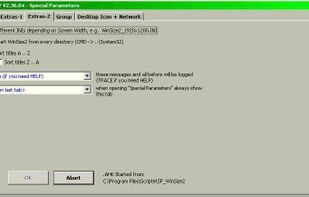
WinSize2 can move windows automatically to a predefined place and / or resize the width and/or height to a predefined size.
Platforms
- Windows
- Global



+2


Apps similar to MoveInactiveWin include Rectangle, which is open source with a free version. Other options are BetterTouchTool, SnapZones, AquaSnap and WinMux. You're spoiled for choice with Window Managers like MoveInactiveWin: we list more than 50 alternatives for Mac, Windows, Linux and Android.
WinSize2 can move windows automatically to a predefined place and / or resize the width and/or height to a predefined size.

WinLayout is a program with keyboard hotkeys to move, resize, and snap windows all around the desktop area.


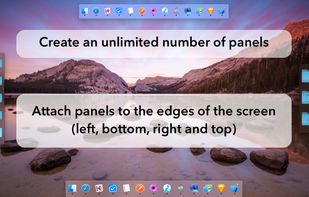
MultiDock is a simple application that allows you to organize frequently used applications, documents and folders using small panels (Dock’s).
 Ukraine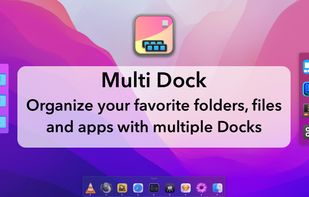


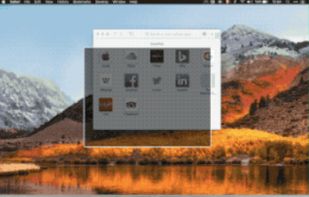
Penc is a window manager app for macOS designed for use with the trackpad. It lets you use trackpad gestures along with the Command key to move, resize and snap windows to the screen.


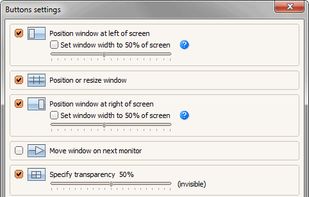
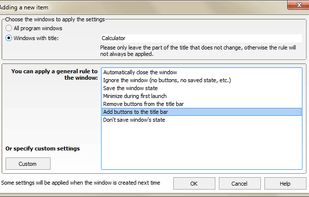
Chameleon Window Manager will allow you to control the windows of your programs using customizable buttons added to the title bars of the windows (Always on Top, Minimize to Tray, Minimize to Caption, Specify Transparency, Position window at left/right of screen).
 Russia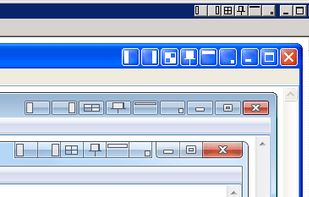


Ever try to size a window so it just touches the edge of the screen? It’s tedious (at least for me). FreeSnap allows you to instantly resize any window edge to the corresponding screen edge. Want that window to touch the right edge of the screen?
 United States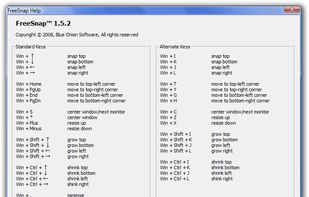


SizeUp allows you to quickly position a window to fill exactly half the screen (splitscreen), a quarter of the screen (quadrant), full screen, or centered via the menu bar or configurable system-wide shortcuts (hotkeys).
United States





Windownaut is versatile window management app that let's you define keyboard shortcuts and active areas on your screen to resize an position the windows on your desktop.


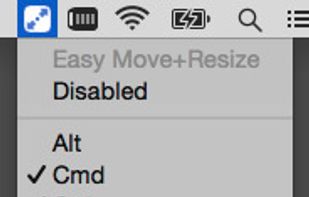
Easy Move+Resize is based on behavior found in many X11/Linux window managers, adding easy modifier key + mouse drag move and resize to OS X.


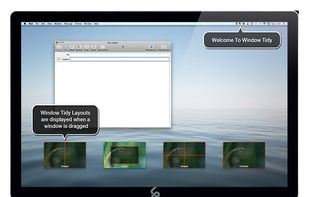
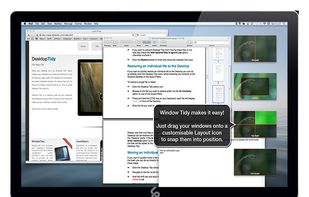
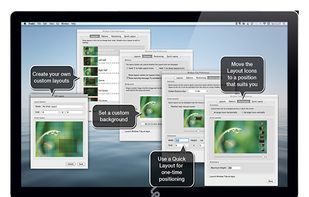
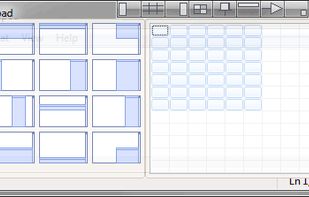
Arrange your application windows using nothing but drag and drop! There are no hot-keys to remember or menus to click, just drag and drop a window onto Layout Icon and it will instantly snap to that layout.
 United Kingdom