


Cost / License
- Paid
- Proprietary
Application type
Platforms
- Mac
 Brazil






+1



Apps similar to MoveInactiveWin include Rectangle, which is open source with a free version. Other options are BetterTouchTool, SnapZones, AquaSnap and WinMux. You're spoiled for choice with Window Managers like MoveInactiveWin: we list more than 50 alternatives for Mac, Windows, Linux and Android.
Brazil


Handle windows, from the comfort of your home row.
Using AppGrid is dead simple. Just use the global hot keys to move and resize your windows. The windows will automatically fit themselves to a simple but flexible grid.
The default global hot keys are designed to be comfortable.
 United Kingdom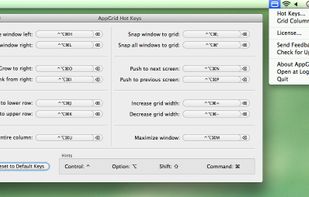


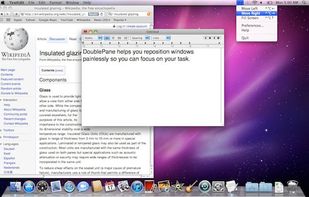
Have you ever wasted time repositioning application windows so you can see two windows simultaneously? DoublePane effortlessly repositions application windows to maximize your screen space for easy side-by-side viewing.
 United States


This thing is simply necessary to work professionally, and quickly in Windows. Freely and easily manage windows and the browser. Comes from the word - fast work, fast typing. Do all things quickly.



?? Moves makes it easier than ever to position your windows juuust right.
? Just hold down your chosen modifier keys and move the mouse. No need to fiddle with 3px wide window edges or far way title bars.
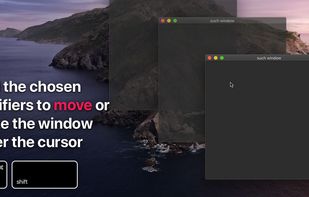

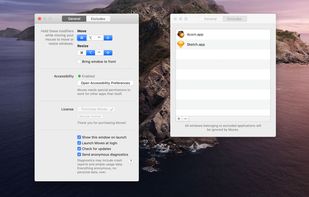


Hummingbird is a macOS utility that allows easy moving and resizing of windows by holding modifier keys and dragging your mouse to move and resize windows.
 Germany
 EU
EU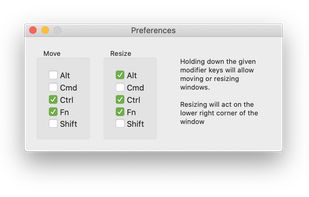



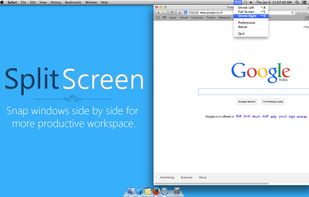
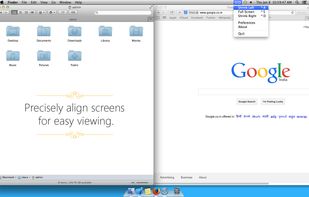
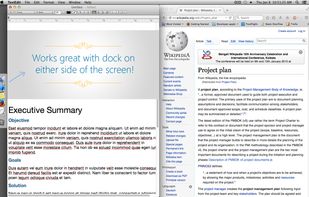
Split Screen allows you to effortlessly resize windows to exactly half your desktop at the touch of a simple keystroke. Gone are the days of trying to resize windows to fit nicely next to each other, with Split Screen it is as easy as pressing a button.



Automatically control how to display a window.
Features:
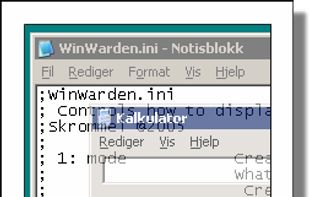


PowerResizer is a utility that provides many facilities in moving or resizing windows in a Microsoft Windows desktop environment.
 ItalyEU




 South Korea


