Mouseposé Alternatives

Mouseposé is described as 'The indispensible mouse pointer highlighting tool (aka "virtual laserpointer") for everyone doing demos at tradeshows, presentations and trainings, or those individuals with huge and high resolution displays' and is an app in the education & reference category. There are more than 25 alternatives to Mouseposé for Windows, Mac, Linux and GNOME. The best Mouseposé alternative is Keyviz, which is both free and Open Source. Other great apps like Mouseposé are Googly Eyes, Dockitty, Epic Pen and Screenkey.

Copy a direct link to this comment to your clipboard
Mouseposé alternatives page was last updated

Alternatives list

  1. KeyScreen icon
     1 like
    Copy a direct link to this comment to your clipboard

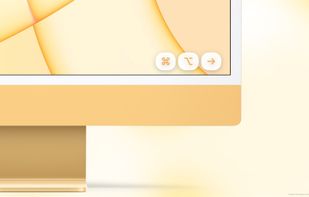
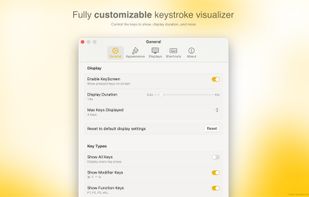
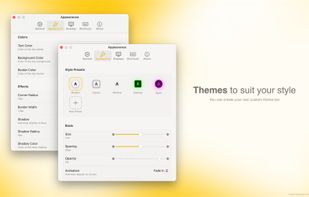
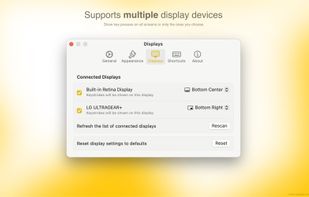
    KeyScreen makes your keystrokes visible on screen-perfect for tutorials, presentations, and screen recordings.

    Cost / License

    • Pay once
    • Proprietary

    Application type

    Platforms

    • Mac
     
  2. Keystro icon
     2 likes
    Copy a direct link to this comment to your clipboard

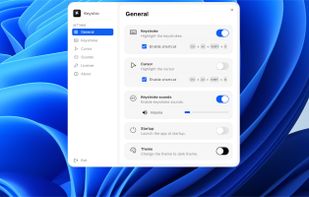
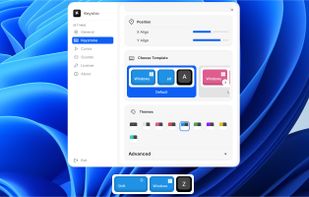
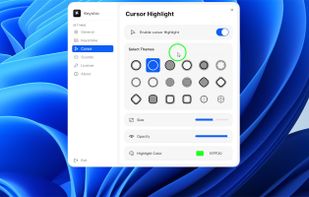
    Show which key you're pressing to your audience, highlight your cursor, and hear realistic keyboard sounds! Available for Windows and macOS.

    26 Keystro alternatives

    Cost / License

    • Freemium (Pay once)
    • Proprietary

    Application type

    Platforms

    • Mac
    • Windows
     
  3. Jiggle icon
     1 like
    Copy a direct link to this comment to your clipboard

    Jiggle is a Gnome Shell extension that highlights the cursor position when the mouse is moved rapidly.

    Cost / License

    • Free
    • Open Source

    Platforms

    • Linux
    • GNOME
     
  4. KeyPosé icon
     3 likes
    Copy a direct link to this comment to your clipboard

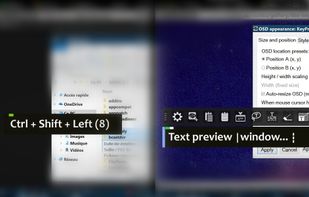
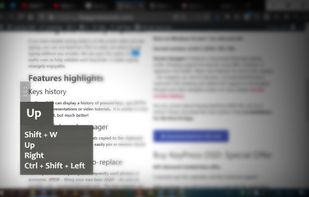
    A Little utility that implements a global key logger which displays all shortcuts & keystrokes as you type on screen and with a semi-transparent overlay. This makes it very easy to show any shortcuts you use if you for example record a software demo.

    Cost / License

    • Free
    • Proprietary

    Platforms

    • Windows
     
  5. Visualize icon
     Like
    Copy a direct link to this comment to your clipboard

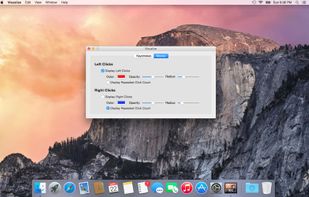
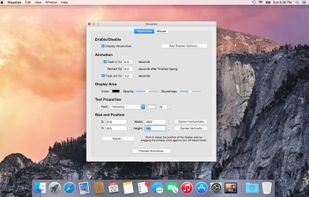
    Visualize allows you to highlight your key presses and mouse clicks right on your desktop! The perfect tool for presentations or video tutorials, Visualize allows you to customize the look so your viewers can follow along with ease.
    Cost / License

    • Pay once
    • Proprietary

    Platforms

    • Mac
     
    |
    1
    Comments about Visualize as an Alternative to Mouseposé
    Guest
    Positive
    0

    This comment only applies to alternatives for the Mac. The other contender is Presentify, both of which are available in the App Store. However, Visualize offers keystroke display, which Presentify does not. Displaying keystrokes is an important part of online presentations where demonstrating keyboard shortcuts is required. Of course, Visualize doesn't offer drawing tools which could also come in handy but not as much for my needs.

    Review by a new / low-activity user.
    Mouseposé Icon
    Visualize icon
    • Visualize is Paid and ProprietaryMouseposé is also Paid and Proprietary
  6. OmniDazzle icon
     2 likes
    Copy a direct link to this comment to your clipboard

    OmniDazzle is a set of fun and useful enhancements that help you highlight certain areas of your screen, create special effects, and track the location of your mouse pointer. Each plug-in can be configured to suit your own particular preferences: change colors, make objects...

    Cost / License

    • Free Personal
    • Proprietary

    Alerts

    • Discontinued

    Platforms

    • Mac
     
  7. MouseShade  icon
     1 like
    Copy a direct link to this comment to your clipboard

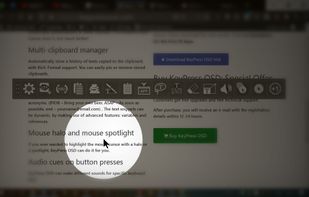
    MouseShade is an essential tool for everyone doing presentations or demos. If turned on, it dims the screen and puts a spotlight on the area around the mouse pointer, easily guiding the audiences attention to an area of interest.

    Cost / License

    • Free
    • Proprietary

    Platforms

    • Windows
     
  8. Projecteur icon
     2 likes
    Copy a direct link to this comment to your clipboard

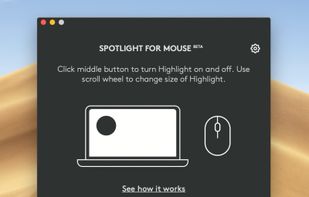
    Projecteur is a virtual laser pointer for use with inertial pointers such as the Logitech Spotlight. Projecteur can show a colored dot, a highlighted circle or a zoom effect to act as a pointer.

    Cost / License

    • Free
    • Open Source

    Application type

    Platforms

    • Linux
     
  9. Copy a direct link to this comment to your clipboard

     This Free Windows Utility allows Windows Users to simulate a big Mouse Cursor. The New Mouse Cursor Appearance is controllable using an editable bitmap. Transparency settings and full configuration allows windows users to have any type of mouse cursor.

    Cost / License

    • Free Personal
    • Proprietary

    Platforms

    • Windows
     
  10. KeyTrails icon
     Like
    Copy a direct link to this comment to your clipboard

    KeyTrails helps you present your keyboard input on your screen. Whether you are making a tutorial video, streaming your gaming session, or giving a business presentation, KeyTrails makes your content just a bit catchier.

    Cost / License

    • Pay once
    • Proprietary

    Application type

    Platforms

    • Mac
     
You are at page 2 of Mouseposé alternatives