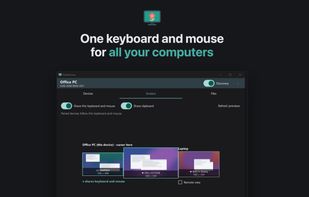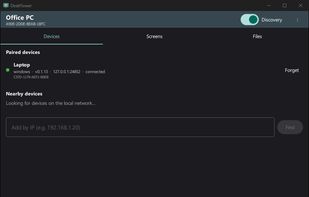
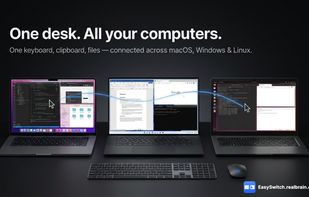
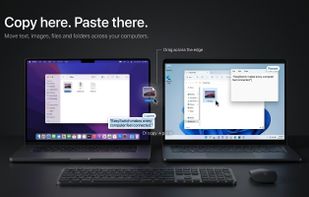
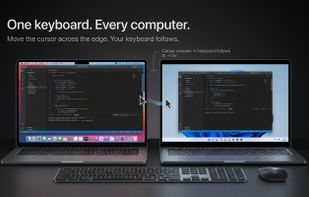
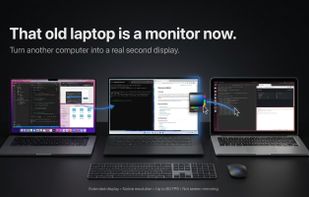
Turn your Mac, Windows, and Linux computers into one seamless workspace with shared keyboard, mouse, clipboard, file transfer, and virtual displays.
Cost / License
- Free Personal
- Proprietary
Application typeApplication types
Since
- Since 2026






The best free alternative to Mouse without Borders is Barrier, which is also Open Source. If that doesn't suit you, our users have ranked more than 25 alternatives to Mouse without Borders and many of them are free so hopefully you can find a suitable replacement. Other interesting free alternatives to Mouse without Borders are Input Leap, ShareMouse, Input Director and Deskflow.
Turn your Mac, Windows, and Linux computers into one seamless workspace with shared keyboard, mouse, clipboard, file transfer, and virtual displays.

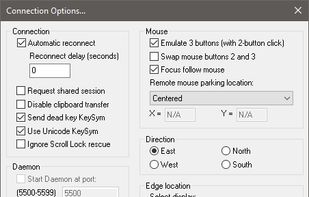
This program will let you use two screens on two different computers as if they were connected to the same computer.
 United States


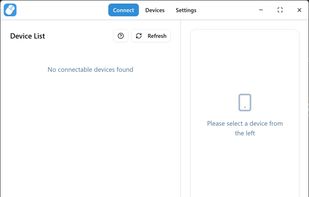
An desktop application that makes it easy to share your mouse, keyboard and clipboard between your PC and your Android tablets and phones.
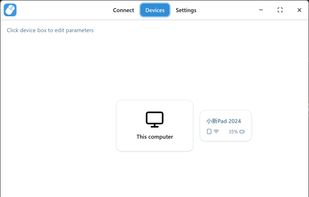
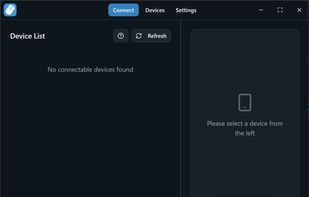


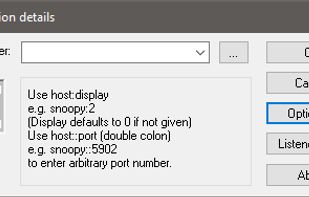
This program will let you use two screens on two different computers as if they were connected to the same computer. It even works between different operating systems.


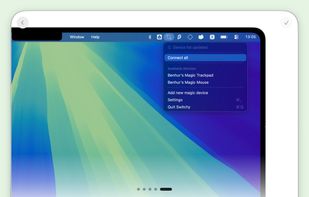
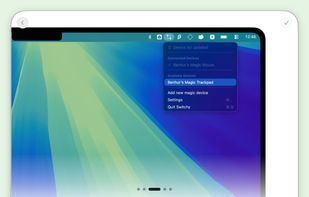
Switchy is a macOS menu bar app that lets you switch an Apple Magic Keyboard, Magic Mouse, and Magic Trackpad between multiple Macs with a single click. It automatically discovers nearby Macs on your local network, so you can move between a work Mac, personal Mac, MacBook, or...
 United Kingdom


Cross-platform KVM software to share one mouse, keyboard, and clipboard across multiple Windows and macOS computers over your local network.
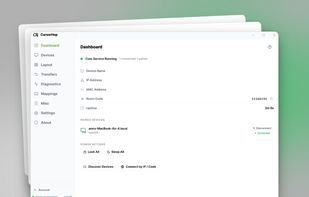
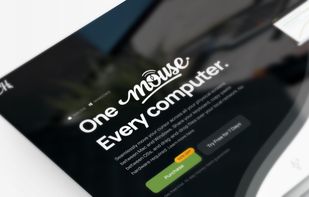
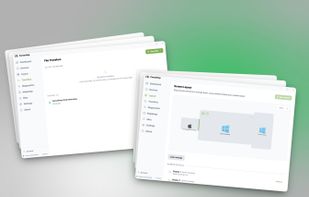


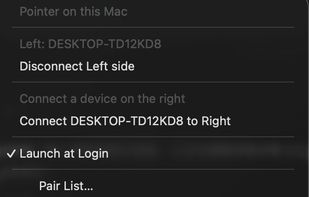
InputWeave shares one keyboard and mouse across the Mac, Windows and Linux computers on your desk. Move the pointer past a screen edge and keep typing on the next computer.
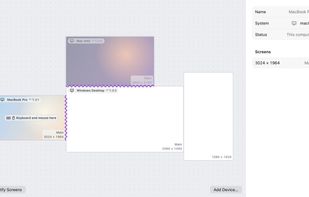
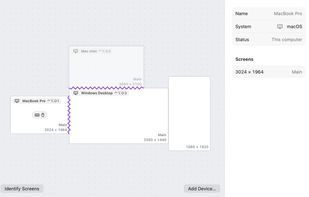
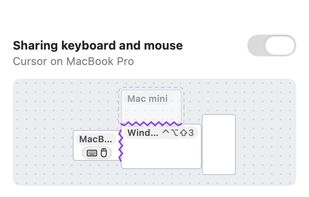
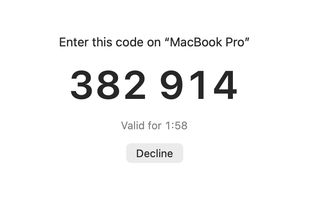

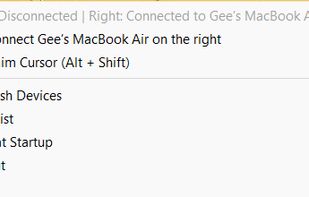
Free keyboard and mouse sharing between Windows and Mac computers on the same local network. Move across screen edges to switch computers, with input sharing available in both directions.
 Taiwan


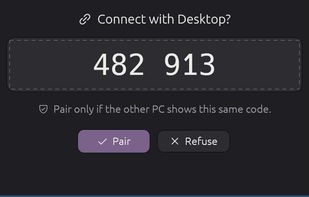
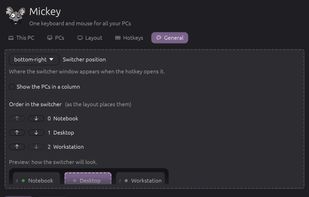
Mickey is an open source tool to share one keyboard and mouse between Linux and Windows PCs. Push the cursor off the edge of one screen and it appears on the next PC. It also shares the clipboard (text, images and files) and the sound of every PC on one pair of headphones.
 Brazil
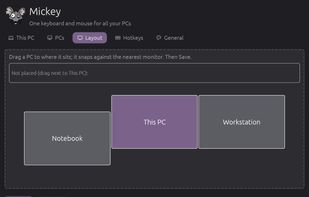
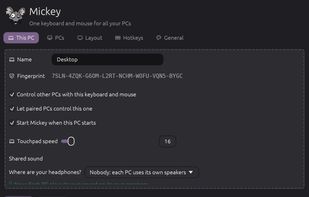


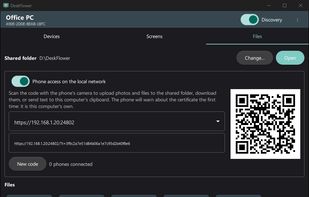
Shares a keyboard and mouse between paired computers by moving across screen edges. It transfers text, images and files through the clipboard or drag and drop, provides permission-based remote viewing, QR phone transfers and encrypted, account-free local networking.
 Spain
 EU