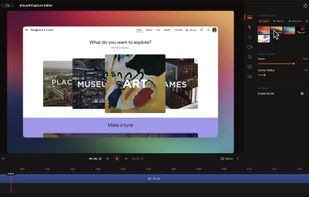
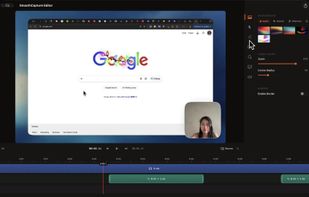
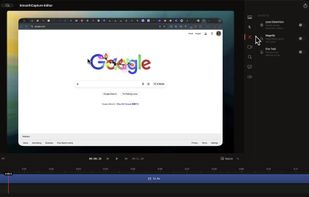
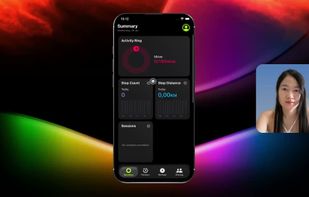
1001 Record, the simple and reliable Mac screen recorder that allows you to easily capture and save screen videos.
Cost / License
- Freemium (Pay once or Subscription)
- Proprietary
Application types
Platforms
- Mac


Motionik is described as 'Cross-platform screen recorder and editor for macOS (12.3+) and Windows 10+. It combines recording, zoom, cursor effects, and lightweight editing to help you create polished product demos, tutorials, and promo videos in minutes—no complex timeline editing required' and is a Screen Recorder in the video & movies category. There are more than 25 alternatives to Motionik for a variety of platforms, including Mac, Web-based, Windows, Google Chrome and Electron apps. The best Motionik alternative is OpenScreen, which is both free and Open Source. Other great apps like Motionik are Camtasia, Cap, Screen Studio and QuickRecorder.
1001 Record, the simple and reliable Mac screen recorder that allows you to easily capture and save screen videos.


Rapidemo is a screen recorder that automatically adds buttery-smooth effects to guide your viewers' focus. Made for Windows.


Share or record any number of windows over a clean background, without icons, folders or notifications.


ScreenSage is a macOS screen recording and tutorial creation tool designed for high-quality video capture. It allows users to record their screen with smooth performance, add annotations, and edit directly within the app.


Zumie is a user-friendly platform for creating dynamic, clean videos with automatic zooming into key areas. It allows you to capture screen, webcam, and voice recordings, which can be edited and shared in minutes.


Pointa is a video creation tool dedicated to making smooth and natural zoom effects. Unlike other video editing tools that require complex keyframe settings, Pointa allows you to create professional-look zoom animations with just a simple click.


Poindeo is an online video editor specializing in creating dynamic zoom effects for your screen recordings, images, and PDFs. Ideal for creating professional product demos, tutorials, and presentation videos with minimal effort.


Effortless macOS screen recording with a streamlined interface, cursor trails, click animations, MP4, WebM, or GIF export, no watermarks, no account signups, lifetime access for a one-time fee, instant effect toggling, and features tailored for tutorials and demo creation.