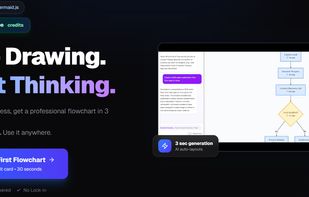
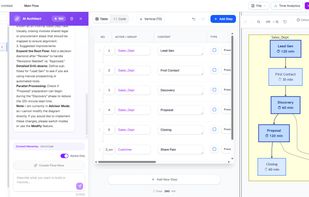
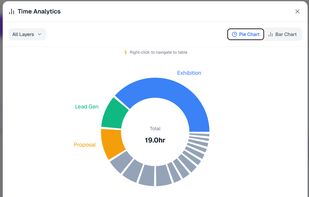
AI-powered flowchart maker. Just describe your process and get a professional Mermaid diagram instantly. Features table-based editing, drill-down hierarchy, and GitHub/Notion export.
Cost / License
- Freemium
- Proprietary
Platforms
- Online
 Japan
Japan



+1


Apps similar to Microsoft Whiteboard include draw.io, which is free and open source. Other options are AFFiNE, Excalidraw, Xournal++ and Miro. You're spoiled for choice with Whiteboards like Microsoft Whiteboard: we list more than 50 alternatives for the web, Windows, iPad, iPhone and Mac.
AI-powered flowchart maker. Just describe your process and get a professional Mermaid diagram instantly. Features table-based editing, drill-down hierarchy, and GitHub/Notion export.
Japan
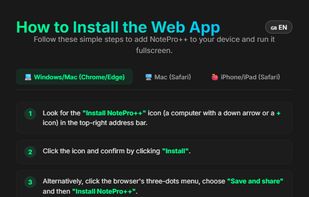
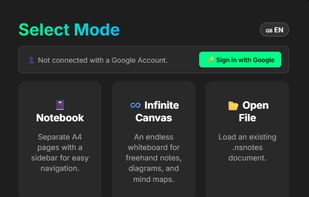
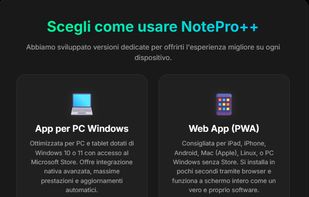
NotePro++ is a modern, cross-platform note-taking and digital whiteboard application designed for handwriting, drawing, and digital note organization.
 Italy
Italy EU
EU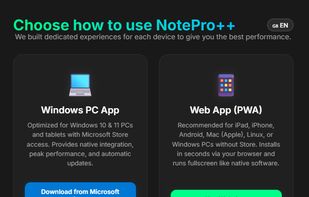


Cavaro is a unified platform for creating design docs and architecture diagrams. Write docs, embed diagrams, and collaborate in real-time — all in one place with 1000+ AWS, Azure & GCP icons.
 United States
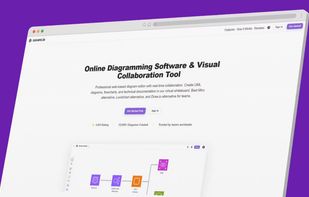
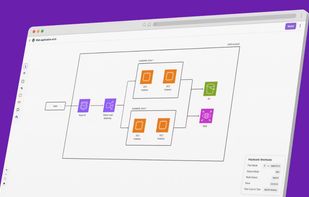


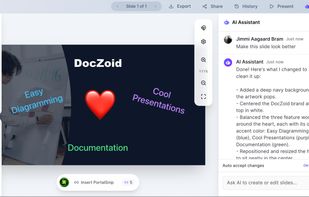
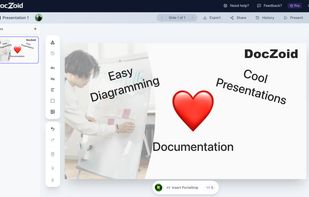
Diagramming, documents, presentations for teams and individuals in one single AI enabled tool that takes reuse of figures and drawings easy.
 DenmarkEU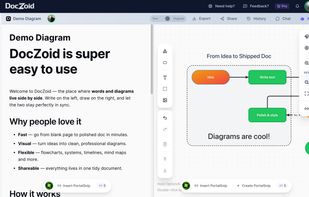


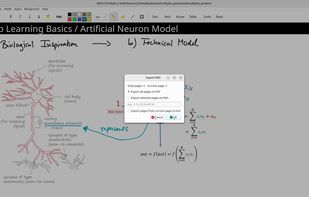
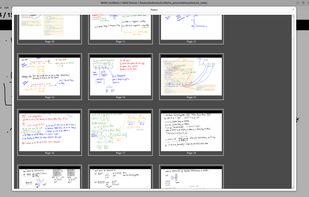
Scribylus is a simple and focused desktop application for creating handwritten presentations, teaching materials, and study notes.
 GermanyEU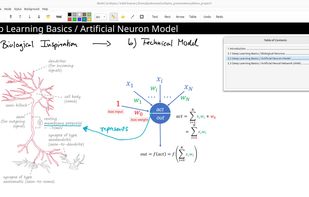

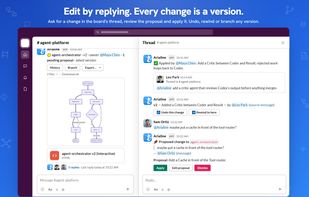
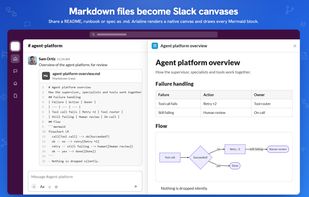
Arialine brings Mermaid diagrams and AI diagram generation to Slack. Teams design systems in Slack threads, but diagrams often live elsewhere, fall out of date, and lose the reasoning behind them.
 Ukraine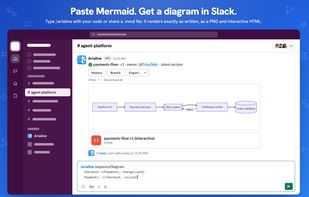



Free, open-source math whiteboard for teachers and online tutors. Draw, sketch graphs, and add editable LaTeX formulas directly in your browser.
ItalyEU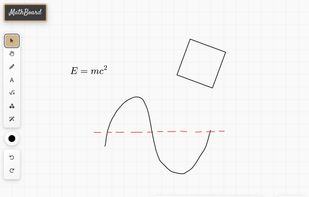


ExcalidrawZ is a native Excalidraw client for Mac, iPad, and iPhone, designed for hand-drawn whiteboards, diagrams, sketches, visual notes, and technical explanations.
 China
China





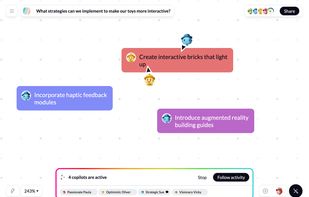
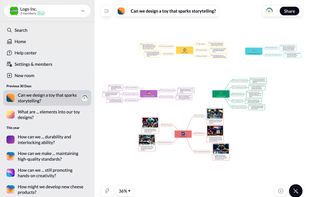
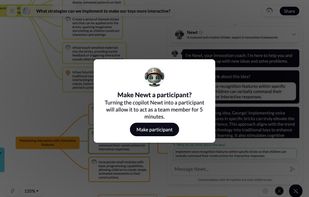
Free AI brainstorming and mind mapping tool that generates, groups, and visualizes ideas in real time so teams can vote on the best ones and move to action.
DenmarkEU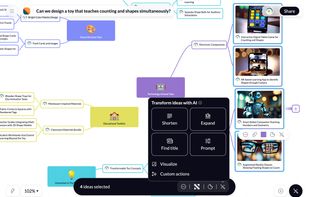


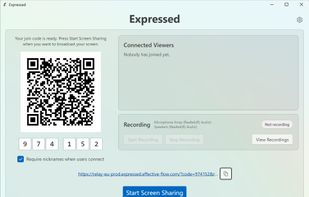
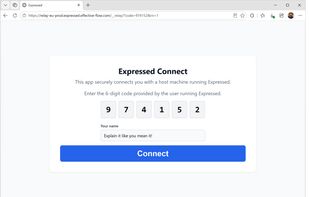
Sketch ideas live on your desktop using any tablet or phone via an easy QR code connection, with pen, highlighter, and eraser tools, optional recording, web client device compatibility, seamless video call integration, and automatic updates through the store.
 Switzerland

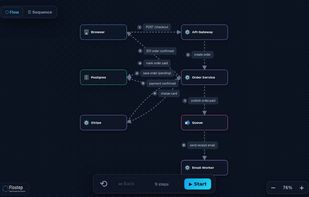
Sketch, walk through, and share system design flows. Drag components, connect them, and present each interaction step by step — no account needed to try.
 India
India

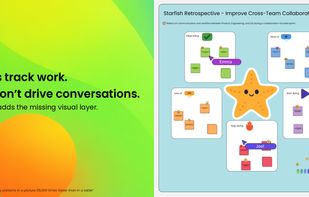
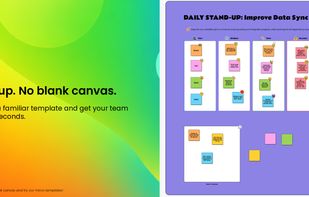
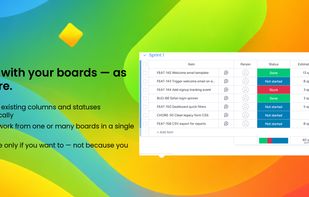
MeetVista brings a visual workspace directly into your monday boards. Turn your boards into living canvases where planning, discussion, and execution happen in one place.
 SwedenEU