Microsoft Paint AlternativesOnly apps categorised as Color Picker Tools

The best Color Picker alternative to Microsoft Paint is Pinta, which is both free and Open Source. If that doesn't suit you, our users have ranked more than 100 alternatives to Microsoft Paint and 11 are Color Picker Tools so hopefully you can find a suitable replacement. Other interesting Color Picker Tool alternatives to Microsoft Paint are Procreate, PhotoDemon, Pixen and KRESKA.art.

filter to find the best alternatives

Microsoft Paint alternatives are mainly Digital Painting Tools, but if you're looking for Color Picker Tools or Image Editors you can filter on that. Other popular filters include iPhone, iPad, Mac, Open Source, Android, Linux and Digital Painting. You can also filter by region, for example EU-based alternatives if you prefer software developed in the European Union. These are just examples - use the filter bar below to find more specific alternatives to Microsoft Paint.
Copy a direct link to this comment to your clipboard
Microsoft Paint alternatives page was last updated

Alternatives list

  1. Pinta icon
     274 likes
    Copy a direct link to this comment to your clipboard

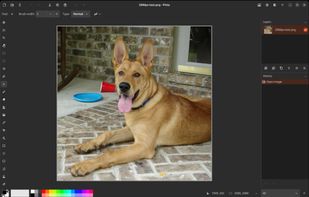
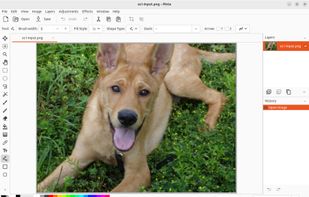
    Pinta is a image editing, drawing and painting application with a simple yet powerful interface. Pinta has a wide range of drawing tools, including: freehand, rectangles, circles and lines. It also has over 35 effects to apply to your images, and also has the ability to create...

    99 Pinta alternatives

    Cost / License

    • Free
    • Open Source

    Platforms

    • Mac
    • Windows
    • Linux
    • BSD
    • Flathub
    • Mono
    • Snapcraft
     
    |
    5
    29
    Comments about Pinta as an Alternative to Microsoft Paint
    Top Positive Comment
    Guest
    2

    Simple interface with powerful tools

    Review by a new / low-activity user.
    Guest
    Positive
    0

    This app uses similar features like MS Paint, but there’s one thing that’s missing. The Grid Lines. Needs an Update.

    Review by a new / low-activity user.
    Guest
    Positive
    0

    Similar options like mspaint. If you come from windows, install and work.

    Review by a new / low-activity user.
    Show more comments
    3 of 5 comments
    Microsoft Paint Icon
    Pinta icon
    • Almost everyone thinks Pinta is a great Microsoft Paint alternative.

    • Pinta is Free and Open SourceMicrosoft Paint is Free and Proprietary
    • Pinta is Privacy focusedMicrosoft Paint is not according to our users
  2. Procreate icon
     164 likes
    Copy a direct link to this comment to your clipboard

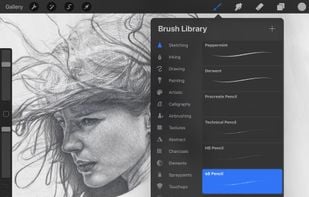
    Procreate is a versatile, award-winning app for creative digital drawing and painting on iOS. It delivers a robust, professional toolset with hundreds of configurable brushes, a powerful layering system, vector graphic tools, and comprehensive design capabilities, ensuring desktop-level flexibility and power.

    63 Procreate alternatives

    Cost / License

    • Pay once
    • Proprietary

    Platforms

    • iPhone
    • iPad
     
    • Most users think Procreate is a great Microsoft Paint alternative.

    • Procreate is the most popular commercial alternative to Microsoft Paint.

    • Procreate is Paid and ProprietaryMicrosoft Paint is Free and Proprietary
    • Procreate is CustomizableMicrosoft Paint is not according to our users
  3. PhotoDemon icon
     33 likes
    Copy a direct link to this comment to your clipboard

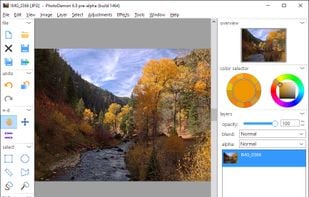
    PhotoDemon provides a comprehensive selection of photo editing tools in an 8 MB download. It runs on any Windows machine (XP through Win 10) and does not require installation. It can easily be run from a USB stick or SD card.

    22 PhotoDemon alternatives

    Cost / License

    • Free
    • Open Source

    Application types

    Platforms

    • Windows
     
  4. Pixen icon
     18 likes
    Copy a direct link to this comment to your clipboard

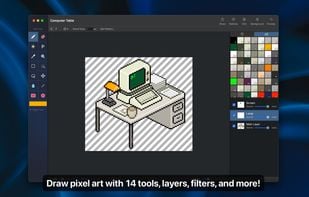
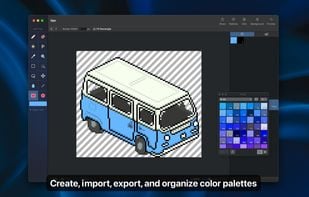
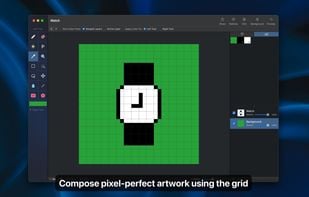
    Pixen is a pixel art editor designed for working with low-resolution raster art, such as those 8-bit sprites found in old-school video games. With innovative features like a color palette system, patterns, and high-zoom support, Pixen packs all the tools pixel artists need in an...

    Cost / License

    • Free
    • Proprietary

    Platforms

    • Mac
    • iPad
     
  5. KRESKA.art icon
     7 likes
    Copy a direct link to this comment to your clipboard

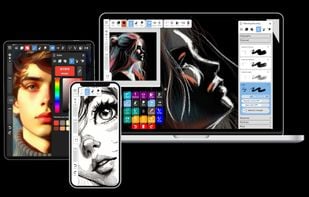
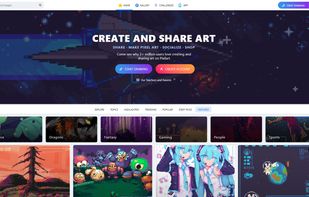
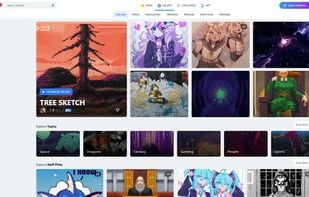
    KRESKA.art is a free online drawing and painting app that lets you create art directly in your web browser. It offers a simple interface, diverse brushes, and unique features like auto-color tracing. You can use it to sketch and paint without any downloads or installations.

    17 KRESKA.art alternatives

    Cost / License

    • Free
    • Proprietary

    Platforms

    • Online
     
  6. PaintZ icon
     5 likes
    Copy a direct link to this comment to your clipboard

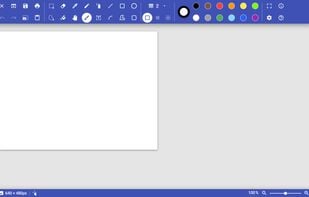
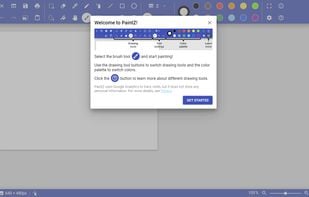
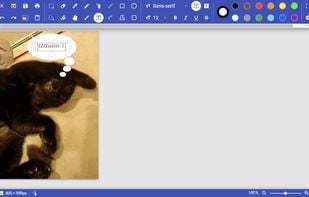
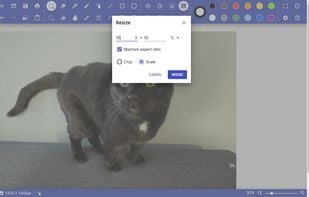
    PaintZ is a simple drawing and image editing app, similar to Microsoft Paint. PaintZ is designed to to be fast and easy to use, with a touch- and mouse-friendly Material Design interface, full offline support, and no Flash Player required.

    12 PaintZ alternatives

    Cost / License

    • Free
    • Open Source

    Platforms

    • Online
    • Chrome OS
     
    |
    9
  7. Our Paint icon
     9 likes
    Copy a direct link to this comment to your clipboard

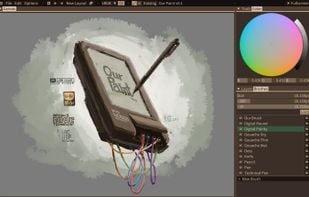
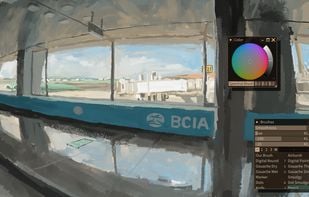
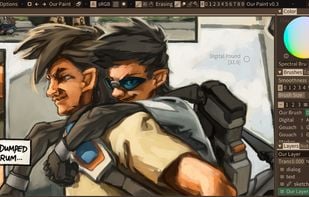
    Our Paint is a featureless but programmable painting program.

    Cost / License

    • Free
    • Open Source

    Application type

    Platforms

    • Windows
    • Linux
    • itch.io
    • Android
     
  8. DPaint JS icon
     6 likes
    Copy a direct link to this comment to your clipboard

    Webbased image editor modeled after the legendary Deluxe Paint with a focus on retro Amiga file formats.

    Cost / License

    • Free
    • Open Source

    Platforms

    • Online
     
  9. Pycker icon
     Like
    Copy a direct link to this comment to your clipboard

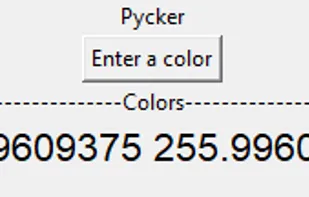
    Pycker is a Python color picker made with Tkinter. It's Open-Source, and free! Get your HEX and RGB! It has a simple interface and includes your "Basic colors", your "Custom colors", and a little palette! Pycker replaces Rundom, the old Pycker.

    Cost / License

    • Free
    • Open Source

    Platforms

    • Windows
     
11 of 11 Microsoft Paint alternatives