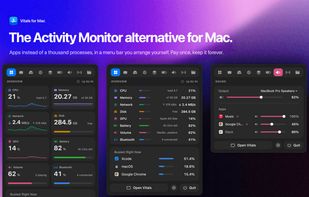
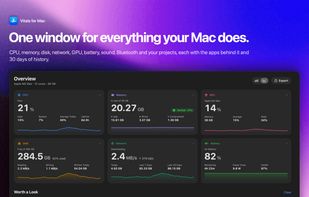
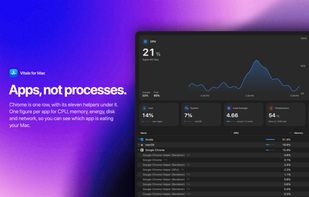
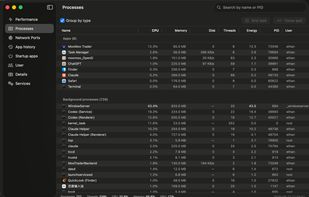
The Activity Monitor alternative for Mac: groups every process under its app, so you see 60 apps instead of 1,000 processes.
Cost / License
- Paid
- Proprietary
Application type
Platforms
- Mac
 Pakistan



+2


Apps similar to MenuBarMonitor include HWiNFO (32/64), which is free for personal use. Other options are MSI Afterburner, Open Hardware Monitor, Stats and SpeedFan. You're spoiled for choice with System Information Utilities like MenuBarMonitor: we list more than 50 alternatives for Mac, Windows, Linux, iPhone and iPad.
The Activity Monitor alternative for Mac: groups every process under its app, so you see 60 apps instead of 1,000 processes.
Pakistan
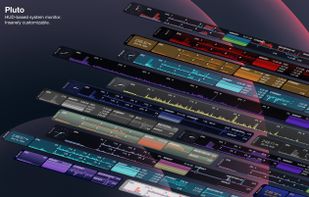
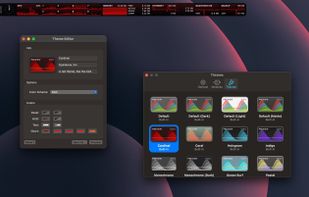
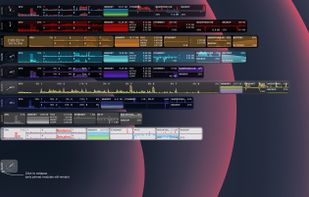
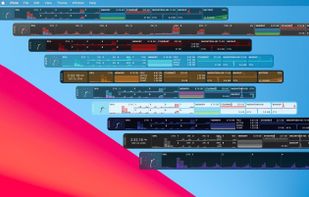
Pluto is a highly refined and customizable at-a-glance system monitor for your Mac. Keep track of what's going on behind the scenes without dropping what you're currently doing.

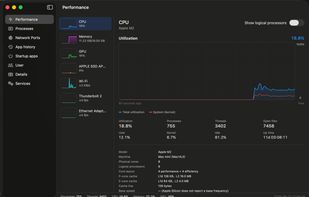
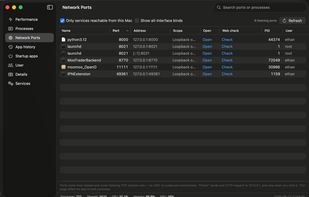
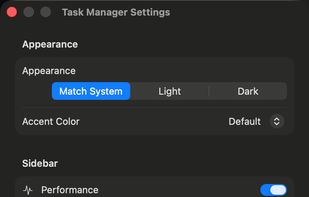
A Windows 11 Task Manager–style system monitor for macOS — processes, CPU/memory/GPU/disk/network, listening ports, startup items and services, with no password and no permission prompts.

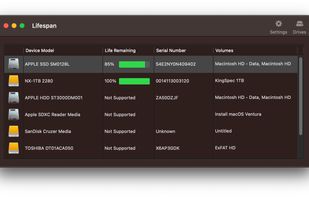
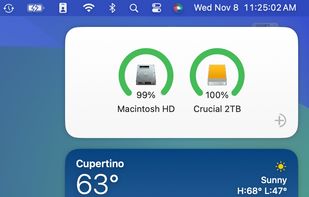
Lifespan is an innovative macOS Menu Bar application designed to monitor the remaining useful life of flash-based storage devices. Our software conveniently displays the remaining lifespan of your solid state drive (SSD).
 United States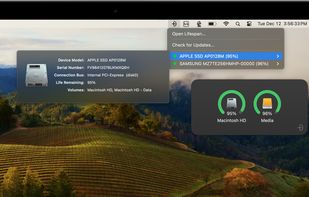


Your iPad and iPhone show you when apps are using your network. So why can't your Mac? Sure, there's always the Network section in Activity Monitor, but that's far from ideal. At best you can group by All Processes, Hierarchically, sort by Rcvd Bytes, and check the...



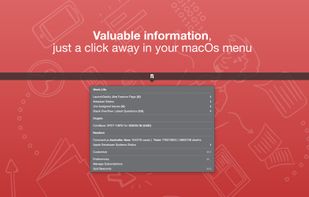
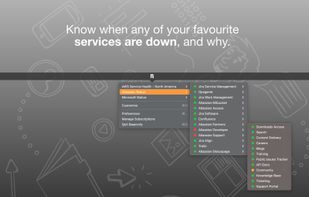
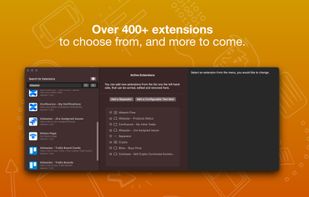
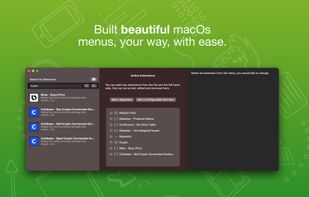
Beaconly is a flexible, easy to use data aggregating menu app that ties relevant information to you, beautifully one click-away in your macOs menu bar. Easily discover status of AWS, your Jira Tickets, and so much more.