


Platforms
- Online


Apps similar to Marxico include Typora. It's paid, but ghostwriter and Clearly Markdown are free. Other options are MarkText, Rentry.co, Downright and marka.md. You're spoiled for choice with Text Editors like Marxico: we list more than 50 alternatives for Mac, Windows, Linux, the web and iPhone.

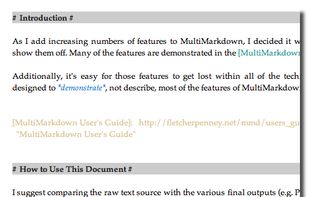
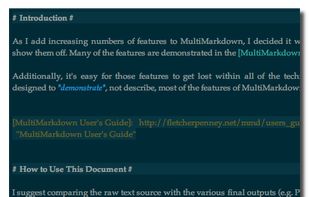
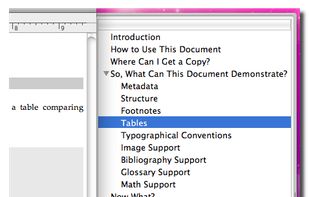
MultiMarkdown Composer is a text editor for Mac that is designed from the ground up around the MultiMarkdown Syntax. It is designed to make writing in MultiMarkdown even easier than it already is, with automatic syntax highlighting, built in previews, easy export to any format...
 United States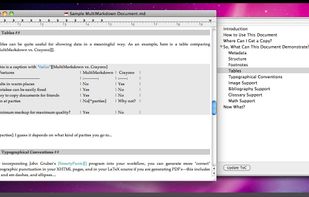


Get thoughts down quick, do things with them later. Just start typing.

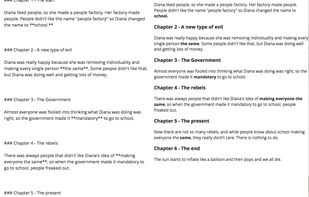
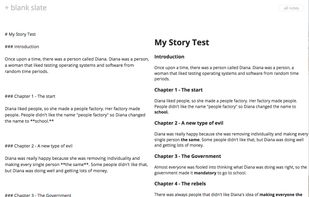


Typewrite is a real-time collaborative writing environment with Markdown support, versioning and Dropbox syncing.


PileMd has a really beautiful Markdown Editor, looks like Preview. It's like a RichText Editor but it's actually Markdown, and it works like a word processor, complete with Undo/Redo histories, list completion and clickable urls.
 Japan
Japan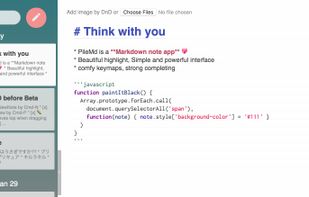
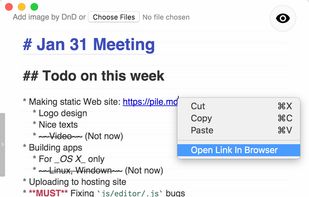
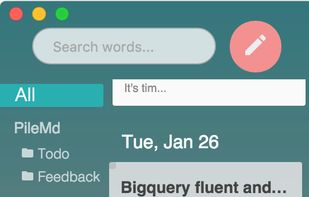
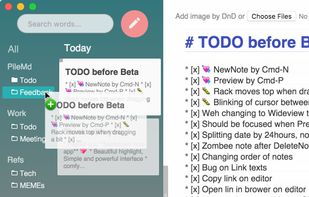


Write styled Markdown notes, sync across Mac, iPhone and iPad add to-dos and tags, export to a variety of formats and choose your favourite style from a variety of colourful themes.
 United Kingdom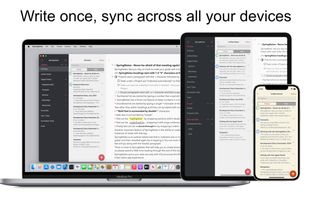
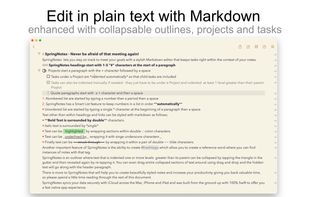
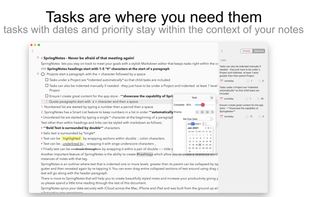
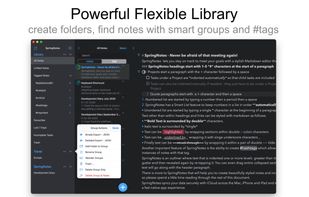


Write markdown documents with quickly accessible code snippets, mathematical equations and images and store them in the cloud to be accessed anywhere.
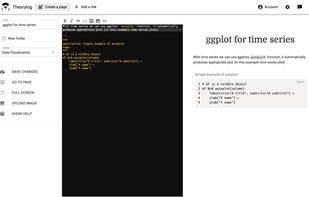
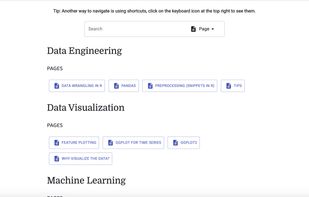


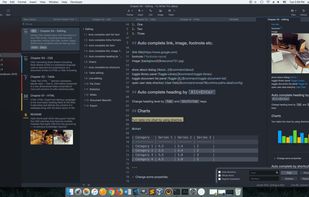


Monod was a secure and offline-first, React-based Markdown editor. Development has STOPPED and the app has been taken down.
 France
 EU
EU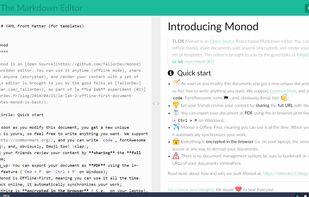


A beautiful and easy to use editor for the popular Markdown markup language, combined with a themed live preview feature, you will never have to write boring documents again.
United States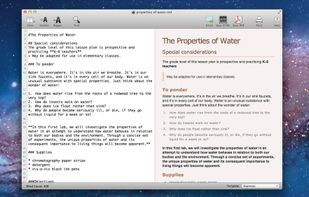
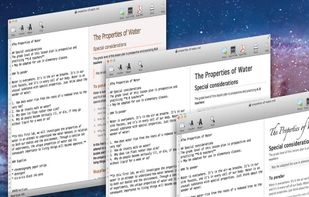


Epsilon Notes is a text editor for writing texts with Markdown-compatible CommonMark tags. Epsilon Notes can generate pdf and HTML code from your documents. CommonMark is an easy text formatting tool taking only a few minutes to learn, Runs on Android and Windows.


