Modern markdown editor application, Build fast and efficient workflows.
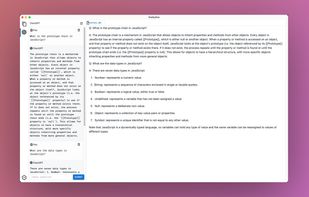

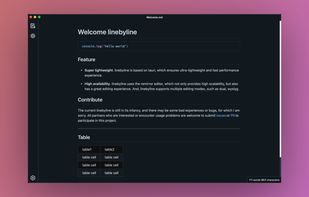

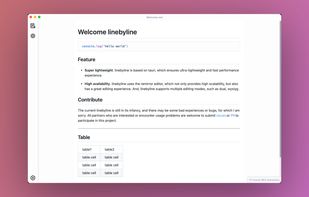


Apps similar to Marknote include Obsidian, which has a free version. Other options are Joplin, Notesnook, Google Keep and Zettlr. You're spoiled for choice with Note-taking Tools like Marknote: we list more than 100 alternatives for Mac, Windows, Linux, the web and Android.
Modern markdown editor application, Build fast and efficient workflows.

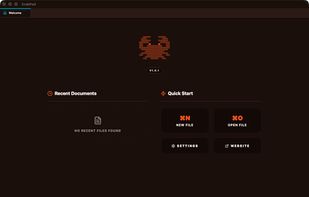
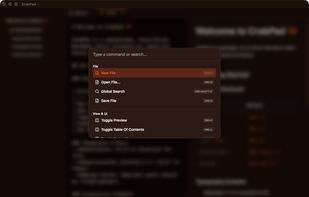
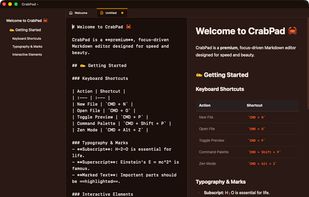
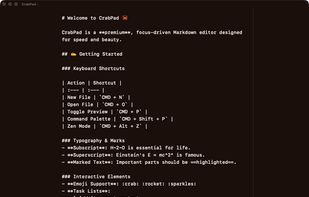
CrabPad is a fast, free Markdown editor built with Rust. Local-first, keyboard-driven, with Zen Mode, Command Palette, live preview, and support for KaTeX math, Mermaid diagrams, and GFM. Available for macOS, Windows, and Linux.
 Poland
 EU


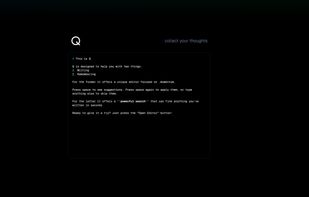
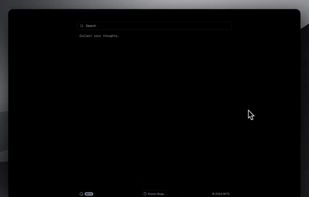
Q is a writing and memory tool that uses semantic search instead of folders. It allows markdown formatting on any device, provides math evaluations, and adds punctuation.




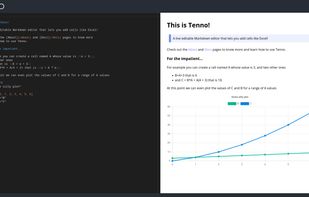
A live editable Markdown editor that lets you add cells like Excel. You can think of Tenno as a mix of Word and Excel with a touch of Obsidian, Markdown and JavaScript.


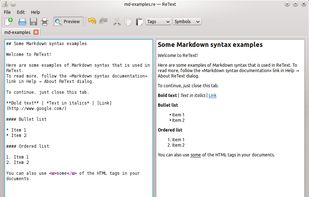
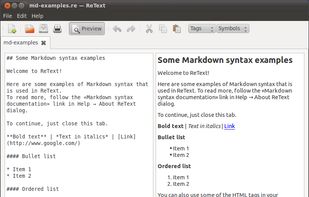
ReText is a simple text editor for Markdown and reStructuredText documents with syntax highlighting and optional live preview.


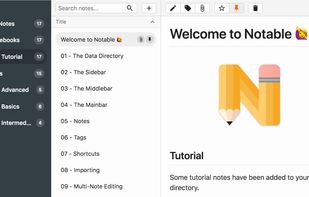
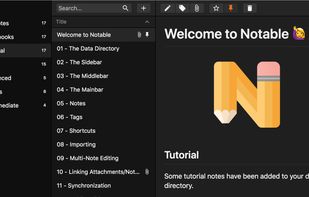
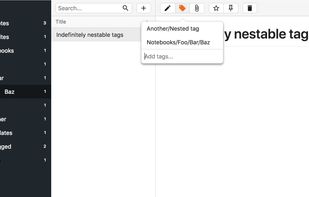
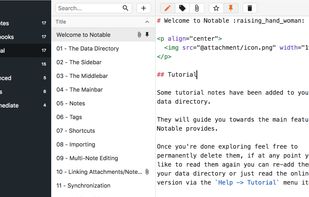
Notable is a cross-platform note app. Notes are plain Markdown files, their metadata is stored as Markdown front matter. Attachments are also plain files, if you attach a picture.jpg to a note everything about it will be preserved, and it will remain accessible like any other...
 ItalyEU

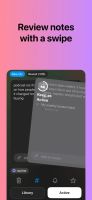
Prism is for quick thoughts and links. It feels like texting, rather than writing in a document. Capture easily, organize with tags, develop ideas across threads, review to keep only what matters. Free — unlimited notes, AI tags, and sync.




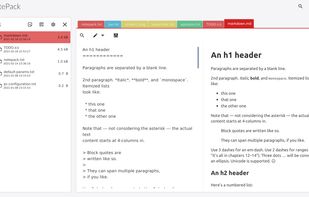
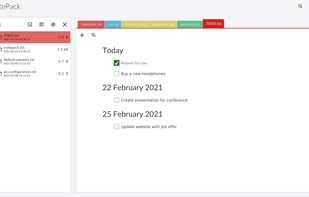
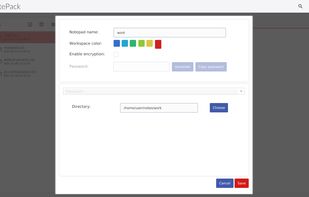
Privacy oriented, without vendor lock in note organizer, todo list desktop application. Work offline with text, markdown and pdf files.
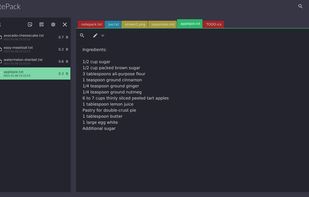

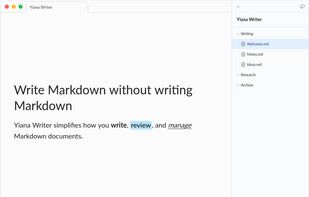
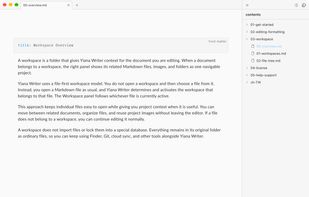
Yiana Writer is a Markdown editor that simplifies how you write, review, and manage Markdown documents.
 Singapore
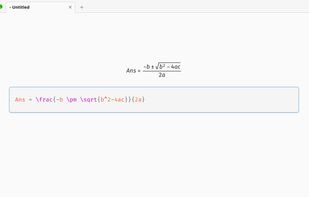


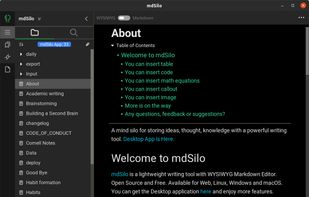
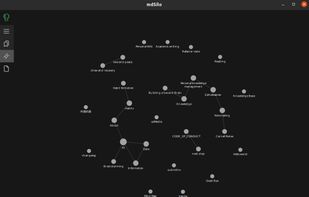
Lightweight knowledge silo and networked-writing tool equipped with WYSIWYG Markdown editor and reader. Use it to organize writing, network thoughts and build a Second Brain on top of local plain text Markdown files.


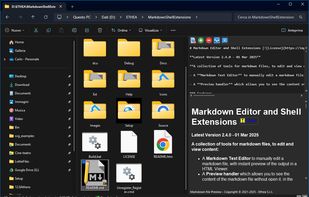
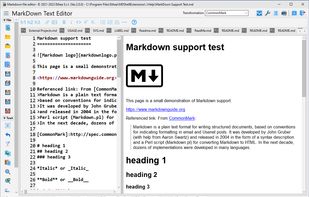
A Markdown Text Editor to manually edit a markdown file, with instant preview of the output in a HTML Viewer.
ItalyEU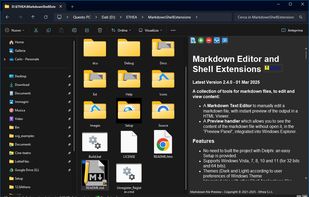


Browser tabs and research rarely stay organized across sessions. Workspace Pro keeps both in one local-first Chrome extension: project workspaces for tabs, a personal Wiki for pages you want to keep, and optional AI when you need it.