

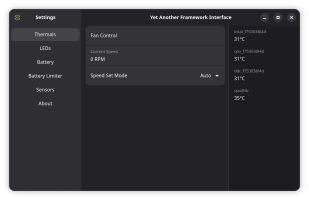
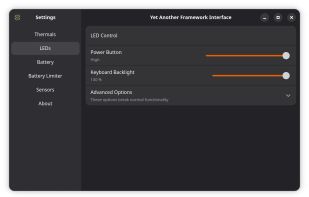
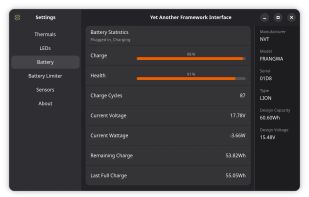
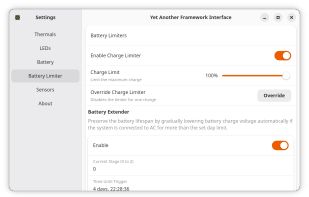
YAFI is another GUI for the Framework Laptop Embedded Controller. It is written in Python with a GTK4 Adwaita theme, and uses the CrOS_EC_Python library to communicate with the EC.
 Australia



+2




Apps similar to MacThrottle include Stats, which is free and open source. Other options are SpeedFan, iStat Menus, Core Temp and MacBar. System Information Utilities like MacThrottle are a crowded field, with more than 25 alternatives for Mac, Windows, Linux and iPhone.
YAFI is another GUI for the Framework Laptop Embedded Controller. It is written in Python with a GTK4 Adwaita theme, and uses the CrOS_EC_Python library to communicate with the EC.
Australia
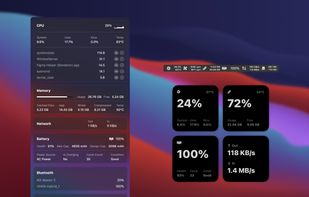
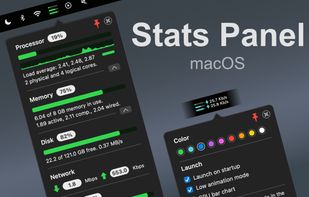
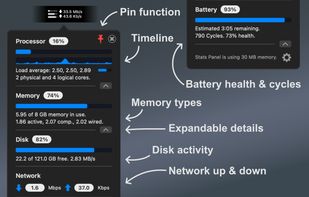
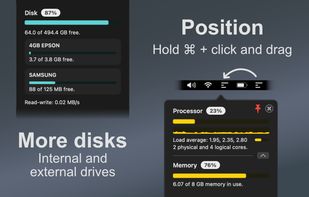
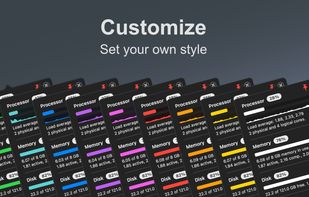
macOS menu bar utility written in SwiftUI that presents CPU, memory, disk, and network usage, plus Bluetooth battery levels, customizable Big Sur widgets, Dark Mode, and real-time sensor data. Open-source, lightweight, and compatible with Apple Silicon.
 China


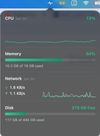
A live CPU sparkline in your menu bar, with memory, network, and disk one click away. Zero permissions, nothing to configure. Part of the Mac Utility Bundle: $19.99 once, yours forever.
 United States


Track Mac fan speed, target speed, minimum and maximum speeds, number of fans, and CPU or GPU temperature in real time from the Notification Center or Menu Bar using a compact widget designed to provide hardware stats without workspace clutter.
United States




Lightweight macOS menu bar utility providing live CPU, memory, disk, network, battery, and thermal state monitoring, supporting Apple Silicon and Intel hardware, with customizable interface options, low resource usage, and strong privacy protections.
 United Kingdom


Regulates the run time of a program, so that the Processor temperature and or GPU temperature don’t exceed a set temperature.


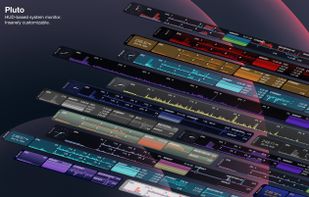
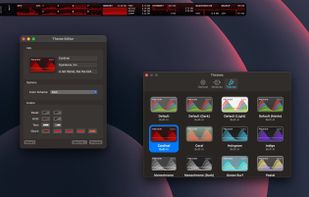
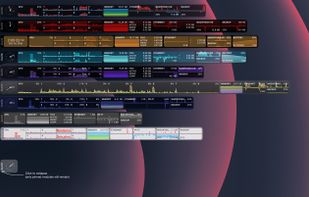
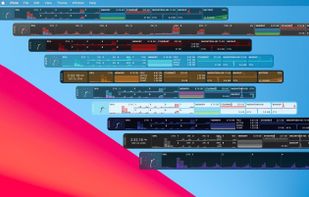
Pluto is a highly refined and customizable at-a-glance system monitor for your Mac. Keep track of what's going on behind the scenes without dropping what you're currently doing.


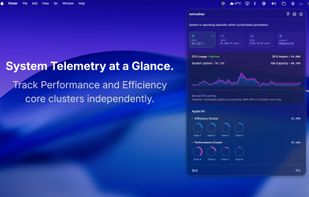
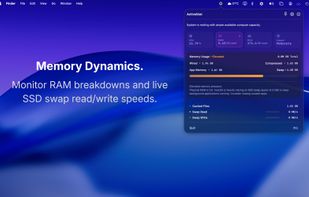
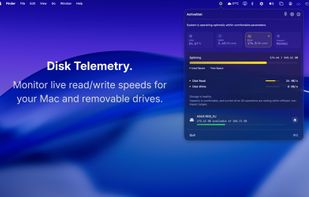
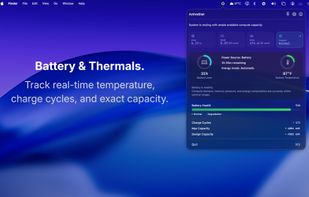
Performance monitoring, refined. ActiveStat provides high-fidelity telemetry of CPU, RAM, Disk and Energy impact within a compact, privacy-first interface.
 India


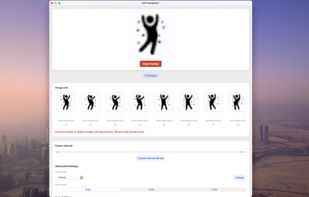
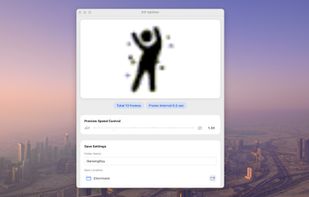
A magical creature lives in your menu bar — it might be a game character, a playful puppy, or something entirely unique. And it never stops running!

A tiny native macOS menu-bar line for CPU, GPU, RAM, network activity, and the apps behind meaningful spikes.
Australia