Cost / License
- Free
- Open Source
Application typeApplication types
Platforms
- Android




Apps similar to Lumin PDF include SumatraPDF, which is free and open source. Other options are Okular, Foxit PDF Reader, PDF-XChange Editor and PDF24 Creator. PDF Editors like Lumin PDF are a crowded field, with more than 50 alternatives for Windows, Mac, the web, Android and iPad.

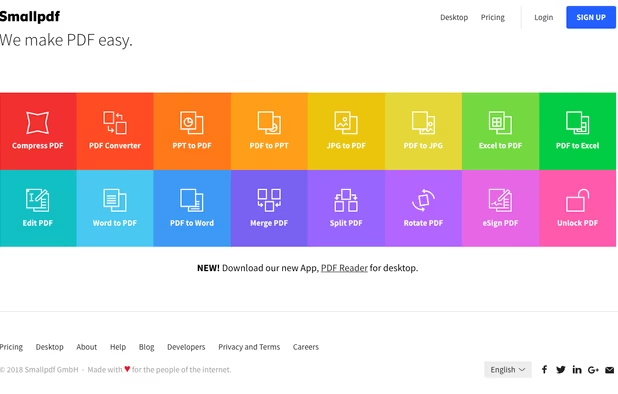
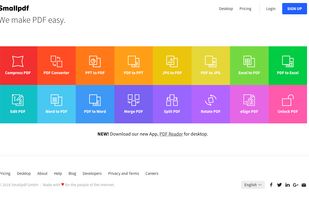
Smallpdf is the first PDF Software you will actually like. The perfect gateway to productive, portable and cost-efficient document management solutions in your everyday life.
 Switzerland


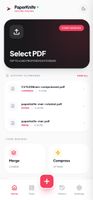
Privacy-first PDF utility (Zero-Server Architecture). Merge, split, compress, and edit PDFs 100% locally on your device. No uploads, no servers, no tracking.



Create, Convert, Review and Edit PDF Documents on Windows, macOS, and Linux.
 United States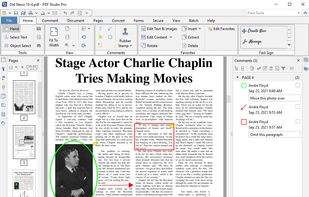
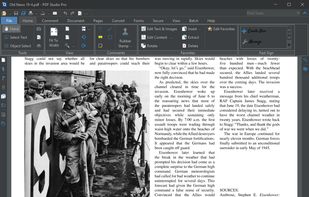
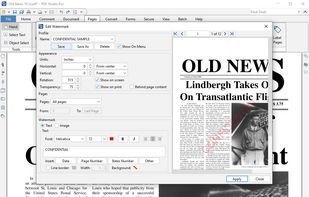
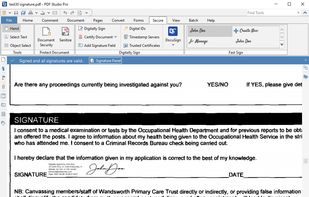


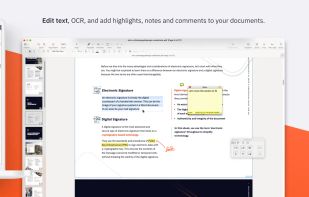
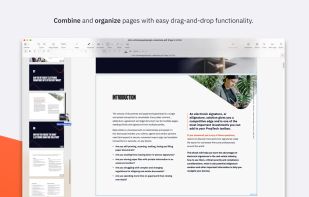
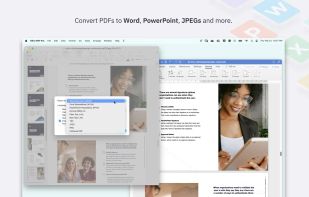
Nitro offers comprehensive PDF solutions for editing, creating, and converting, alongside OCR and e-signature tools. Supports Mac, Windows, and iOS, providing a user-friendly interface with industry-standard security features. Ideal as an Adobe Acrobat alternative.
United States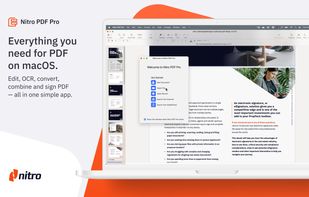


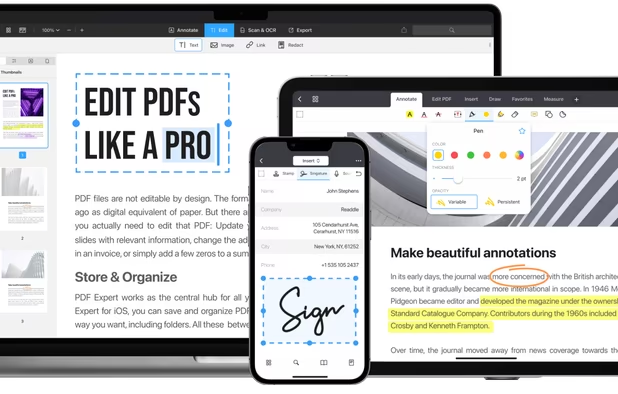
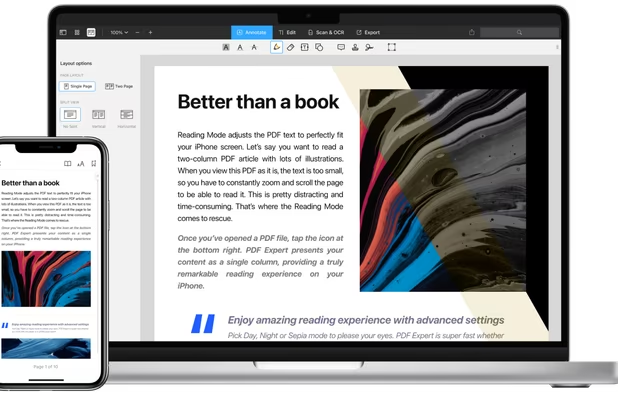
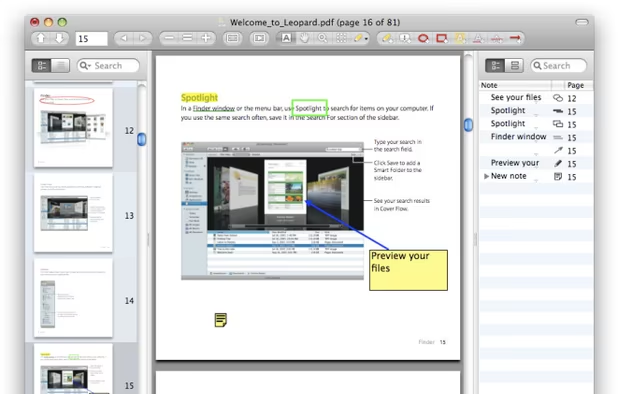
Read, annotate, and highlight PDFs, fill interactive forms with saved input, underline or strike through text, manage bookmarks, sync files from cloud services, and share documents. Compatible with Preview and Adobe Acrobat annotations, supporting extensive iOS features.
 Ukraine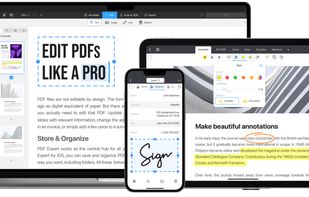
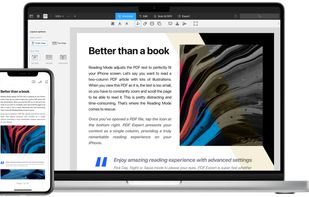
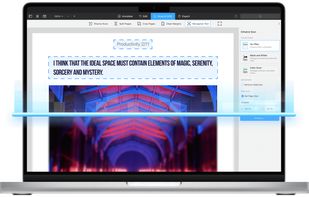


Comprehensive suite offering eSign, OCR, multi-platform editing, cloud integration, and robust security. Ideal for professional or personal use, facilitating collaboration while protecting content.
United States


Native macOS app for viewing, annotating, and editing images and PDFs, featuring tools for cropping, rotating, resizing images, rearranging pages, full-screen viewing, markup, document merging, batch conversion, and export in multiple formats.
United States


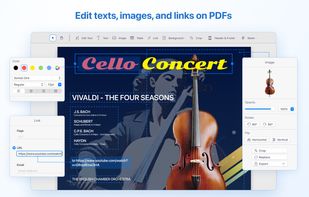
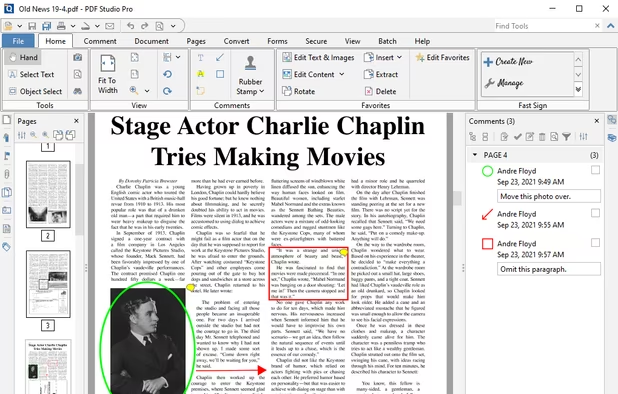
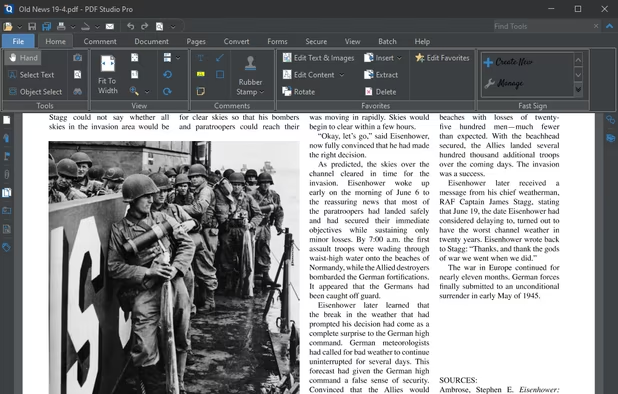
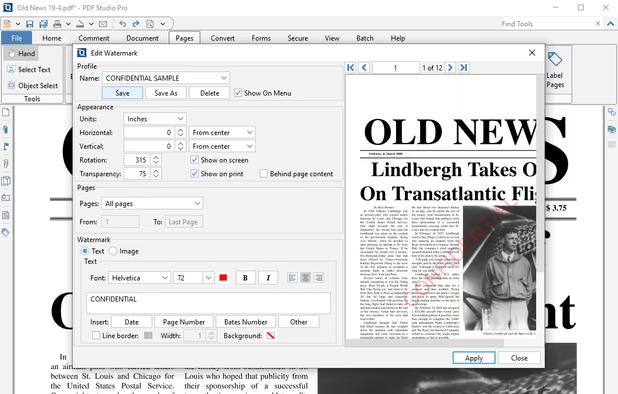
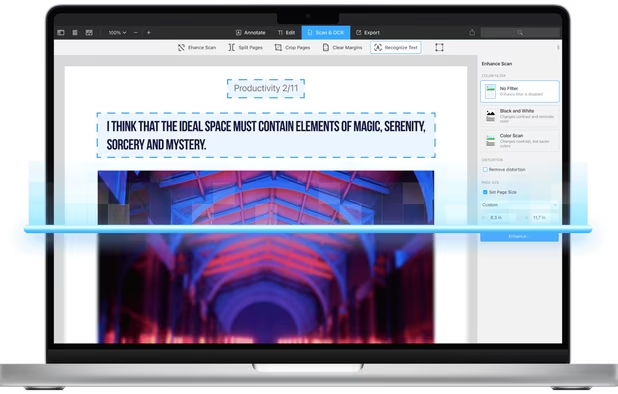
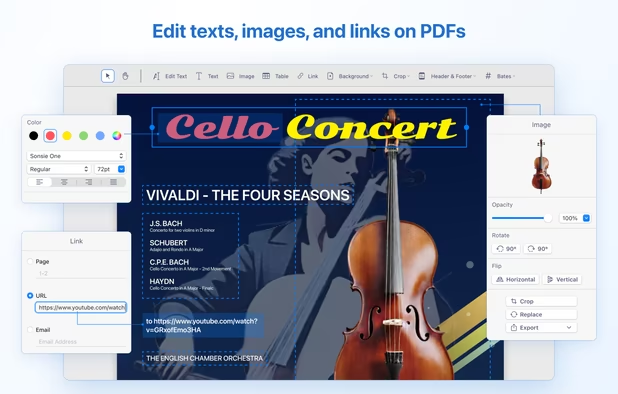
Provides editing of text, images, and objects in PDFs, annotation options, OCR for scanned files, conversion to multiple formats, form filling and signing, page management, merging and splitting, cloud integration, camera to PDF functionality, and sharing tools.
 China
China

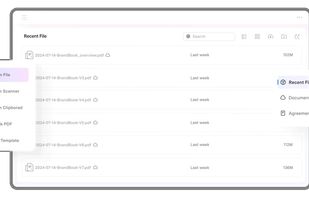


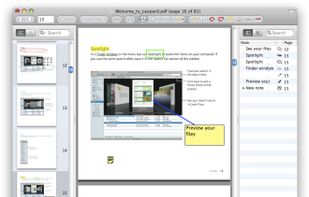
PDF viewer for macOS supports scientific papers, annotations, highlights, bookmarks, split view, exporting notes, AppleScript, multiple annotation types, bibliography integration, full-screen, search, and compatibility with various macOS versions.

JOPDF is a 100% free PDF editor for Windows, Mac, and Linux. Edit, compress, merge, convert and annotate PDFs with no watermark or signup required.
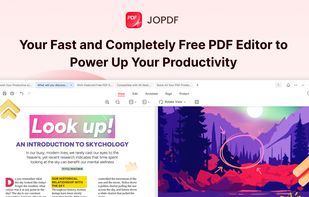
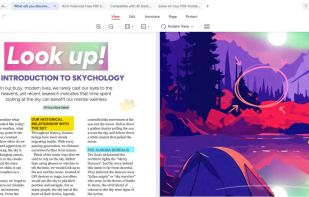


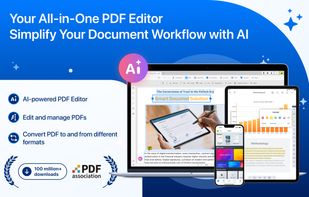
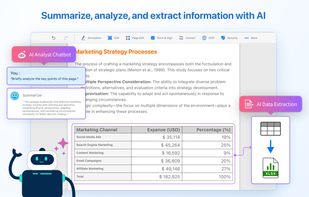
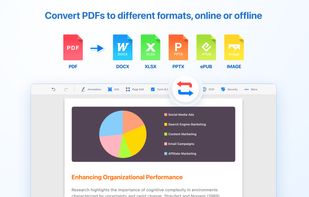
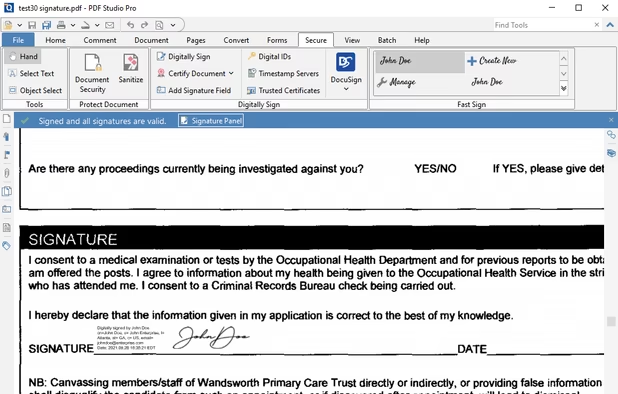
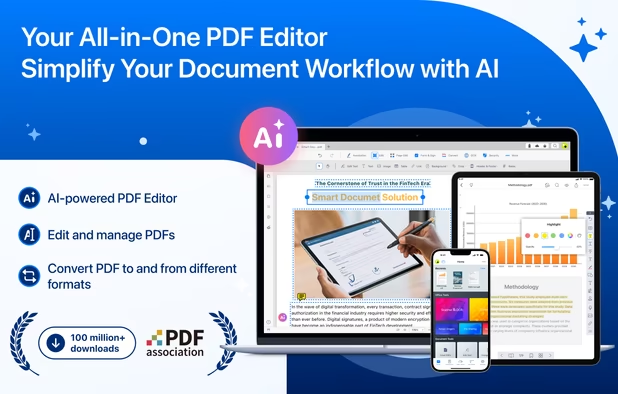
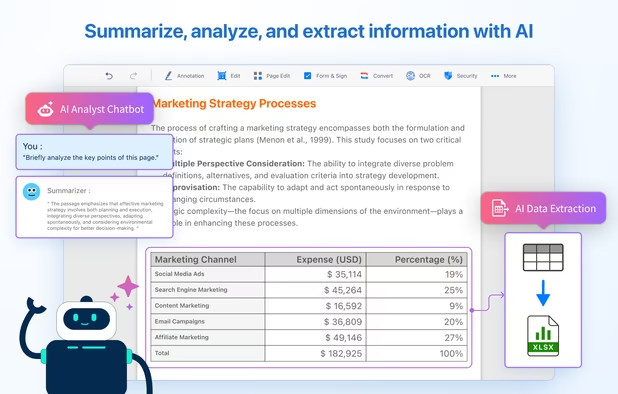
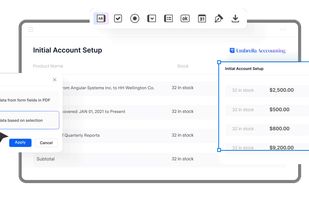
Comprehensive solution for editing, signing, form filling, OCR scanning, commenting, converting, and redacting PDFs, with AI-driven analysis and content extraction, data export to spreadsheets, text-to-speech, seamless use across desktop and mobile, and batch processing.
 Taiwan