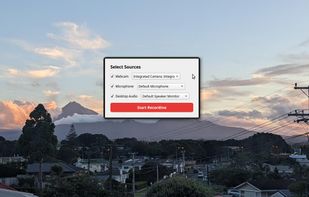
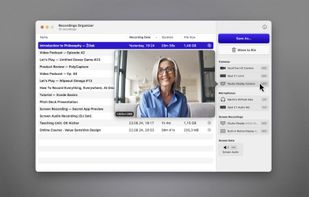
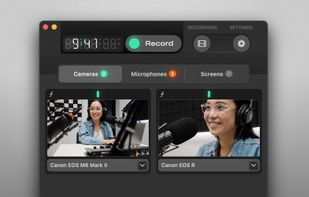
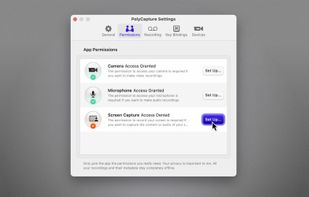
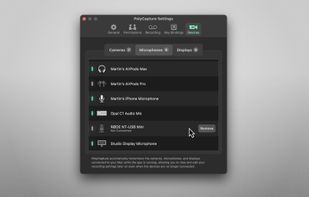
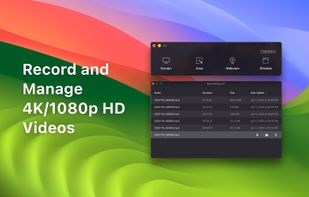
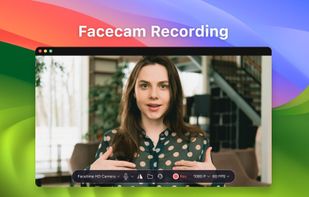
PolyCapture allows you to record cameras, microphones, screens, and apps — individually or multiple at once.
Cost / License
- Freemium
- Proprietary
Application type
Platforms
- Mac
 Germany
 EU
EU



+7


Apps similar to Limelight Mac include OBS Studio, which is free and open source. Other options are OpenScreen, Recordly, SimpleScreenRecorder and ScreenArc. You're spoiled for choice with Screen Recorders like Limelight Mac: we list more than 50 alternatives for Mac, Windows, the web, Linux and Android.
PolyCapture allows you to record cameras, microphones, screens, and apps — individually or multiple at once.
GermanyEU
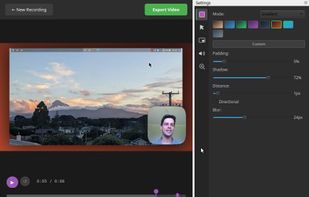
A screen recorder comes with automated editing. Automatically track cursor movement, apply dynamic zoom and click effects, add a pleasant background, and generate a professional-looking video/gif that is ready to use.
 China
China


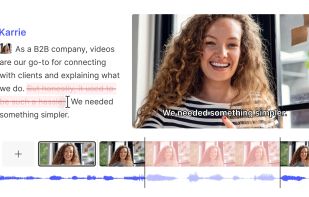
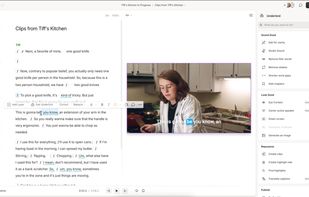
AI-powered tool for editing audio and video by editing transcribed text, featuring transcription, filler removal, captions, background replacement, rapid translation, collaboration, mastering, recording, and viral content identification features.
 United States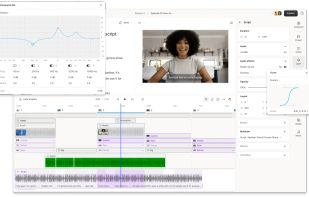


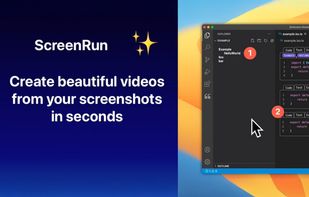
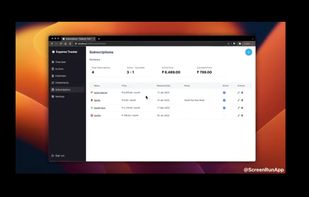

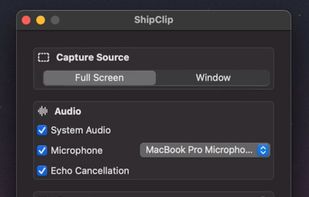
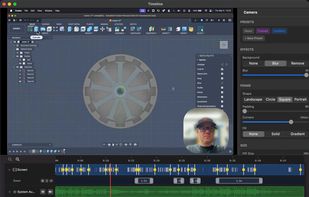
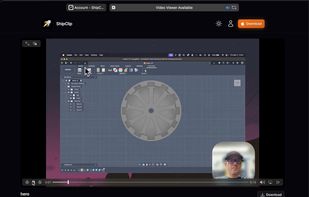
At under 5MB, ShipClip is a Mac screen recorder built natively for Apple Silicon. No Electron, no browser engine, just a fast app that respects your machine. Record your screen, edit clips, blur or remove your camera background, annotate, and customize every transition with...
United States


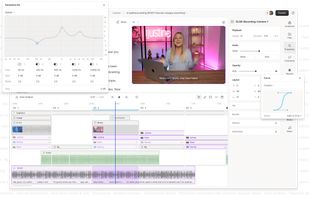
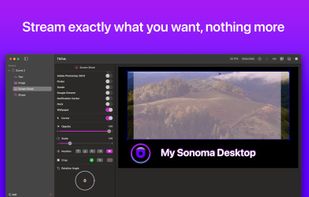
Enhance Mac live streams and recordings with over 200 filters, 80 triggers, green screen, overlays, multi-cam input, drag-and-drop layers, MIDI, browser overlays, RTMP streaming, 4K 120fps capture, CoreML preview, vertical video, interactive shopping, and scene switching.
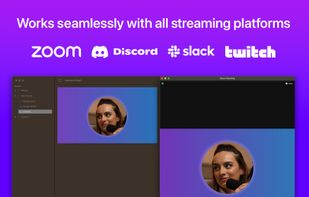
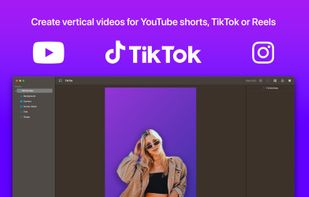
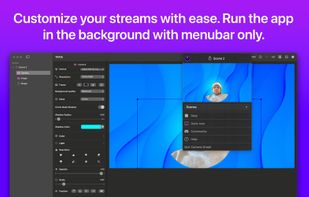


Record Go: Screen Recorder is a user-friendly and practical application for screen capture. No matter whether it is to record tutorials, courses, demonstrations, meetings, games, film/TV series, or videos, Record Go: Screen Recorder could always save your time and offer great...
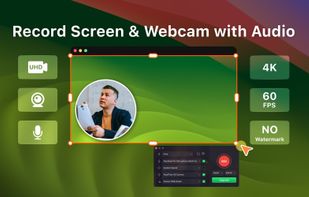



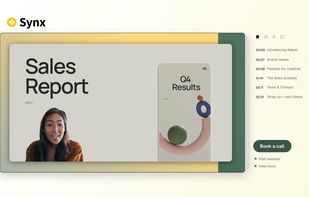
Turns screen recordings into branded, shareable videos with composite, multi-layout recording, background removal, auto-chapters, analytics, captions, comments, call-to-actions, permissions, fast app workflow, HD export, and multi-language support.
 United Kingdom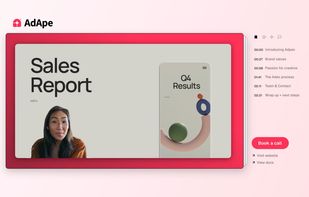




ScreenMix - Screen Recorder provides an easy, uncomplicated way of recording your desktop's screen and webcam sessions. Excellent for games and video stream recording, product demos, tutorials, webcam chats, and more!.
 Ukraine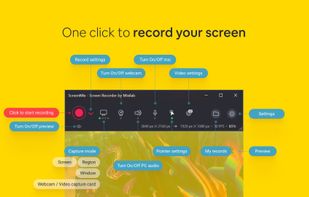
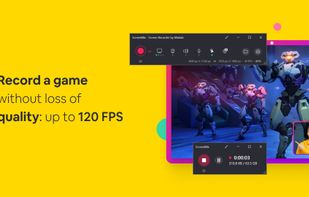

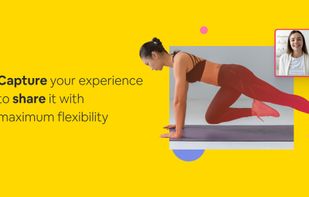


Web-based platform enabling screen and camera recordings with customizable layouts, overlays, clip-based editing, speaker notes, Unsplash backgrounds, transitions, and instant sharing. Compatible with Mac and PC, requires no installation, and offers flexible export options.
United States

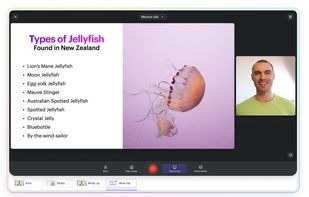
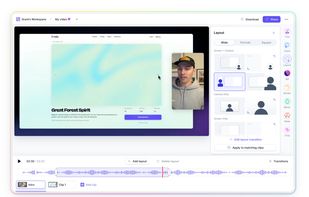


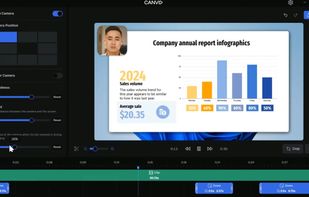
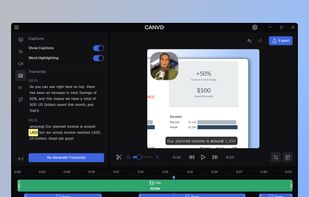
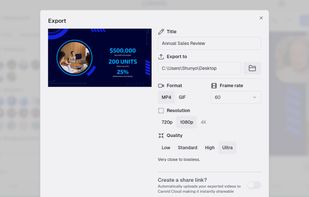
AI-powered Canvid offers easy recording and exporting in formats like MP4 and GIF, with features including zoom, enhanced audio, and automatic captions, making it perfect for tutorials, demos, and professional presentations, supporting up to 4K resolution with intuitive design.
United States

Professional screen recording software for Linux with auto-zoom, smooth cursor animation, and beautiful backgrounds - no video editing required.
 New Zealand