Leo Backup Alternatives
Leo Backup is described as 'Program designed for simple backup needs and aimed to keep your data in different locations automatically, applying the compression, encryption and reporting options' and is an app in the backup & sync category. There are more than 50 alternatives to Leo Backup for a variety of platforms, including Windows, Mac, Linux, PortableApps.com and Android apps. The best Leo Backup alternative is FreeFileSync, which is both free and Open Source. Other great apps like Leo Backup are Duplicati, rsync, SyncBack and GoodSync.
Alternatives list

Despite a name that conjures up comedic visions, Bonkey the Backup Monkey is a serious backup program with tremendous potential. Not that it isnt good now; The program is easy to use, puts all the relevant options at your fingertips and backs up to multiple locations--including...
Platforms
- Mac
- Windows

 +2
+2


 119 Foldermatch alternatives
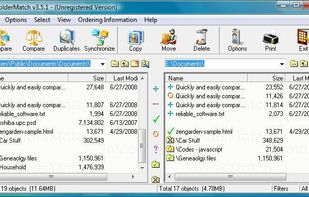
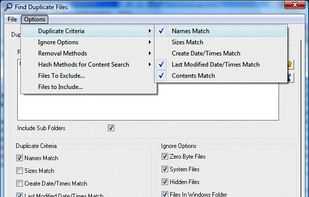
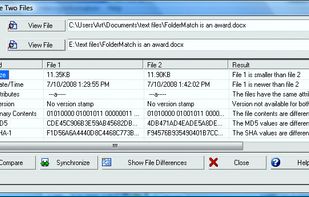
FolderMatch is a program that compares directories and files, showing the differences clearly.
Cost / License
- Paid
- Proprietary
Application typeApplication types
Platforms
- Windows
 United States
 +3
+3


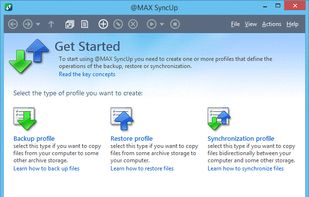
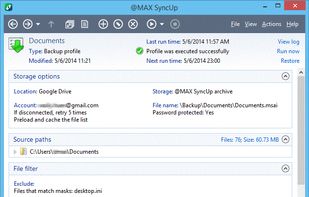
@MAX SyncUp is a feature-rich utility for backing up and synchronizing data on a local network or over the Internet. @MAX SyncUp provides an Apple Time Machine style backup using hard links. It allows for the effective remote synchronizing through an RSync-like algorithm to...
Cost / License
- Free Personal
- Proprietary
Application type
Platforms
- Windows
 Russia

 +5
+5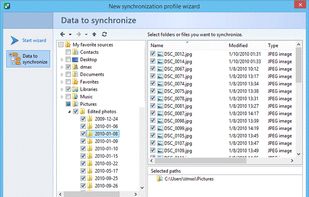


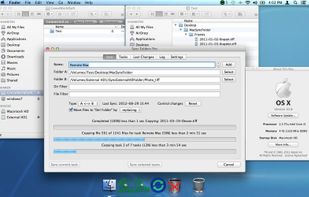
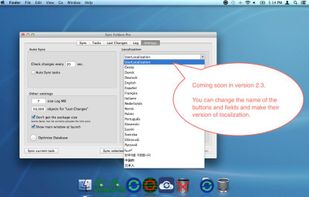
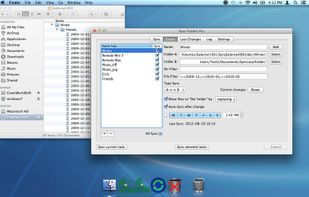
The Sync Folders Pro synchronizes any number of folders on the fly at the same time when there are changes, or connecting external drives at a set time or manually. The app sync folders with or without filter for folder names and / or file names.?
Cost / License
- Freemium
- Proprietary
Platforms
- Mac

 101 Uranium Backup alternatives
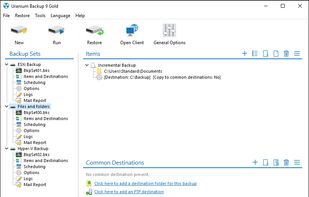
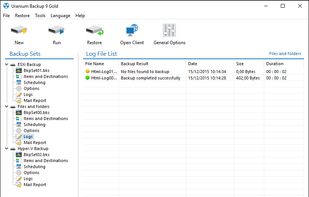
Uranium is a light and reliable backup software for the protection of your personal and business data. An all-in-one solution able to suit all your needs, available in both free and commercial editions.
Cost / License
- Freemium
- Proprietary
Platforms
- Windows
 Italy
Italy EU
EU
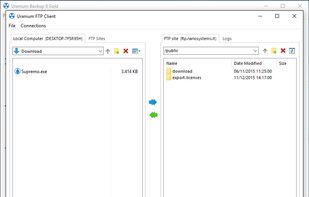


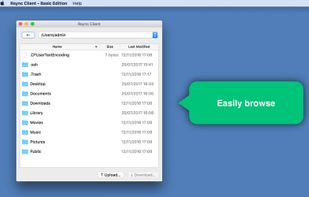
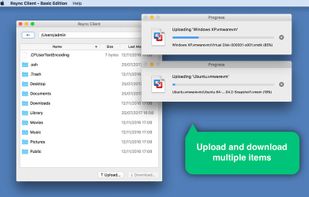
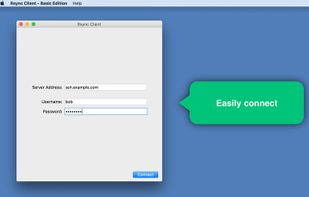
A graphical user interface for rsync, which looks-and-feels like a standard FTP client, but uses the rsync protocol ‘under the hood’ to boost transfer speeds.
Cost / License
- Paid
- Proprietary
Platforms
- Mac

 56 Folder Sync alternatives
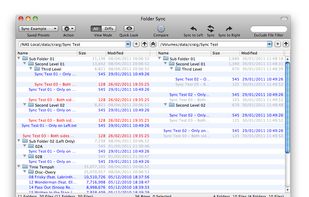
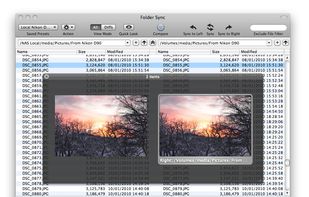
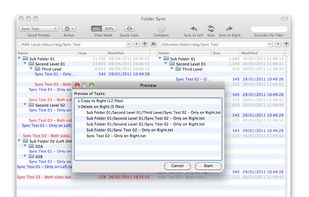
An application to help you keep multiple pairs of folders in sync, quickly and easily. View differences between pairs of folders on screen using user defined coloured coding. Folder Sync allows you to utilise a fully automatic sync or manually manipulate the files yourself to...
Cost / License
- Paid
- Proprietary
Application type
Platforms
- Mac


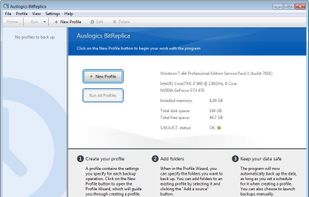
BitReplica is a tool for backing up files stored on your Windows PC. It protects your photos, music, documents and any other data from being lost due to a hard drive crash, virus attack or accidental deletion.
Cost / License
- Paid
- Proprietary
Platforms
- Windows
 Australia


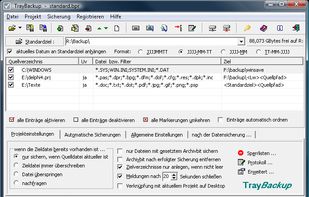
TrayBackup is a program which helps to create a backup of directories and files. It allows the inclusion or exclusion of specific file types and to backup to a CD, DVD or a server.
Cost / License
- Free Personal
- Proprietary
Platforms
- Windows
 Germany
- EU


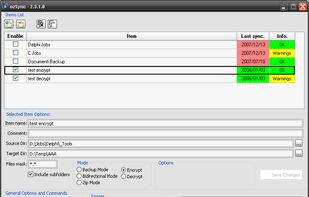
ozSync is an utility that synchronize files and folders. Files or folders synchronize and backup is important and actually, it's not hard to be done. Using a small and portable utility like ozSync will make it easier. ozSync is an utility that synchronize files and folders.
Platforms
- Windows


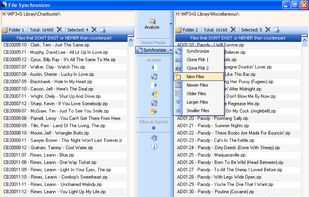
Great for synchronizing large collections of media files such as MP3s, Videos, etc... without copying every file. Save time by only copying the files that are new or different. Use "Clone Mode" to synchronize a folder to match a master folder.
Cost / License
- Free
- Proprietary
Application type
Platforms
- Windows
- United States