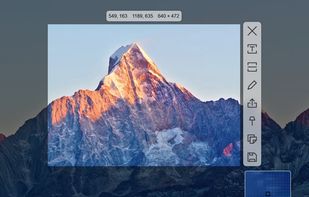


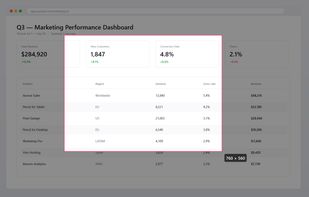
Capture any part of your screen and turn it into a floating card. On-device OCR, scroll capture, dock-to-edge gestures. Runs entirely on your Mac.
 Ukraine


Apps similar to Spectacle include ShareX, which is free and open source. Other options are Greenshot, Flameshot, Snipping Tool and PicPick. You're spoiled for choice with Screenshot Capture Tools like Spectacle: we list more than 100 alternatives for Windows, Mac, the web, Linux and Android.
Capture any part of your screen and turn it into a floating card. On-device OCR, scroll capture, dock-to-edge gestures. Runs entirely on your Mac.
Ukraine
Free, open-source screenshot annotation for Windows and Mac: a native Skitch replacement with tapered arrows, blur and pixelate.
 United States
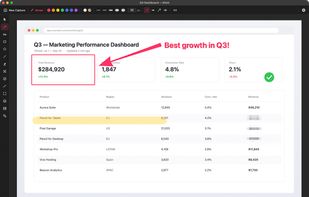
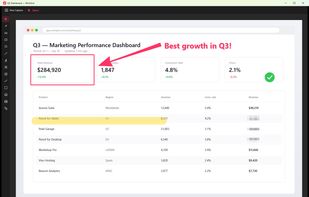


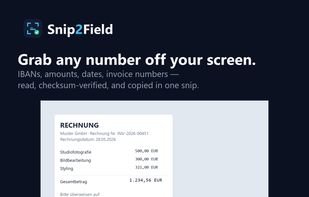
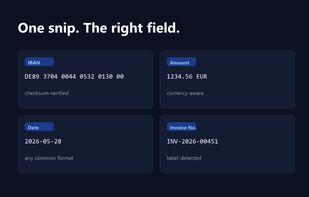
Snip2Field is a Windows utility for anyone who copies data off invoices and PDFs. Press a hotkey, drag a box over an IBAN, amount, date or invoice number, and it runs OCR on just that region and copies the result — no retyping.
 Taiwan

A native macOS capture and markup tool for grabbing areas, windows or timed shots, including menus and tooltips. Add adaptive outlined text, arrows, lines and shapes, use irreversible text redaction, then copy Retina-quality images or save PNG, JPEG or WebP files.
 Finland
 EU
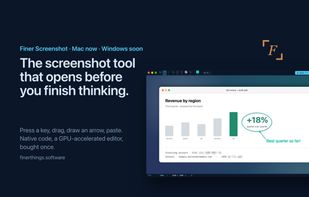
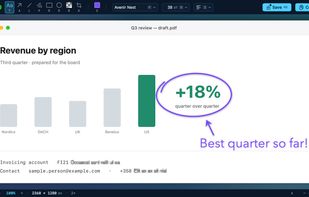
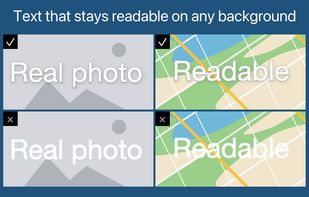
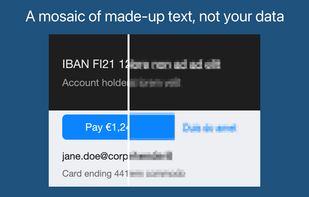


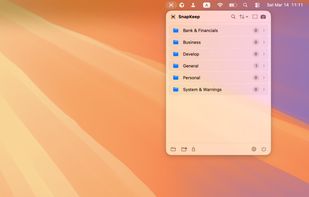
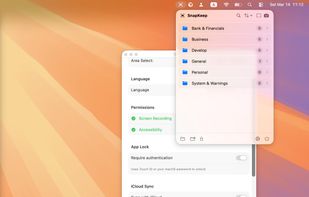
SnapKeep is a native, local-first screenshot manager designed for users who are tired of cloud-dependent tools and messy desktops.


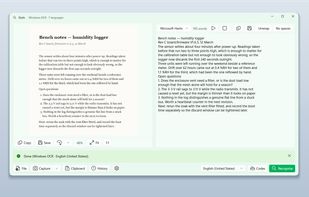
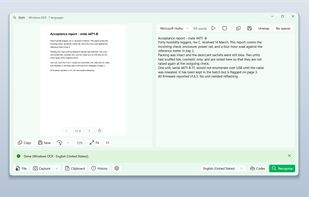
Glyfo turns pictures of words back into words. Drag a box around part of the screen with Alt+Z, open an image or a PDF with Ctrl+O, paste from the clipboard, or send a file over from Explorer, Photos or Snipping Tool.
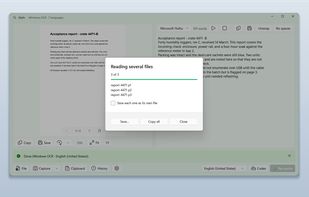
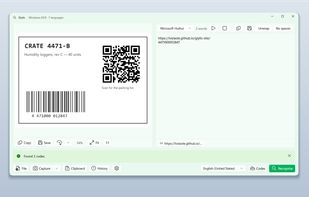


AI-powered screenshot utility for region, window, and full-screen capture, featuring background removal, optical character recognition, image enhancement, annotation, watermark, and signature tools. Supports creatives, professionals, and content sharing workflows.
 China



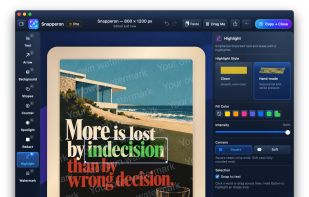
Snapperon is a native macOS app for capturing screenshots, annotating images and PDF pages, and preparing clear visuals for documentation, feedback and presentations. Add styled arrows, text banners, numbered steps, highlights, shapes, spotlights, freehand marks and redaction.
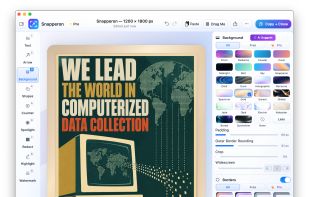
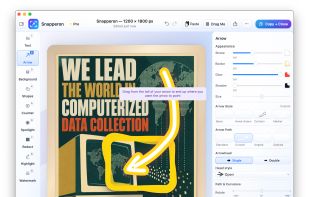


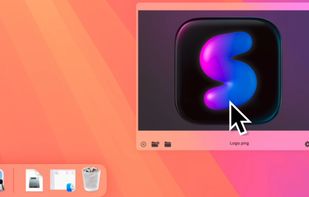
Capture macOS screenshots with a floating thumbnail for quick actions like renaming, copying, extracting text, scrolling capture, and local background removal. Supports custom folders, virtual desktops, Apple Silicon, temporary stashing, privacy, and customization.


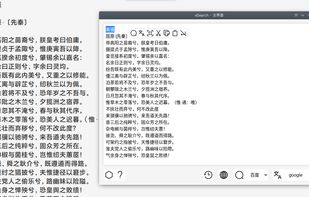
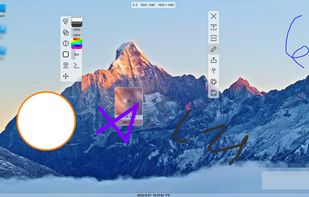
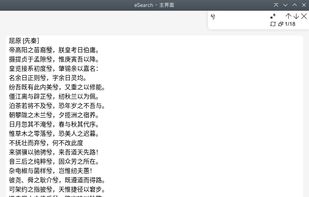
Supports screenshots for simple annotation or to paste images on the screen. Images can be recognised by OCR for searching or translation. Images can be searched. The screen can be recorded for simple editing.