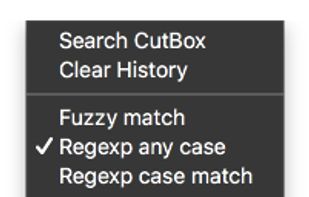
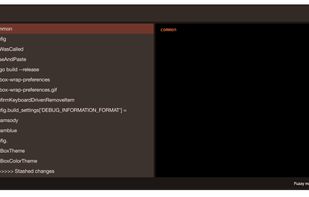
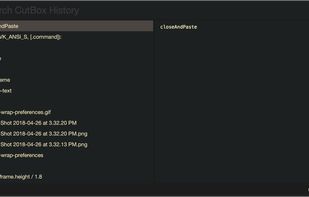
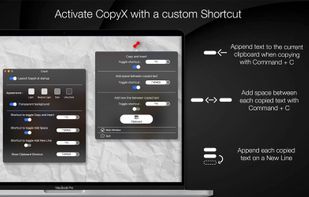
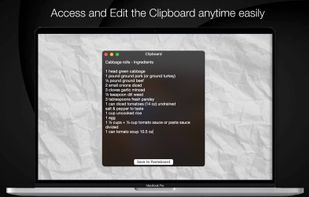
Copy text with Command + C and append it to the last copied text instead of replacing it! Activate inserting with a custom shortcut.
Cost / License
- Paid
- Proprietary
Application type
Platforms
- Mac





Apps similar to Jumpcut include CopyQ, which is free and open source. Other options are Ditto, CopyCat Clipboard, Maccy and Pesto Clipboard. You're spoiled for choice with Clipboard Managers like Jumpcut: we list more than 100 alternatives for Mac, Windows, Linux, iPhone and iPad.
Copy text with Command + C and append it to the last copied text instead of replacing it! Activate inserting with a custom shortcut.
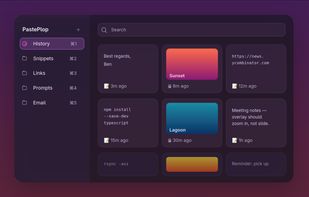
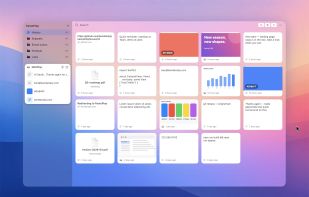
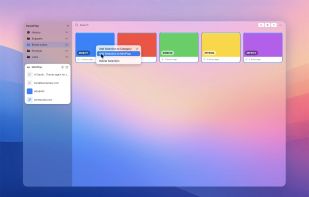
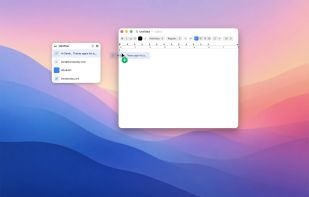
Your clipboard, but a grid. Hit a keyboard shortcut, see everything you've ever copied, file the keepers into categories, paste with a click.


 United States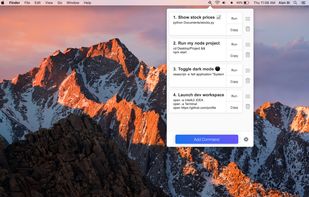


Auto-copies any text the moment you select it — no Ctrl+C needed. Provides deep click paste and a searchable local clipboard history. Works on Mac and Windows.
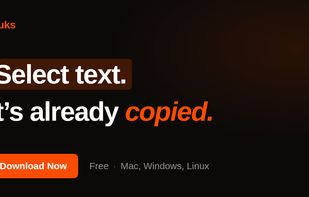


ClipMax is a next-generation clipboard manager that enhances productivity by automating, organizing, and integrating copied content with AI.
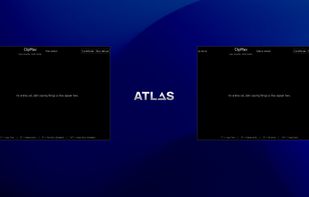
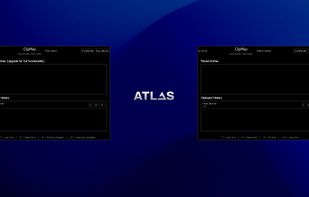
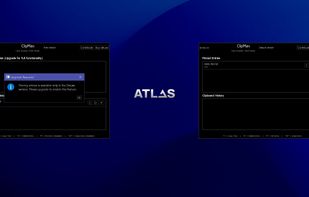


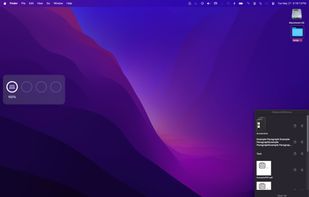
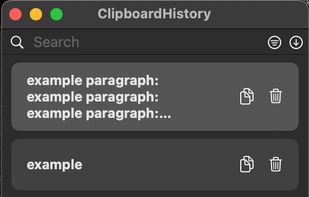
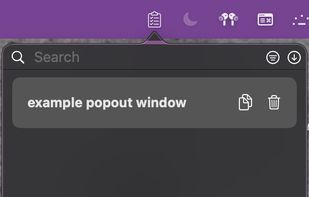
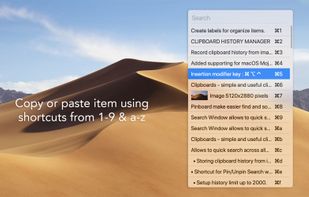
Mac clipboard history manager inspired by Windows, holding text, images, files, folders, and groups. Customize up to 50 items. Access via shortcuts and command keys. Opens at the bottom right, with a status menu bar icon. Provides comprehensive usage tips.




 Italy
Italy EU
EU


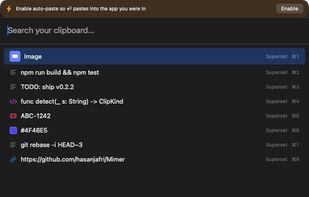
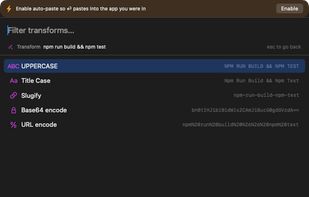
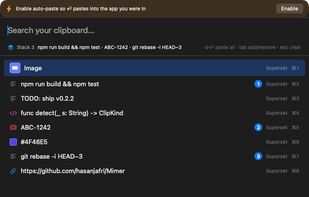
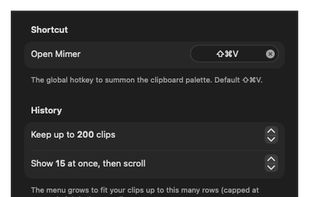
Mimer is a free, open-source (MIT) clipboard manager that lives in the macOS menu bar. Press Shift-Cmd-V to open a command palette over your clipboard history: search as you type (with type:, app:, is:fav and /regex/ filters), then paste, favorite, or transform any clip.


 NetherlandsEU
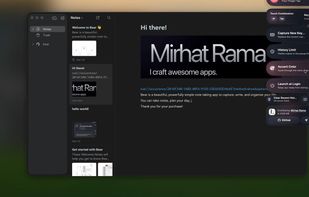


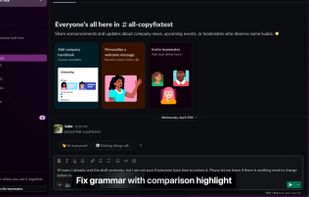
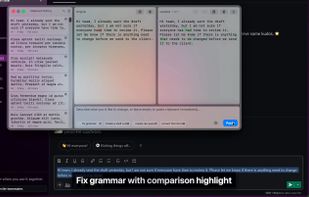
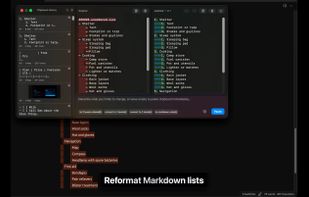
Your clipboard, supercharged with AI. CopyFix keeps up to 10,000 clips and lets you transform any of them with AI — right inside any Mac app, no tab-switching required.
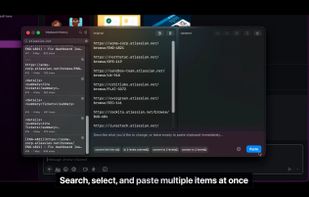


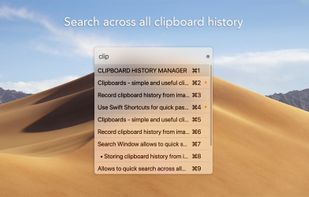
Pasteboard history for macOS done right. Using the proven UI style of Alfred, Spotlight etc. Use fuzzy searching to find what you want to paste.