


Cost / License
- Free
- Proprietary
Platforms
- Online
 United States


Jing has been discontinued. One of the most popular alternatives is ShareX, which is free and open source. Other popular alternatives are Greenshot, SimpleScreenRecorder, FastStone Capture and Bandicam. There's no shortage of Screenshot Capture Tools like Jing, with more than 100 alternatives for Windows, Mac, the web, Linux and Android.
United States
Easy, free and full-featured screenshot application to capture, edit, cloud store and share your screenshots effortlessly.


Share what you see with the rest of the world.
With Piclair.com you share what you see with your friends! Works flawlessly with Facebook, Twitter, MSN, Skype etc.





informUp screen capture is a free screen capture software for you to easily take screenshots.


Vov Screen Recorder is handy tool to record the computer screen, i.e., record the ongoing activities on the screen. Using Vov Screen Recorder, you can record your screen to create a how-to video to demonstrate working of a program, compile a products demo video for some client...
 Türkiye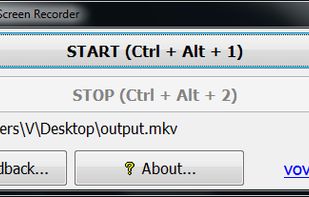


321Soft Screen Video Recorder is designed to record your computer screen (full screen or a fixed area) into AVI video file for further purposes like editing, burning DVD, making slide show movie, etc.


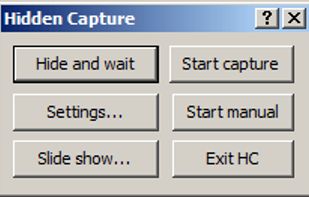
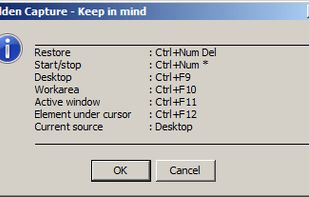
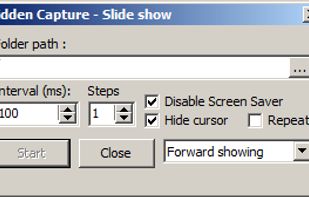
Grab screenshots in a stealth mode, and start the capturing process at a user-defined time with the help of this simple to use and efficient software tool.


TPUCapture is an easy to use screenshot utility with a small memory footprint that resides in the system tray.
United States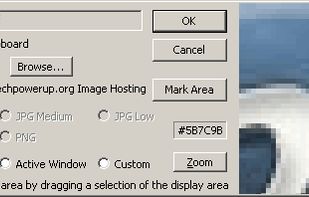


WebShot allows you to take screenshots of web pages and save them as full sized images or thumbnails. Screenshots images can be output in the JPG, GIF, PNG, or BMP formats.
United States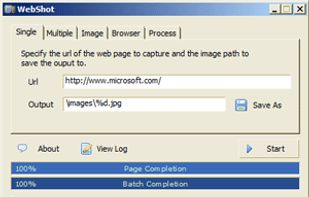


Fii is a completely free online sharing application which brings visualization to your online conversation. You can show your co-worker, friend, teacher, boss, parents or whomever you want a part of your screen with a single mouse click.
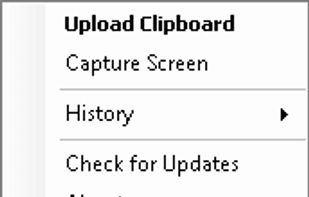


TeenyGrab is a free alternative to TinyGrab. TinyGrab is a popular application for quickly uploading screenshots, and sharing them. The only problem is, the full version (with features such as uploading to a custom FTP server) costs $$$.
United States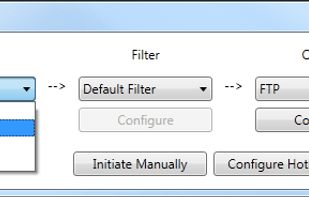


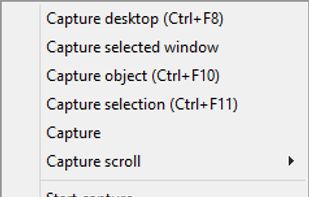
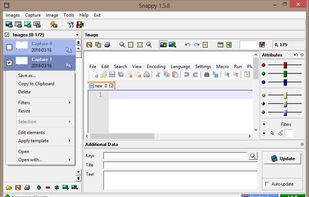
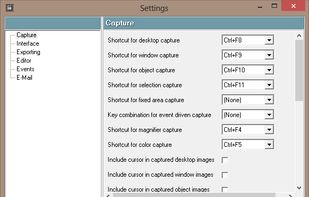
Snappy is a desktop-capture software for Microsoft Windows that allows to capture the screen of your monitor. Compared to other similar applications, Snappy could be less complete, but my purpose is to keep it as immediate as I can. Try it, and let me know if I'm wrong...


 China
China


