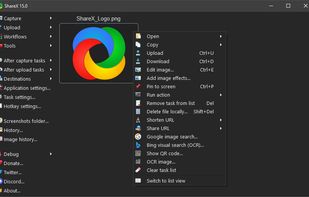
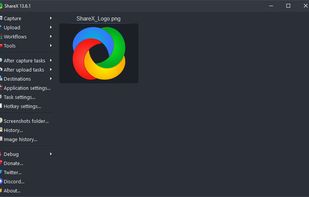
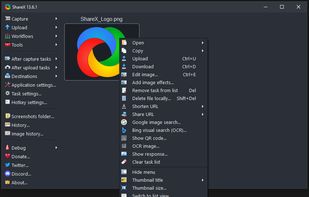
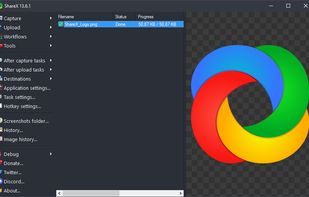
Open-source screen capture and file sharing tool with recording, editing, and annotation features. Supports 4K, dark mode, theming, offline use, and offers a lightweight, ad-free experience without tracking user data.


iSkitch is described as 'Modern macOS screenshot tool offers instant capture, robust annotation and privacy features, with 14 advanced editing tools, export options and native sharing' and is a screenshot capture tool in the photos & graphics category. There are more than 10 alternatives to iSkitch for a variety of platforms, including Mac, Windows, Google Chrome, Web-based and Mozilla Firefox apps. The best iSkitch alternative is ShareX, which is both free and Open Source. Other great apps like iSkitch are Flameshot, SimpleScreenRecorder, Snipping Tool and Snagit.
Open-source screen capture and file sharing tool with recording, editing, and annotation features. Supports 4K, dark mode, theming, offline use, and offers a lightweight, ad-free experience without tracking user data.


Flameshot is a free, open-source screenshot tool that is cross-platform compatible, offering customization, editing features, CLI scripting, and direct Imgur uploads for seamless sharing. It provides an intuitive user experience through features like area selection, annotations, and saving options.


SimpleScreenRecorder is a Linux screen recorder that supports X11 and OpenGL. It is easy to use, feature-rich, and has a Qt-based graphical user interface. It can record the entire screen or part of it, or record OpenGL applications directly.


Snipping Tool is a screen capture utility that allows users to take screenshots of specific objects or full screens, annotate them, and save or share the captured images or videos.


Advanced screen capture and recording tool enabling image or video captures directly from your screen. Includes editing features like callouts, transparency, and effects to enhance visuals. Organize and easily share creations through documents, presentations, or favorite applications.


Feature-packed native macOS screenshot tool — annotate, auto-redact PII, record GIFs, OCR + translate, scroll capture, beautify, and more. No Electron, no subscription.

Captures selectable screen regions for Windows and Mac, offers instant uploading, quick editing, and sharing through short URLs, supports saving locally, annotating, clipboard copying, browser add-ons, upload history access, and operates without heavy system use.


Shottr is a compact screenshot app designed for pixel precision and optimized for macOS Silicon devices.


Privacy-focused screenshot utility with local-only storage, capture and post-editing, precision tools like rulers and color picker, grouping, collage and card creation, full history, an intuitive interface, and no cloud or login required for secure offline workflows.


Capture and record screens on Mac with CleanShot X, featuring seamless recording, custom keyboard shortcuts, customizable wallpapers, Quick Access Overlay, and Desktop icon toggle for a tidy user interface.


Easy and free screen recorder for Mac, Windows, and Chromebooks. Record your camera and screen with audio directly from your Chrome browser and share the video with your team, friends, and family.


Comprehensive screenshot and screencast tool offering full-screen, window, or region captures with a built-in editor. Supports cropping, resizing, labels, and effects, with integration for popular services. Free version includes some branding and is limited to 15s screen casts.