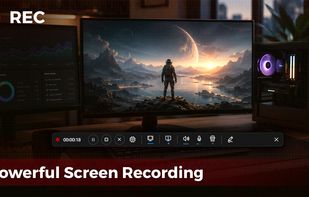
Get to know Game Bar on Windows Open Game Bar to take control of all your favorite gaming activities while playing on your Windows 10/11 device.
Cost / License
- Free Personal
- Proprietary
Application typeApplication types
Platforms
- Windows


HyperCam has been discontinued. Similar apps include OBS Studio, which is free and open source. Other options are GPU Screen Recorder, SimpleScreenRecorder, Bandicam and Camtasia. You're spoiled for choice with Screen Recorders like HyperCam: we list more than 50 alternatives for Windows, Mac, Linux, the web and Android.
Get to know Game Bar on Windows Open Game Bar to take control of all your favorite gaming activities while playing on your Windows 10/11 device.

Capture the contents of your entire desktop at the same time as your video camera, microphone and computer's audio. Sophisticated editing tools allow you to create incredible screencasts in no time.
 United States


Kazam is a simple screen recording program that will capture the content of your screen and record a video file that can be played by any video player that supports VP8/WebM video format.
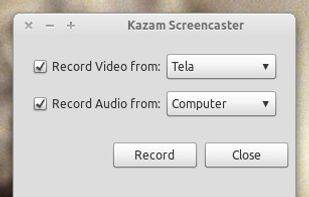

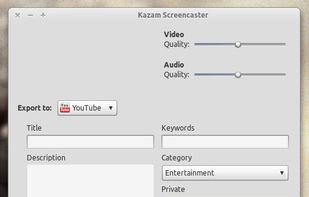


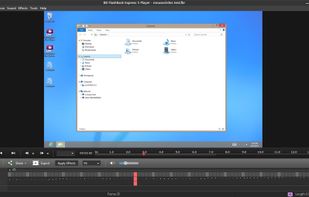
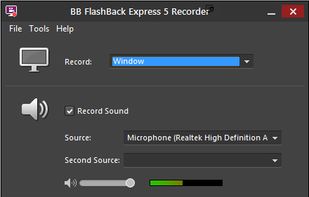
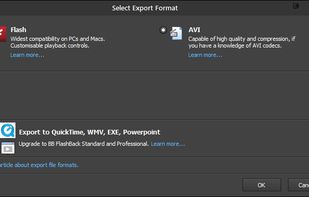
Free software records screen, webcam, and audio; supports picture-in-picture overlays, lossless format storage for frame referencing, export to Flash or AVI, and fast sharing options including direct YouTube upload. Suitable for tutorials, demos, or sharing online.
 United Kingdom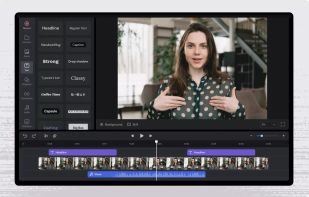


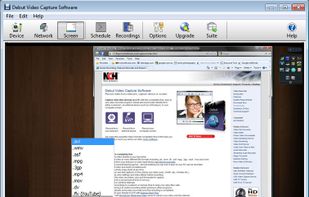
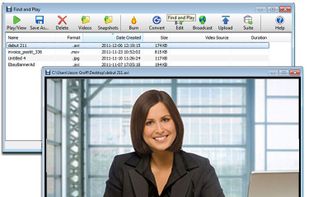
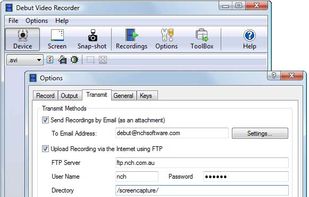
Debut is a screen capture and video recording software that records videos from your screen, webcam or other video devices.
 Australia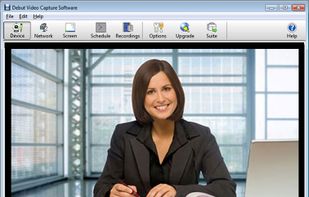


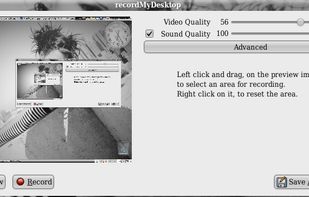
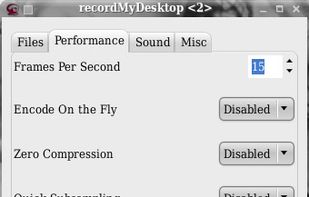
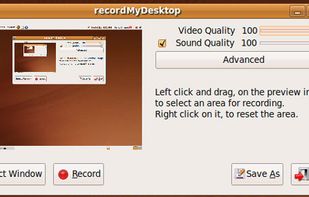
recordMyDesktop is a desktop session recorder for GNU / Linux that attemps to be easy to use, yet also effective at it's primary task. As such, the program is separated in two parts; a simple command line tool that performs the basic tasks of capturing and encoding and an...


A screen recorder comes with automated editing. Automatically track cursor movement, apply dynamic zoom and click effects, add a pleasant background, and generate a professional-looking video/gif that is ready to use.
 China
China


ShadowPlay is a graphics-accelerated overlay to record and share high-quality gameplay videos, screenshots, and livestreams.
United States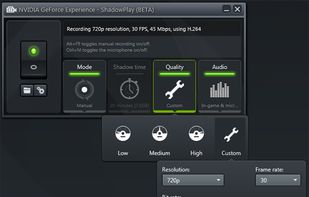
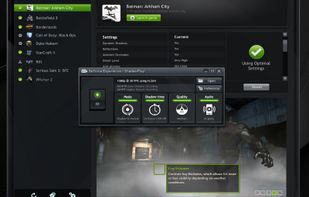


Designed for content creators, Elgato Game Capture is a professional videogame recording and live-streaming software for Windows.
 Germany
 EU
EU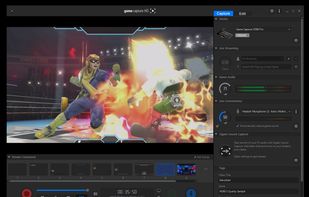


Record Go: Screen Recorder is a user-friendly and practical application for screen capture. No matter whether it is to record tutorials, courses, demonstrations, meetings, games, film/TV series, or videos, Record Go: Screen Recorder could always save your time and offer great...
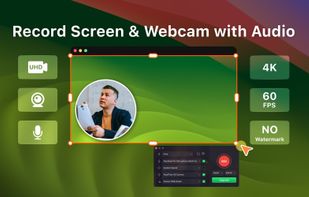
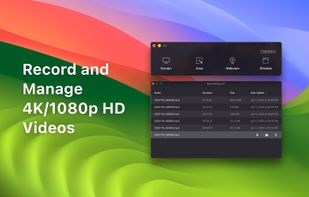

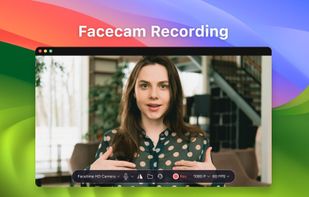


ScreenMix - Screen Recorder provides an easy, uncomplicated way of recording your desktop's screen and webcam sessions. Excellent for games and video stream recording, product demos, tutorials, webcam chats, and more!.
 Ukraine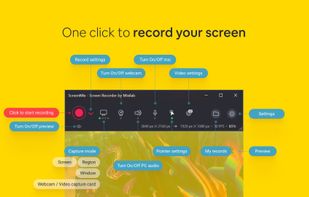
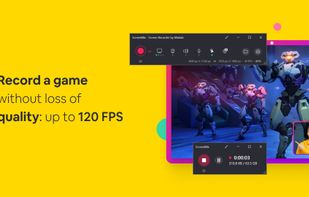




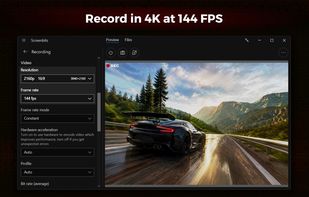
Fast, flexible, and easy-to-use screen recorder for gameplay, tutorials, product demos, and more. Record your screen, system audio, microphone, and camera in high-quality HD or 4K with smooth performance.