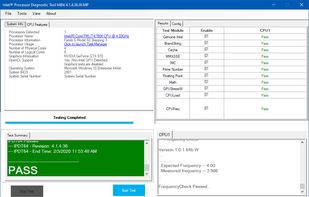
The purpose of the Intel® Processor Diagnostic Tool is to verify the functionality of an Intel® microprocessor.
Cost / License
- Free
- Proprietary
Platforms
- Windows
 United States


Apps similar to hwinfo include CPU-Z, which is free. Other options are Rainmeter, HWiNFO (32/64), Speccy and Libre Hardware Monitor. System Information Utilities like hwinfo are a crowded field, with more than 100 alternatives for Windows, Linux, Mac, Android and iPhone.
The purpose of the Intel® Processor Diagnostic Tool is to verify the functionality of an Intel® microprocessor.
United States
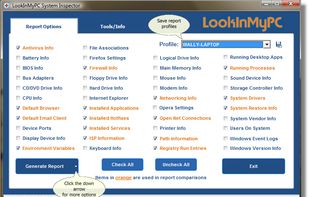
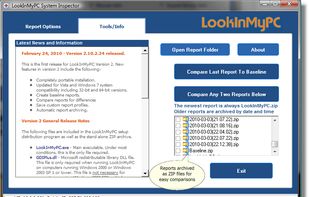
LookInMyPC is a free utility that allows users to generate complete and comprehensive profiles, audits, and diagnostic reports on their computers.
United States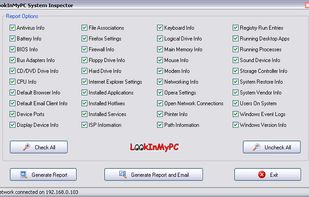


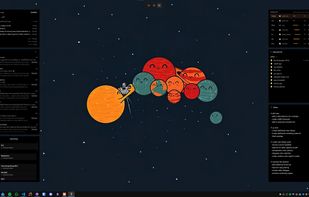
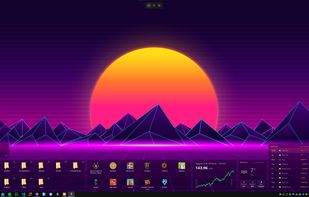
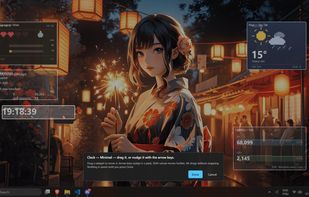
Themia turns empty Windows desktop into useful surface. Widgets float on wallpaper, never steal focus, never clutter taskbar. Drag-and-resize grid, dark glass aesthetic, configurable per monitor.
 Switzerland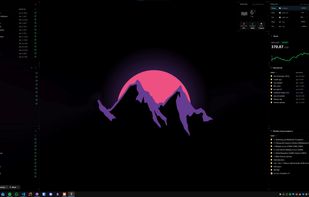


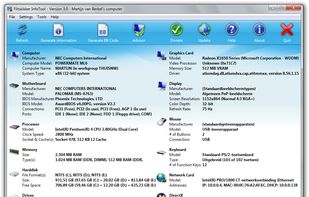
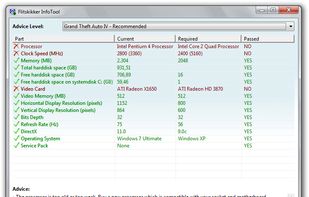
Flitskikker InfoTool offers you essential information about your system. Afterwards, you can save it as a text file, or BB Code to share on forums. Most people can help you better if you share your system information with them. Now you can do this easily with this free utility.


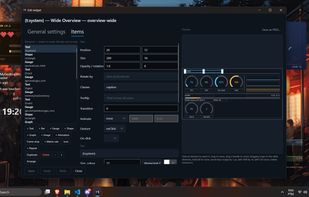
A modern Windows desktop widget engine with zero-wake gaming pause, wallpaper-layer rendering, and an experimental Rainmeter skin importer.
 Brazil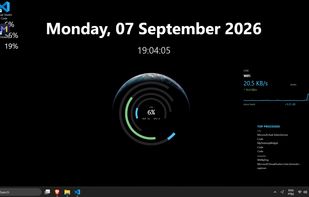



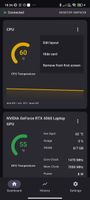
PC HW Monitor — Real-time PC hardware stats (CPU/GPU/iGPU/RAM) streamed over local Wi-Fi to a Jetpack Compose Android dashboard; single-file Windows server with embedded LibreHardwareMonitor. AGPL-3.0.
 Türkiye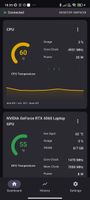



 Czechia
 EU
EU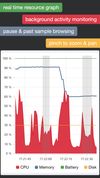
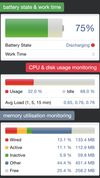
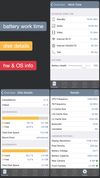


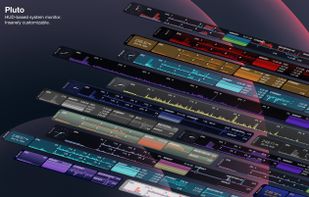
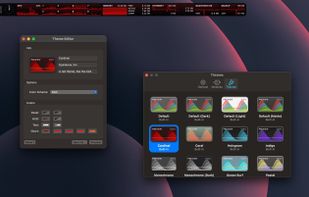
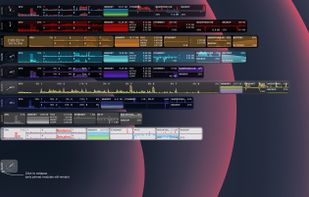
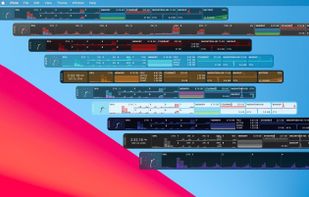
Pluto is a highly refined and customizable at-a-glance system monitor for your Mac. Keep track of what's going on behind the scenes without dropping what you're currently doing.


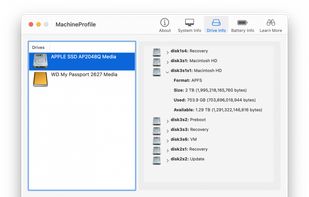
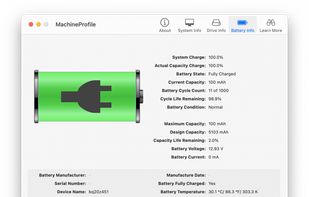
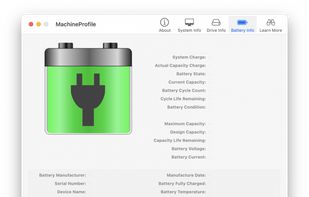
MachineProfile collects key technical hardware information about your Mac that's not easily found elsewhere or by clicking through the tabs in "About this Mac…". Get that information now with MachineProfile, before you need to use it.
United States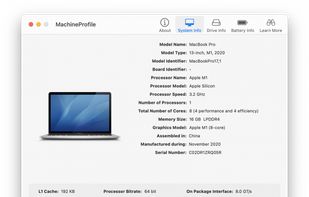


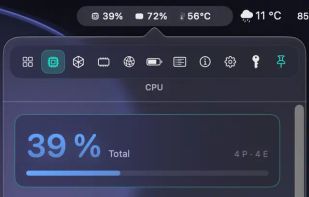
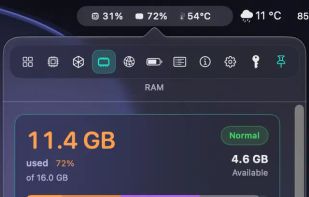
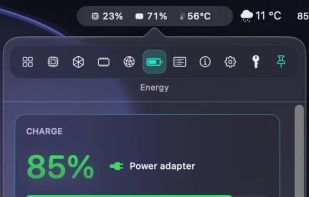
Live CPU, GPU, RAM, and thermal data directly in your macOS menu bar. Native for Apple Silicon, private by design, and built for fast first-glance insight.
 GermanyEU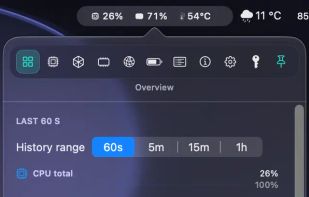


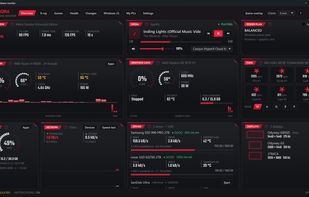
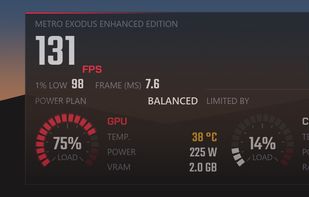
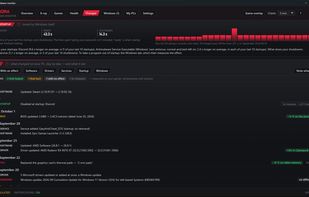
Aurora is a free hardware monitor for Windows 10 and 11. It shows temperatures, fans, drives, network and in-game FPS live on one dashboard, and explains in plain words whether the PC is doing well, what to do and what changed.
 Canada