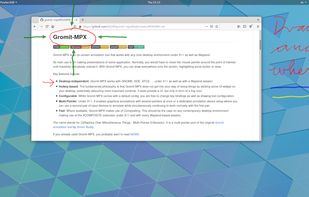
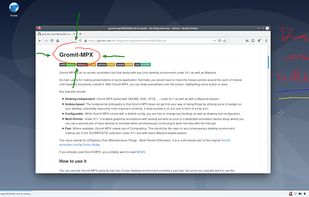
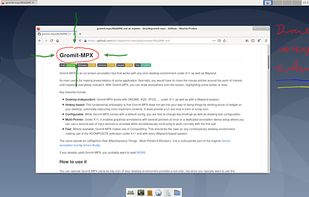
Gromit-MPX is an on-screen annotation tool that works with any Unix desktop environment under X11 as well as Wayland.
Cost / License
- Free
- Open Source
Platforms
- Linux
- Ubuntu
 Germany
 EU
EU




Apps similar to HoverScribble include RePen, which is free and open source. Other options are ZoomIt, Epic Pen, gInk and ClickLight. You're spoiled for choice with Digital Painting Tools like HoverScribble: we list more than 25 alternatives for Mac, Windows and Linux.
Gromit-MPX is an on-screen annotation tool that works with any Unix desktop environment under X11 as well as Wayland.
GermanyEU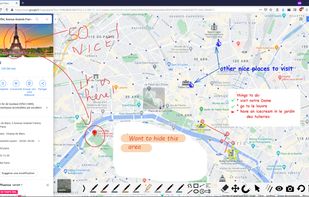





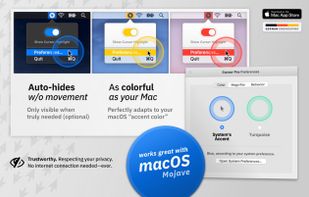
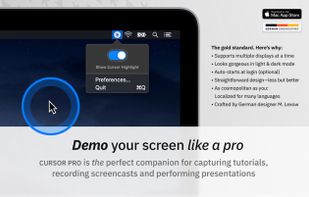
Highlights your mouse pointer, visualizes clicks and magnifies certain areas of your screen.
GermanyEU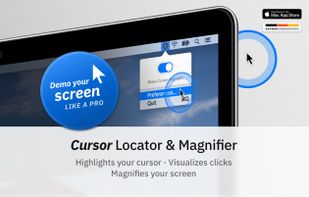
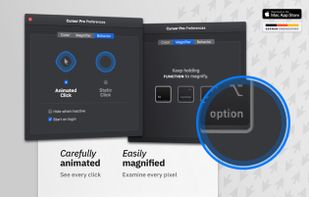


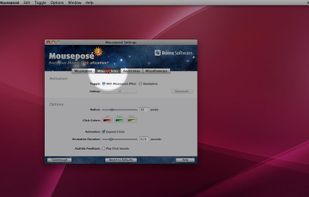
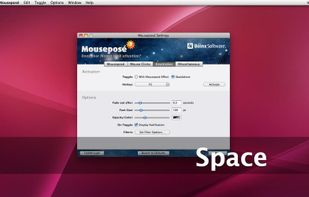
Mouseposé is the indispensible mouse pointer highlighting tool (aka "virtual laserpointer") for everyone doing demos at tradeshows, presentations and trainings, or those individuals with huge and high resolution displays.
GermanyEU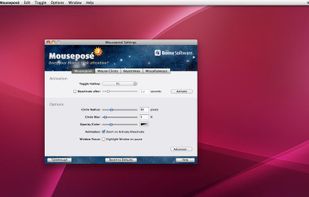


Ultimate Pen is a software only solution which creates a full screen, transparent window, allowing you to draw on top of most applications. Think of Ultimate Pen as an incredibly easy way to doodle on your computer screen.
 United States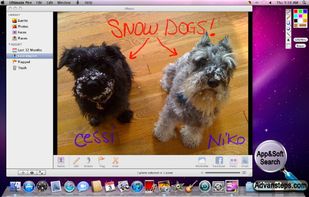
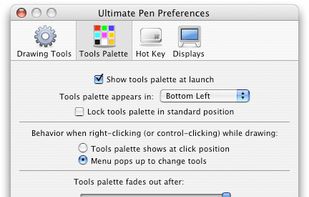


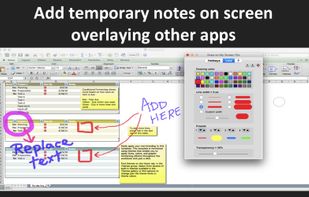
It is a an application which helps the user to annotate anywhere on the mac's screen. It can be used while presentation, video tutorials, screen recordings to draw the audience attention.
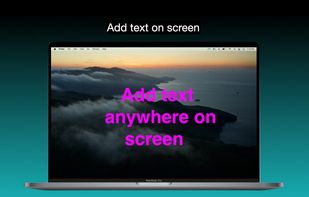
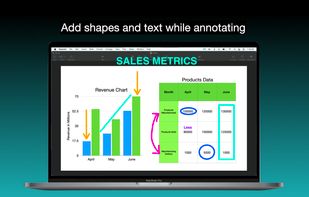
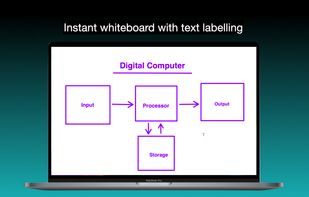
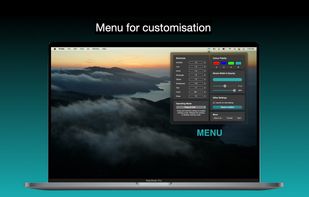


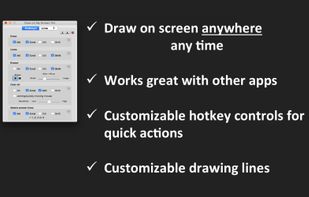
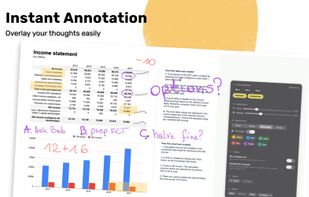
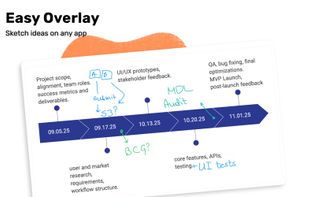
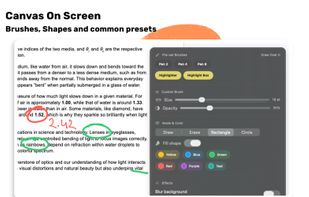
Draw Over It gives presenters, trainers, and any professional an always-ready overlay for live markups. Open it with a hotkey, sketch directly on top of any app, and jump back to work without leaving a trace.
 PolandEU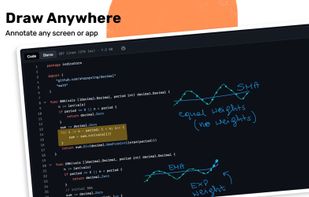


DemoPro is a simple and unobtrusive screen annotation tool for the Mac ideal for live demonstrations. Just press a customizable hotkey to draw on the screen. Release it to continue your demonstration. DemoPro also includes a countdown timer.
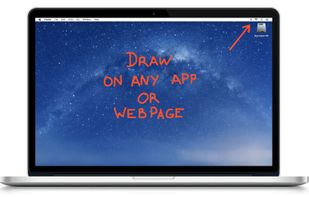
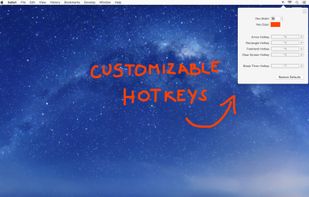

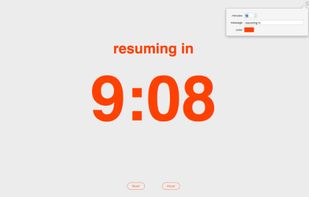


A live screen effect layer for macOS that adds real-time zoom, cursor spotlight/highlight, and freehand drawing directly on your screen.
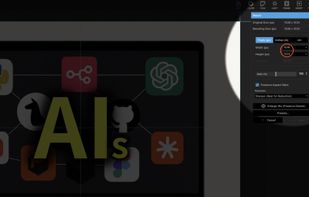
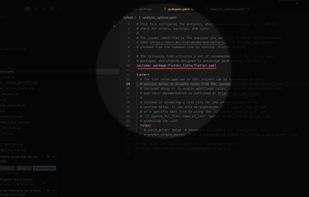

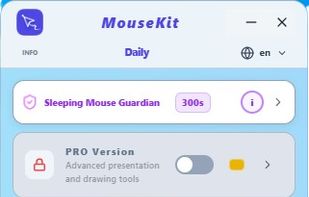
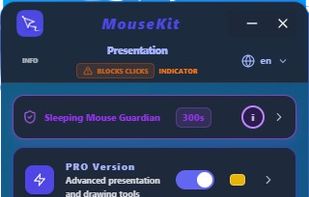
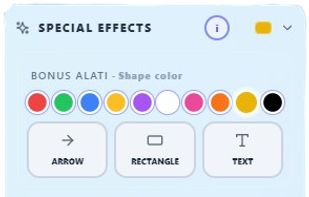
MouseKit turns your mouse cursor into a presentation, on-screen drawing, and cursor-tracking tool — all in one, for Windows.
 Serbia