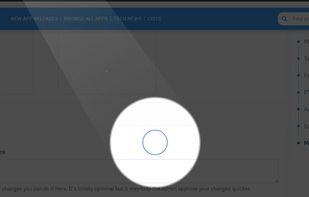
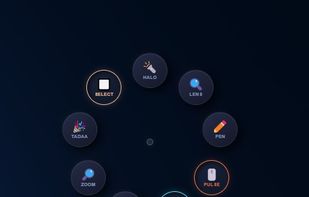
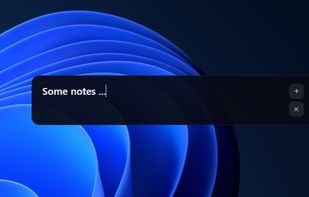
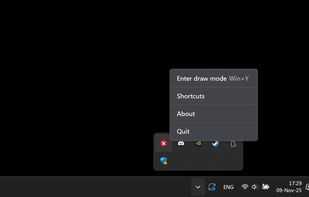
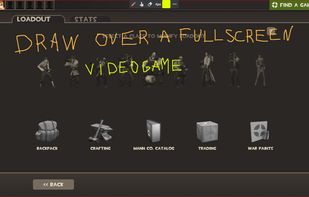
A neat little application that allows you to draw on your screen. Use it from anywhere you want - be it your desktop, while browsing internet or even while in a video game.
Cost / License
- Free
- Proprietary
Application type
Platforms
- Windows
 Latvia
 EU
EU
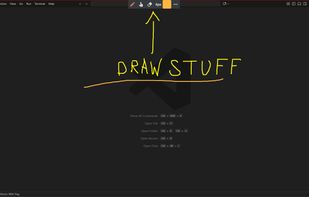




Apps similar to HoverScribble include RePen, which is free and open source. Other options are ZoomIt, Epic Pen, gInk and ClickLight. You're spoiled for choice with Digital Painting Tools like HoverScribble: we list more than 25 alternatives for Mac, Windows and Linux.
A neat little application that allows you to draw on your screen. Use it from anywhere you want - be it your desktop, while browsing internet or even while in a video game.
LatviaEU
bananotate is a powerful application that allows you to edit and annotate your screen live. Zoom in, highlight, draw shapes, add text, capture your screen, create mock UI, and much more.


Screen annotation software which allows drawing directly on the screen. It is an open source and multiplatform (all systems that support Python) alternative to tools such as Epic Pen.


Turn every screen share into a polished presentation. Cursaura adds beautiful cursor highlights, click effects, zoom, annotations, keystroke display, and focus tools directly on your screen — perfect for demos, tutorials, livestreams, online courses, and remote meetings.