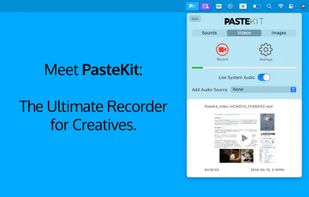
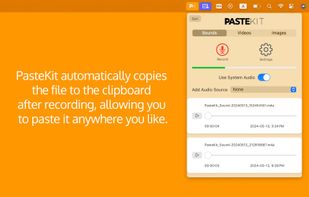
With PasteKit, just record then paste video, images, sound directly into your audio/video editing software. Works out-of-the-box, no extra setup needed.
Cost / License
- Paid
- Proprietary
Application type
Platforms
- Mac




+2


Apps similar to Edimakor Screen Recorder include OBS Studio, which is free and open source. Other options are OpenScreen, GPU Screen Recorder, SimpleScreenRecorder and MSI Afterburner. There's no shortage of Screen Recorders like Edimakor Screen Recorder, with more than 100 alternatives for Windows, Mac, the web, Linux and Android.
With PasteKit, just record then paste video, images, sound directly into your audio/video editing software. Works out-of-the-box, no extra setup needed.

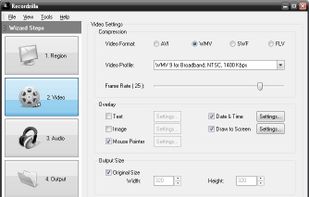
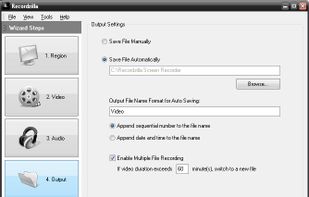
Recordzilla is a screen recorder software that lets you capture video, audio and pictures of anything you see on your computer screen and save it as video AVI, WMV, Flash SWF, or Flash FLV.
 Malaysia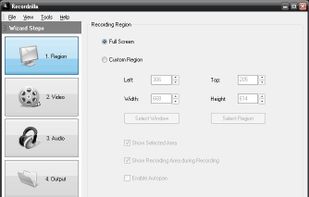

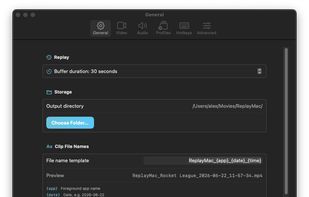
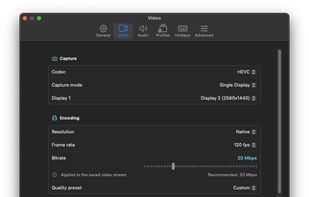
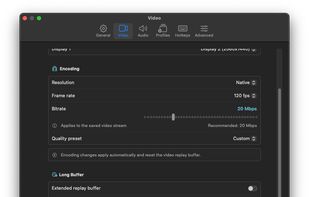
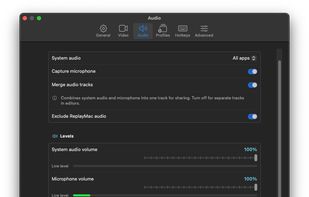


SurFlex is the ultimate screen recording solution for both PC and Mac, providing a seamless experience to effortlessly capture top-notch video and audio from your screen, applications, windows, webcam, and microphone, all without the inconvenience of watermarks.


Meetzi.app simplifies software documentation for technical writers. Record screen or audio demos, generate raw or structured transcripts with timestamps, and preview thumbnails for fast navigation. Copy-paste transcripts into Notion or Confluence to create precise guides in minutes.
 Canada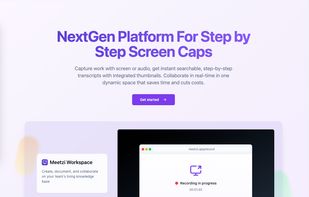


The all-in-one screen capture production suite. Easily capture on-screen action to a movie from start to finish. It’s the best of both worlds: the power of MediaEdit and ScreenRecord. It includes everything you need to create your presentation.
 United States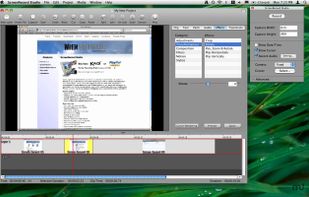


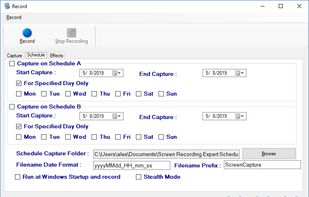
Screen Recorder Expert - Screen recorder with audio and many effects - Screen recorder windows supported - Screen capture on schedule - Cut video, image editing.
 Greece
 EU
EU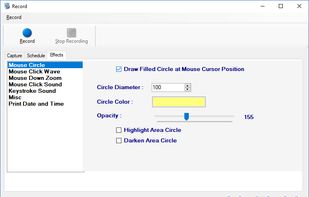

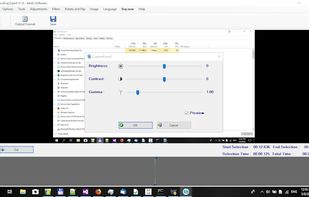


Aiseesoft Screen Recorder is used to record your computer screen. You can use this screen recording software to record video and audio on your computer. It is currently the easiest but most convenient screen recording software.
 Hong Kong SAR China


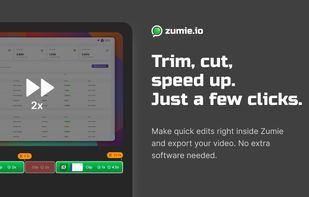
Zumie is a user-friendly platform for creating dynamic, clean videos with automatic zooming into key areas. It allows you to capture screen, webcam, and voice recordings, which can be edited and shared in minutes.
 HungaryEU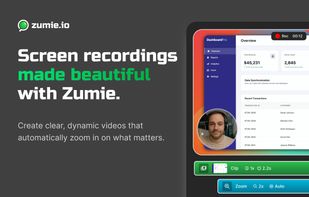




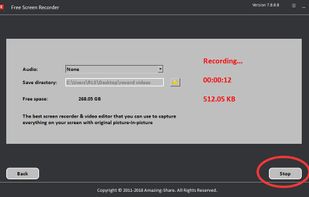
Amazing Free Screen Recorder provides users a super easy screen video recording solution. You can capture everything of your screen activity on computer. If you want to record desktop activities, webinars, webcam, games, Skype videos, live streaming, video instructions, website...
 China
China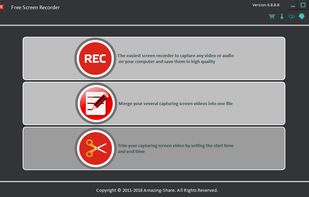



Video capture, screen recording, in-video questions, call to actions, video management, sharing, LMS integrations, hosting, analytics, and closed captioning inside one app.



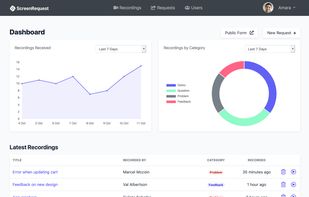
ScreenRequest is a simple screen recording tool that allows your customer to easily send you a screen recording. Triage support issues or get feedback.