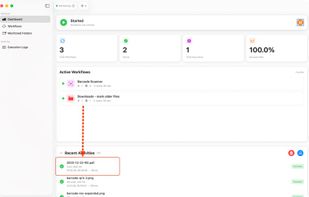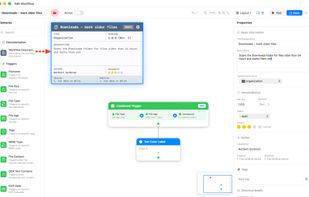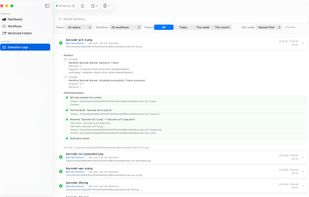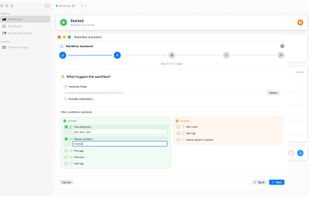


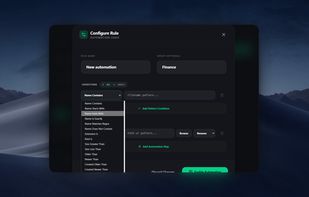
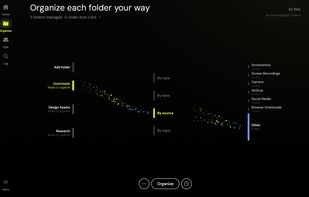
Dolfer is a desktop file organizer that automatically sorts, moves, renames, and cleans up your files using simple rules.
Cost / License
- Paid
- Proprietary
Platforms
- Mac
- Windows
- Linux
 United States


The best Workflow Automation alternative to Hazel is Dolfer. It's not free, so if you're looking for a free alternative, you could try Automator or Sorty. If that doesn't suit you, our users have ranked more than 50 alternatives to Hazel and eight of them are Workflow Automation Tools so hopefully you can find a suitable replacement. Other interesting Workflow Automation Tool alternatives to Hazel are File Juggler, SortSage, Tidy for Mac and Mint (DZG Studio).
Dolfer is a desktop file organizer that automatically sorts, moves, renames, and cleans up your files using simple rules.
United States
File Juggler is a Windows utility for automatic file management. Set up rules and have filejuggler move your files to their correct locations automatically.
 Denmark
 EU
EU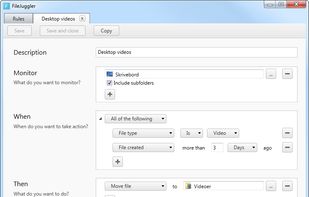
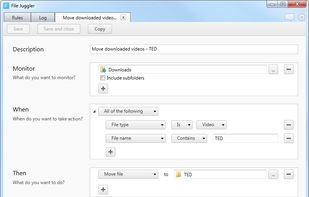

Automated file management tool for Windows that monitors folders like Downloads and Desktop, sorts and renames files using custom smart rules, detects duplicate files with hash-based technology, runs silently in the background, is fully offline, and suitable for various workflows.
United States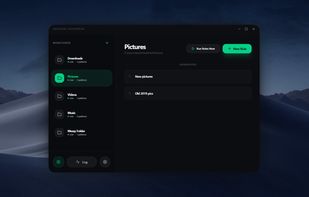



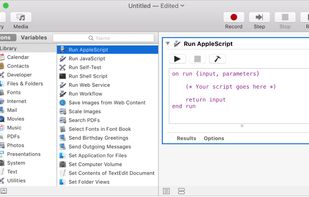
With Automator, you can accomplish time-consuming, repetitive manual tasks quickly, efficiently, and effortlessly. Automator lets you skip the complex programming and scripting that is normally required to create automations.
United States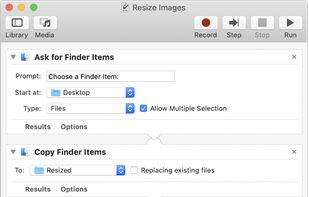


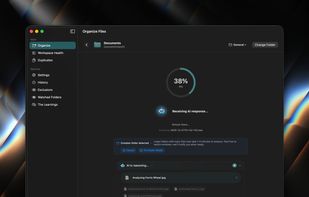
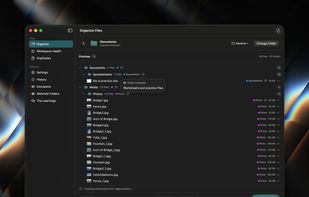
A native macOS SwiftUI application that uses AI to intelligently organize directory contents into relevant, semantically-named folders.
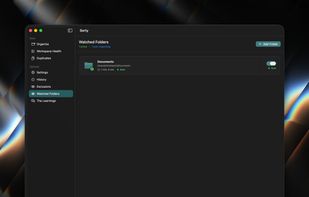


Lightweight menu bar tool for automating file management on macOS: archives and renames screenshots via OCR, ejects installer disk images, and organizes Downloads using custom or natural-language rules. Everything runs secure and private on-device, non-destructively.
 Chile
Chile




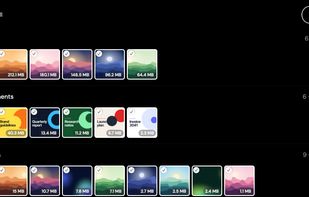
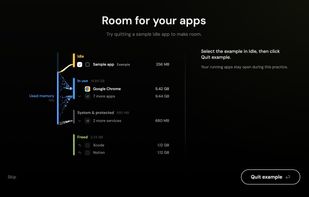
Optimize Mac storage without deleting eligible files, understand AI tool disk usage, and keep folders organized.
United States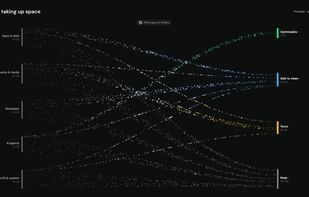


Visual file automation for macOS — create powerful rule-based workflows with a drag-and-drop designer to automatically organize, convert, and process your files.
 GermanyEU