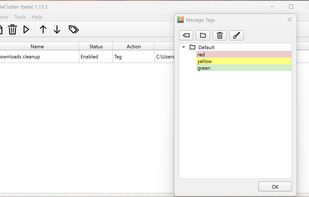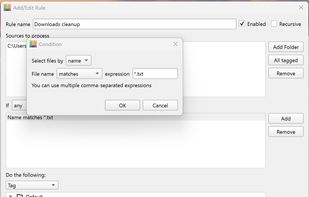


Dolfer is a desktop file organizer that automatically sorts, moves, renames, and cleans up your files using simple rules.
Cost / License
- Paid
- Proprietary
Platforms
- Mac
- Windows
- Linux
 United States


There are many alternatives to Hazel for Mac if you are looking for a replacement. The best Mac alternative is Dolfer. It's not free, so if you're looking for a free alternative, you could try Floxtop or Organize. If that doesn't suit you, our users have ranked more than 50 alternatives to Hazel and many of them are available for Mac so hopefully you can find a suitable replacement. Other interesting Mac alternatives to Hazel are Neatify, File Arbor, Automator and AI File Sorter.
Dolfer is a desktop file organizer that automatically sorts, moves, renames, and cleans up your files using simple rules.
United States
AI-powered Mac file organizer with smart renaming. Automatically sorts files by content and suggests intelligent filenames. Supports 50+ languages. 100% private, offline, no subscriptions.
 Germany
 EU
EU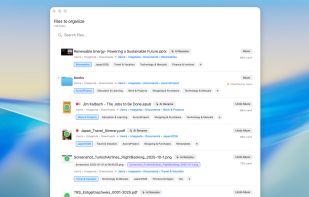


Automates file and folder organization on macOS with project-based sorting, custom and reusable rules, Quick Sorter for instant action, bulk cleanups, menu bar access, background automation, and support for images, PDFs, and documents to minimize manual sorting.
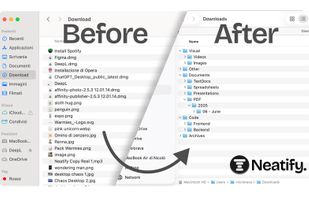





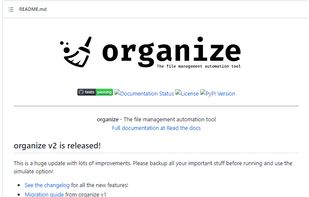
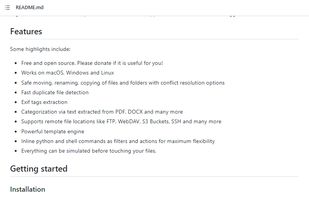


Sorts files in real time across multiple folders on Windows and macOS using advanced rules, including regex, file size, and date. Privacy-focused, operates fully offline, offers presets, unlimited rules with Pro license, and supports one-time purchase with lifetime updates.
 Türkiye




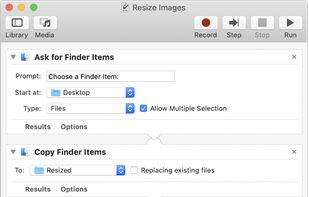
With Automator, you can accomplish time-consuming, repetitive manual tasks quickly, efficiently, and effortlessly. Automator lets you skip the complex programming and scripting that is normally required to create automations.
United States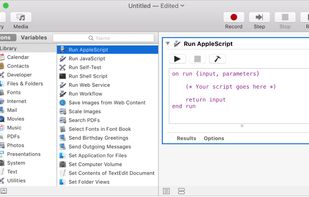


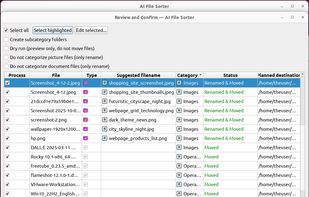
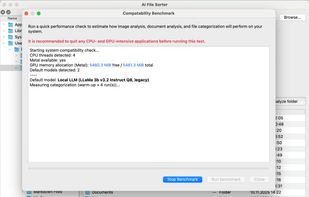
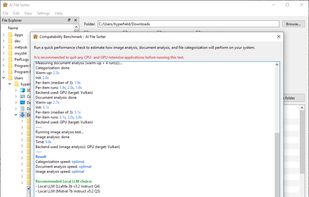
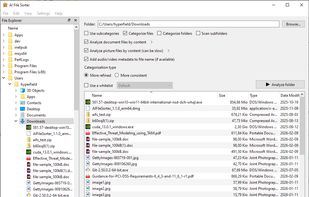
Privacy-first desktop app where local AI analyzes files and the app safely performs deterministic sorting with image and document renaming.


Effortlessly transcode videos, remove black bars, cut commercials, and convert to popular formats like H.265, HEVC, AV1, and H.264.





A native macOS SwiftUI application that uses AI to intelligently organize directory contents into relevant, semantically-named folders.
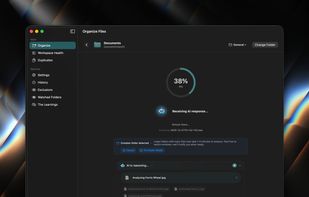
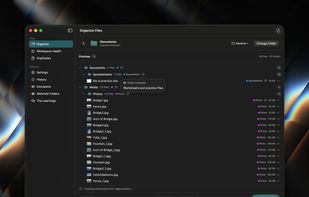
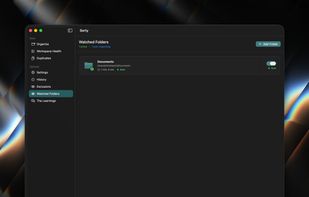




Organize Files, Folders and Desktop Easily on Windows, Mac, and Linux.
 CyprusEU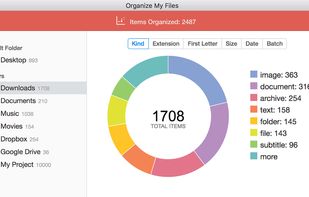
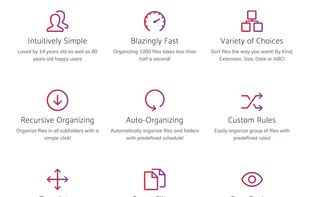
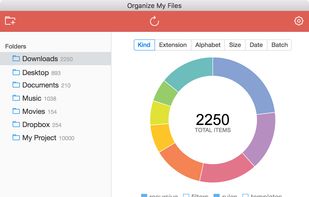
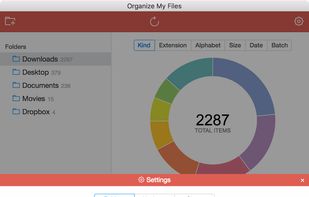


The application automatically processes files and folders based on the rules specified by the user.
The app is open source, based on Python/PySide6.