Use a straightforward BASIC-like scripting language to automate your Windows GUI. Simulate key presses, mouse movement, window attributes and much more.
Cost / License
- Free
- Proprietary
Application type
Platforms
- Windows
 Australia



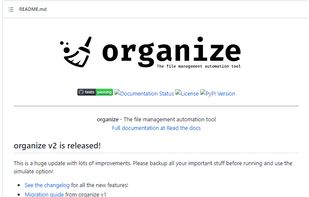
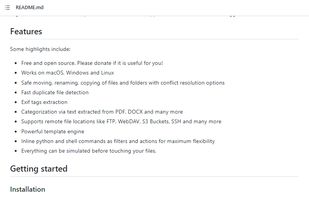
Apps similar to SortSage include AutoIt, which is free. Other options are DropIt, Hazel, Organize and AI File Sorter. You can choose from more than 10 File Managers like SortSage for Mac, Windows and Linux.
Use a straightforward BASIC-like scripting language to automate your Windows GUI. Simulate key presses, mouse movement, window attributes and much more.
Australia
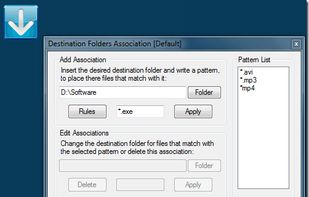
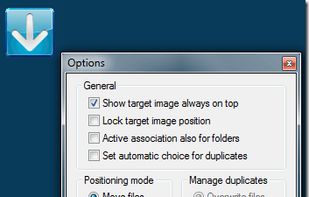
Automates moving, sorting, compressing, and handling files and folders using 17 different actions, advanced filtering by properties and regular expressions, profile-based automation, scheduled folder scans, and seamless drag-and-drop bulk processing.
 Italy
Italy EU
EU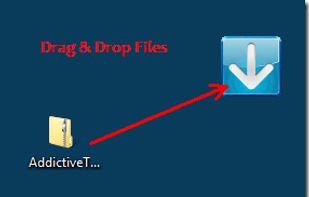


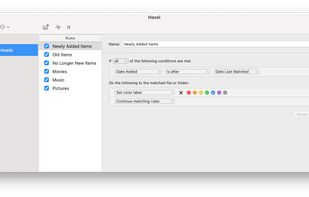
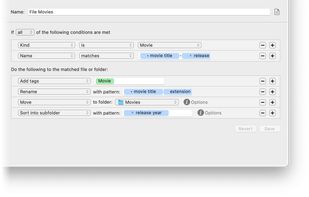
Automates file management on Mac by monitoring folders, sorting, renaming, moving, archiving, and tagging files with user-defined rules. Manages trash, removes remnants after app deletion, integrates with Spotlight, imports to media libraries, and supports automation.
 United States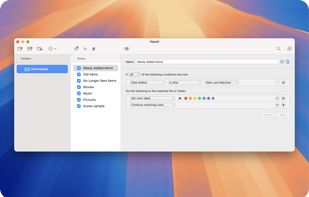




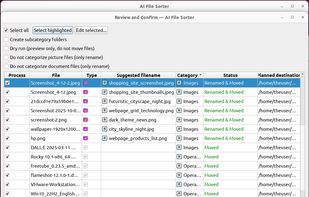
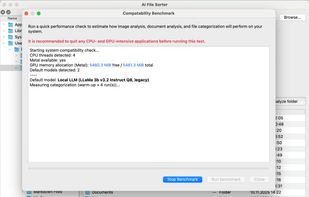
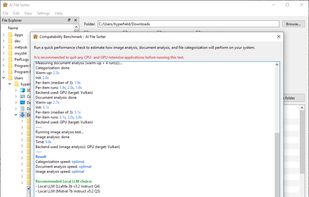
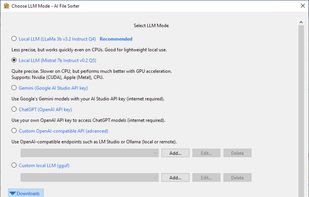
Privacy-first desktop app where local AI analyzes files and the app safely performs deterministic sorting with image and document renaming.


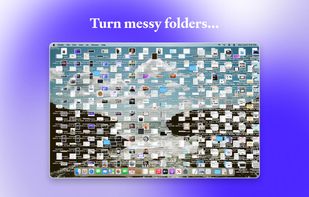
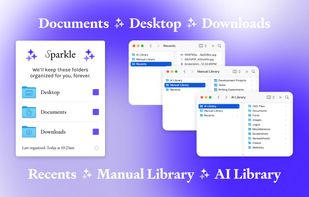
Sparkle uses AI to create a unique folder system and organize every new file (and all your old ones) into the right place. It manages your Downloads, Desktop, and Documents folders so you don't have to.
United States



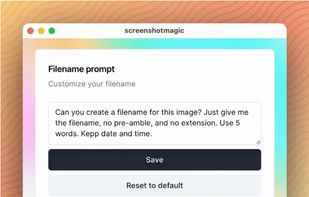
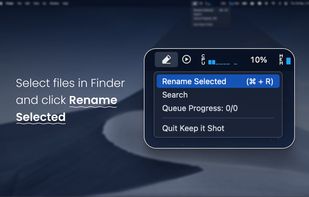
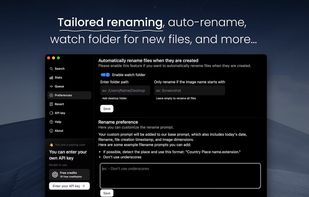
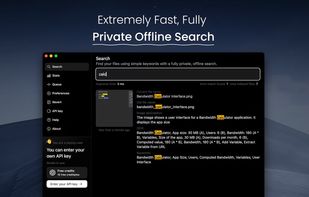
Automatically generates descriptive filenames for images and videos using AI, batch renames files, enables instant keyword indexing, provides offline private searching, supports file revert, custom rename prompts, and helps organize large local media libraries efficiently.
 FranceEU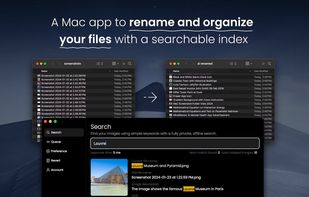


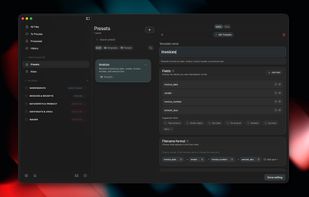
Intelligently renames PDFs, scans, images, and Office documents on macOS by extracting dates, vendors, and other details, applying templates, automating via watched folders, tagging, batch history with undo, and supporting local or cloud AI processing.
 NetherlandsEU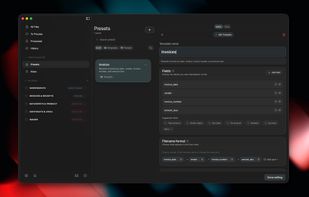


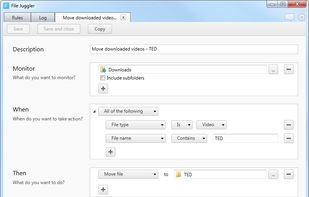
File Juggler is a Windows utility for automatic file management. Set up rules and have filejuggler move your files to their correct locations automatically.
 DenmarkEU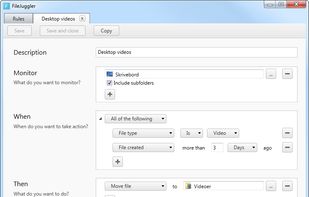


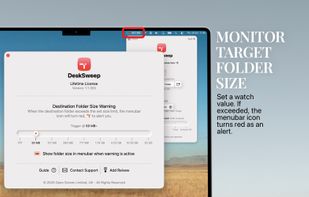
Boost your productivity by eliminating clutter—DeskSweep automatically organizes your desktop by moving files to a designated folder, ensuring a clean and distraction-free workspace.
 United Kingdom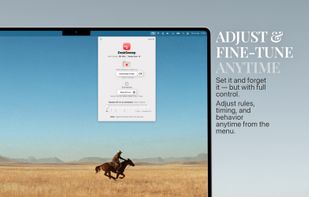



This command-line DAM analyzes image, PDF, and text content using multimodal AI models, auto-suggests descriptive filenames, enforces structured ontology for tagging, embeds XMP/IPTC metadata via ExifTool, supports local/offline use, and caches results to optimize usage.

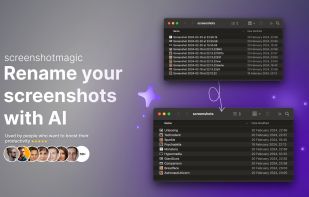
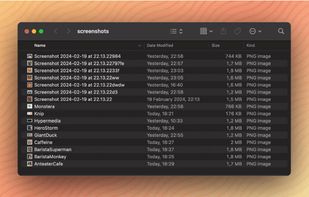
AI-driven Mac application automatically batch-renames screenshots and images, streamlining organization with customizable naming, reducing clutter, and simplifying file management, making it easier to retrieve, sort, and handle large image libraries efficiently.
 SwedenEU