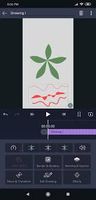
YouTube's official editing app, offering a range of features such as filters, effects, royalty-free music, voiceover, auto-captions & more, to enhance your videos without complex editing tools.
 United States


+4



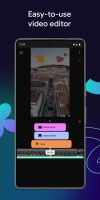
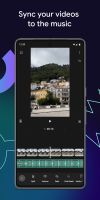
Apps similar to HanFlow Cut include Kdenlive, which is free and open source. Other options are Shotcut, Avidemux, OpenShot and DaVinci Resolve. There's no shortage of Video Editors like HanFlow Cut, with more than 50 alternatives for Windows, Mac, Android, iPhone and Linux.
YouTube's official editing app, offering a range of features such as filters, effects, royalty-free music, voiceover, auto-captions & more, to enhance your videos without complex editing tools.
United States
Leverages multitrack timeline editing, built-in filters, effects, title templates, and stickers. Enhance video with audio tools, slow motion, and stabilize clips. Fast export to popular formats, upload directly to YouTube, Vimeo, and Google Drive.
 Cyprus
 EU
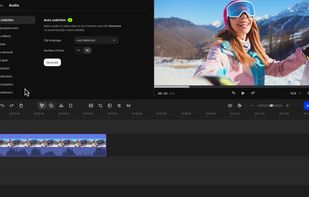

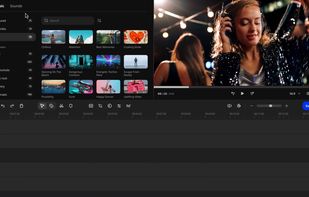


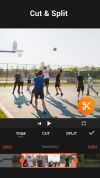
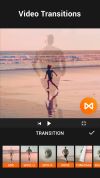
YouCut is a clear, capable, and affordable video editing app for Android and iOS. In addition to the standard clip joining, trimming and splitting, you get cool effects, filters, transitions, PiP, background music, speedup/slowdown, and text overlays.
United States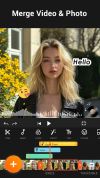


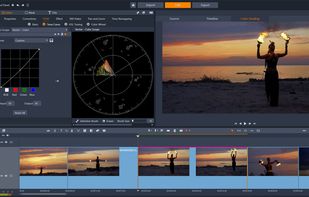
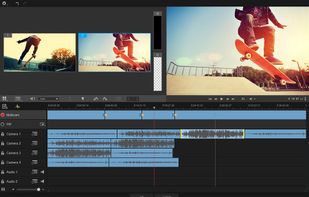
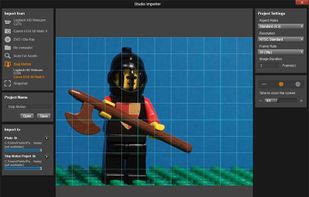
Non-linear editor for Windows supporting HD, 4K, and 360 video, unlimited tracks, advanced effects, multi-camera editing, screen recording, stop motion, enhanced keyframe controls, audio layering, split screen, selective color, and disc or web export.
United States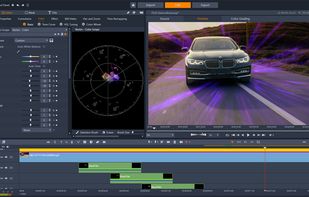


Comprehensive AI tool for video, image, audio enhancement, offering remastering, upscaling, various conversions, and basic editing, powered by GPU acceleration, for HD/4K HDR content from devices like iPhone, GoPro, and more.
 China

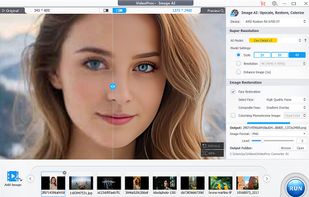
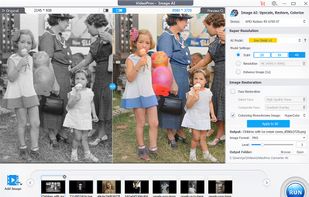
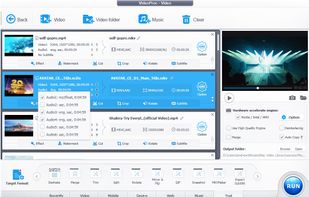


LightCut is an AI-powered video editing app with awesome templates and effects that help you create stylish videos and vlogs with ease. Try the AI video editor for unique videos with just a tap, or the Inspire Cam feature, which lets you shoot like a pro.
China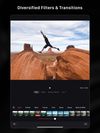




Comprehensive video-editing software enabling HD and standard-definition movie creation with intuitive editing tools, advanced creative control, and seamless sharing on social media, mobile devices, and disc formats for both beginners and experts.
 Canada
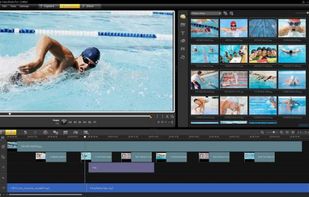

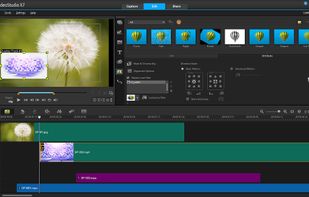


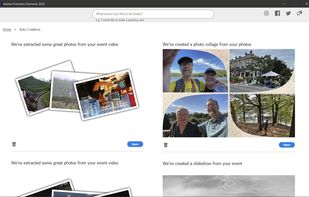
Consumer video editing software offering AI-powered automation, beginner-friendly guided edits, creative effects, easy trimming and merging, media organization, movie and collage creation, social sharing, mobile and web access, and support for Windows and Mac.
United States
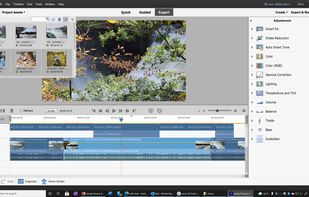
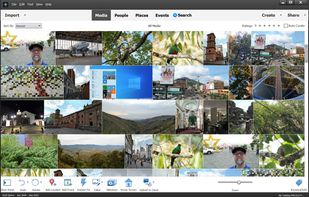


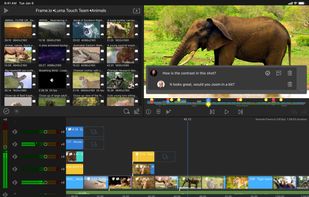
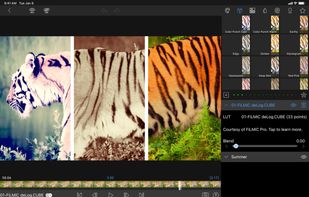
LumaFusion offers powerful features and an elegant UI. The simple-start timeline gives new users an intuitive head start, and professionals will find all the powerful features they need.
United States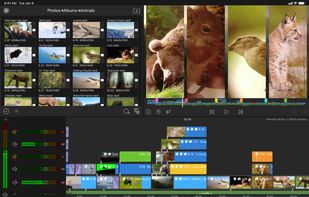
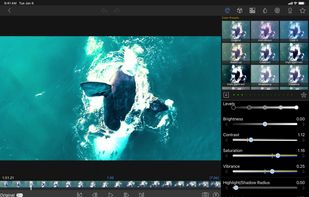


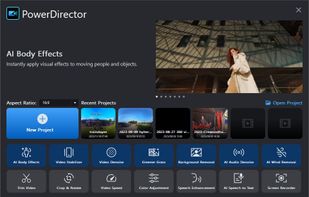
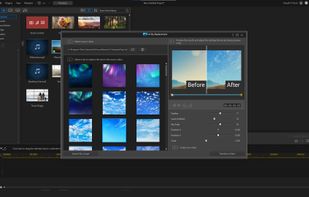
Video editor featuring AI-driven tools like video enhancement, speech to text, and motion tracking. Includes custom avatars, professional titles, templates, and stock content for creative projects.
 Taiwan
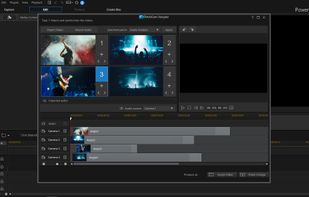


This entry-level video editor offers a user-friendly drag-and-drop interface supporting various file types, advanced customization options with presets, keyframe animations for effect modulation, and features such as multicam support, storytelling tools, and more.
 GermanyEU