


Gyazo Alternatives
Gyazo is described as 'Lets you instantly grab the screen and upload the image to the web. You can easily share on Chat, Social, Email, or anywhere!' and is a screenshot capture tool in the photos & graphics category. There are more than 100 alternatives to Gyazo for a variety of platforms, including Windows, Mac, Web-based, Linux and Google Chrome apps. The best Gyazo alternative is ShareX, which is both free and Open Source. Other great apps like Gyazo are Flameshot, Greenshot, N-Studio and Ksnip.
Alternatives list

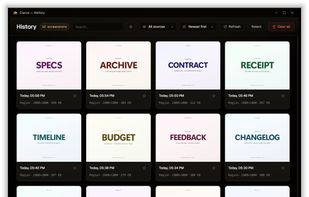
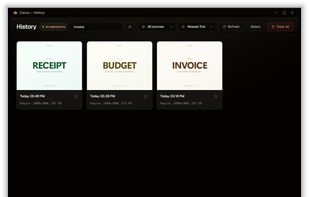
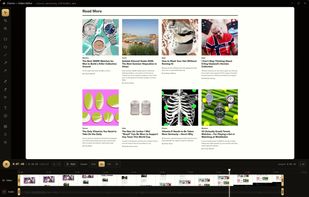
Screenshot and screen recording tool for Windows designed for fullscreen, area, or window captures, with audio recording, advanced annotation editor, and text-based search. Pro features add scrolling capture, text extraction, webcam, replays, and cloud sharing.
Cost / License
- Freemium
- Proprietary
Application types
Platforms
- Windows



 +2
+2


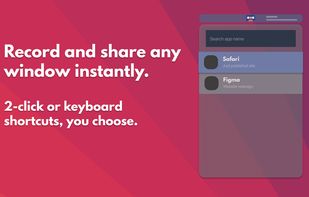
Share or record any number of windows over a clean background, without icons, folders or notifications.

 +1
+1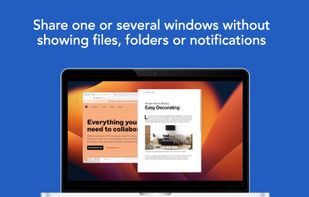


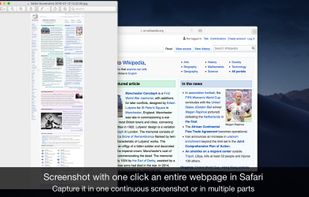
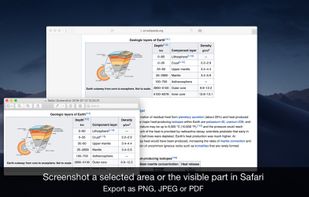
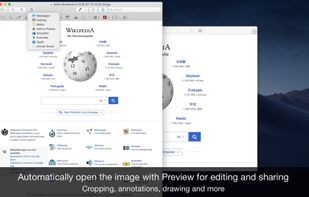
Page Screenshot for Safari is an awesome extension, just a click away, ready to use every time you need to capture a webpage screenshot, either the full page or just part of it.


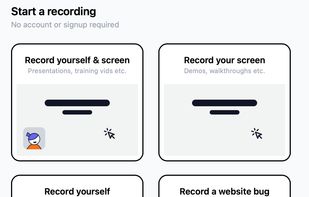
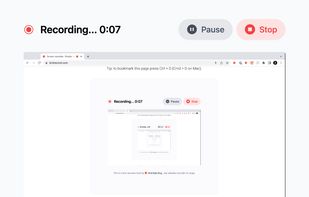
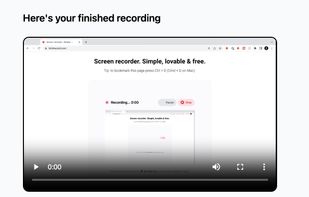


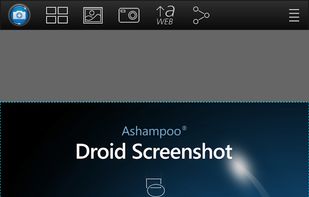
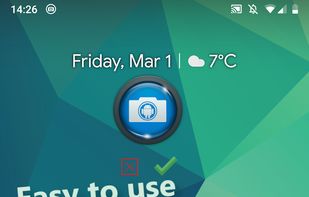
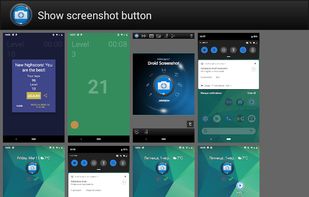
Ashampoo Droid Screenshot is a fully-fledged mobile application to capture, edit and share screenshots and images on your Android device. Capture screen contents, take photos with your built-in camera or simply load existing images and add stylable arrows, shapes, stamps and...
Cost / License
- Freemium
- Proprietary
Application types
Platforms
- Android
- Android Tablet
 +5
+5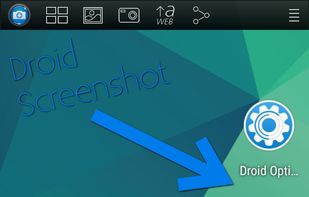


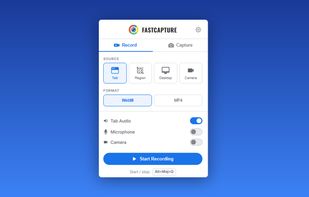
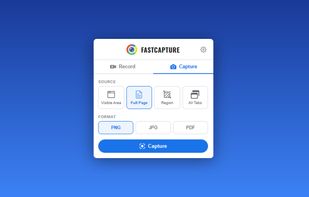
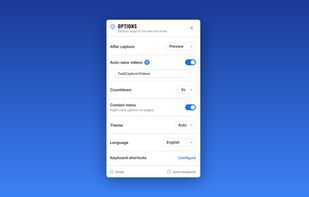
Record your screen, capture screenshots, annotate, and share them instantly. FastCapture is a lightweight, all-in-one Chrome extension for video recording, image capture, and annotation - no upload to external servers. Everything is processed locally in your browser.
Cost / License
- Free
- Proprietary
Application types
Platforms
- Google Chrome
 +1
+1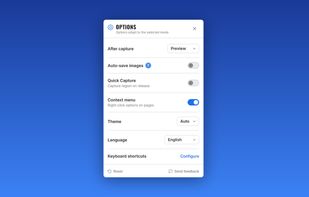


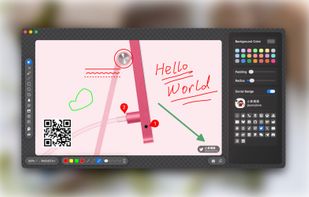
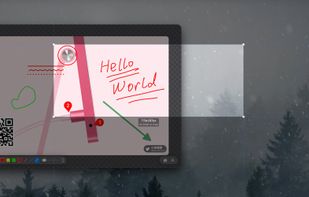
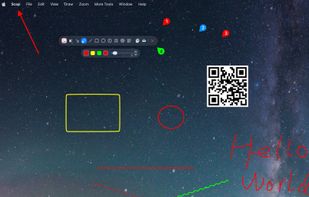
Enables macOS users to capture screenshots, annotate images, draw on a blank canvas, overlay image layers, use blur, mosaic, spotlight, QR code, watermark tools, add social badges, manage high-resolution export, and quickly share visuals via clipboard or file.
 +2
+2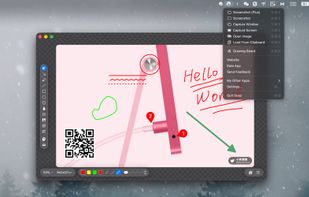


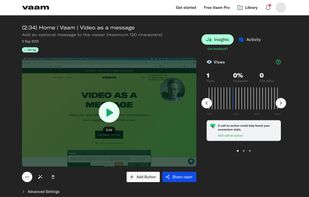
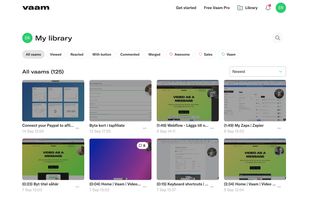
Vaam, video as a message, lets users create and access a shareable video in seconds, with the click of a button. It's a fun and beautiful experience where every company can have their own branding.
Cost / License
- Freemium
- Proprietary
Application type
Platforms
- Mac
- Windows
- Linux
- Online
- Google Chrome
- Software as a Service (SaaS)


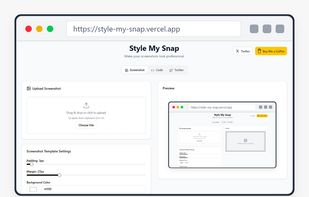
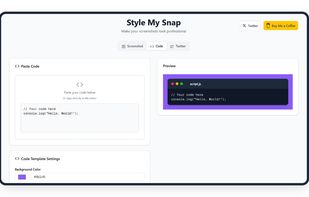
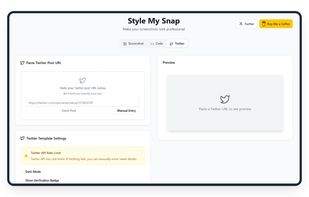
Style My Snap is a free online tool that helps you create professional-looking screenshots, code snippets, and Twitter posts. Perfect for developers, designers, and content creators who want to make their images stand out on social media and documentation.
Cost / License
- Free
- Proprietary
Platforms
- Software as a Service (SaaS)


 United Arab Emirates


 United States


 South Korea


 Romania
 EU
EU


 Germany





 China
China


 India
India


