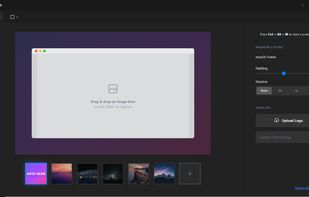


ScreenshotMenu is a small menu bar app that puts all of macOS's screenshot modes into one menu, so you don't need to remember keyboard shortcuts.
 Czechia
 EU
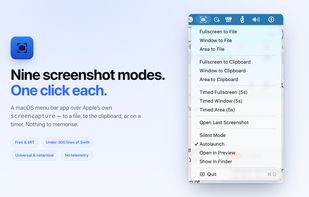

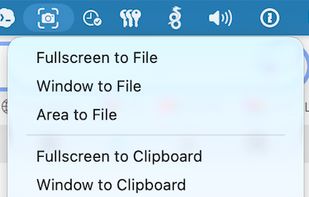





The best Screenshot Capture alternative to Greenshot is ShareX, which is both free and Open Source. If that doesn't suit you, our users have ranked more than 100 alternatives to Greenshot and loads of them are Screenshot Capture Tools so hopefully you can find a suitable replacement. Other interesting Screenshot Capture Tool alternatives to Greenshot are Flameshot, Snipping Tool, PicPick and macshot.
ScreenshotMenu is a small menu bar app that puts all of macOS's screenshot modes into one menu, so you don't need to remember keyboard shortcuts.
CzechiaEUHardcopy allows you to take screenshots, mark them and save them.
Standard Hardcopy: The key [Print] prints out the current screen. The key [Alt+Print] prints out the current window. A click onto the Hardcopy - symbol in the System Tray prints out the current screen. In additio.

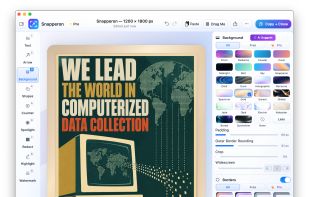
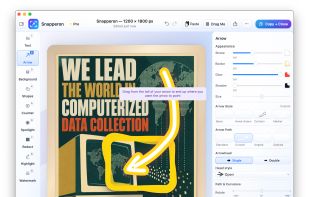
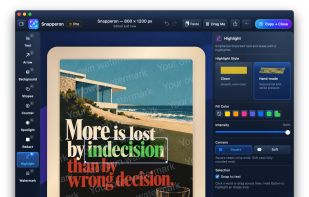
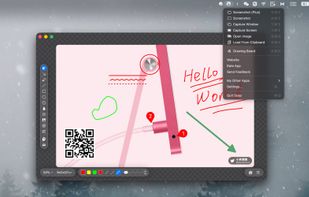
Snapperon is a native macOS app for capturing screenshots, annotating images and PDF pages, and preparing clear visuals for documentation, feedback and presentations. Add styled arrows, text banners, numbered steps, highlights, shapes, spotlights, freehand marks and redaction.


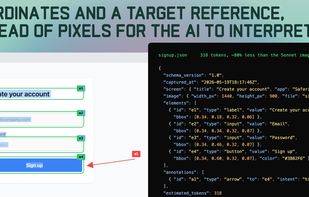
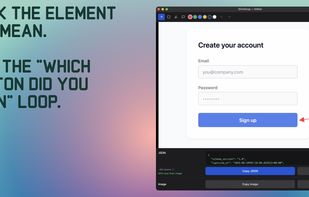
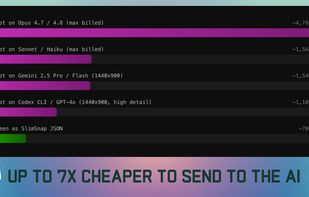
SlimSnap is a Mac app that turns a screenshot into structured JSON instead of an image. It captures the screen, runs OCR locally, and outputs the text, elements, colors, and bounding boxes, so terminal AI coding agents (Claude Code, Aider, Codex CLI) can act on the exact element...

Capture any part of your screen and turn it into a floating card. On-device OCR, scroll capture, dock-to-edge gestures. Runs entirely on your Mac.
 Ukraine


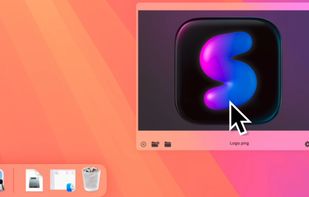
Capture macOS screenshots with a floating thumbnail for quick actions like renaming, copying, extracting text, scrolling capture, and local background removal. Supports custom folders, virtual desktops, Apple Silicon, temporary stashing, privacy, and customization.

Enables macOS users to capture screenshots, annotate images, draw on a blank canvas, overlay image layers, use blur, mosaic, spotlight, QR code, watermark tools, add social badges, manage high-resolution export, and quickly share visuals via clipboard or file.
 China
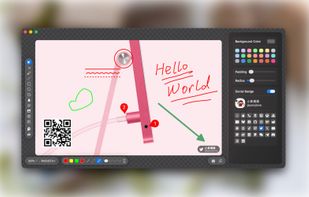
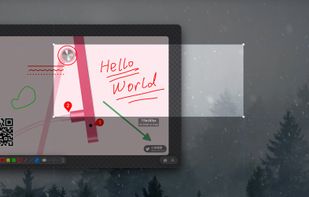
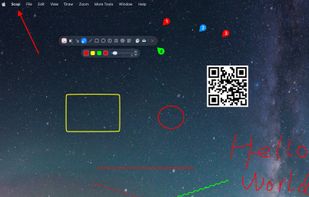


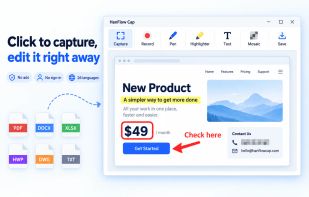
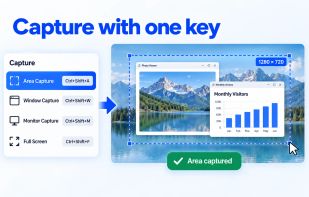
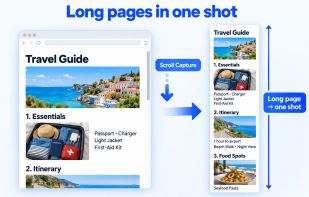
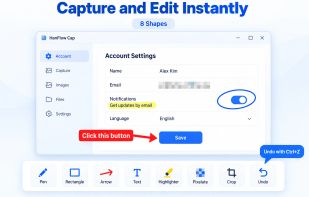
HanFlow Cap captures a region, window, monitor or the full screen with one shortcut, including scrolling capture for long web pages. Mark up captures right away with pen, arrows, text, mosaic and crop. Record your screen with system audio and microphone, plus webcam overlay...
 South Korea

BlurSnap is a Windows screenshot utility built around an inverted workflow: instead of capturing a screen and then hunting for sensitive details to hide, the capture opens fully blurred and you paint to reveal only the parts you actually want to show.
Ukraine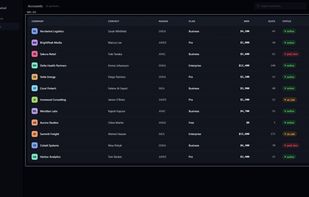
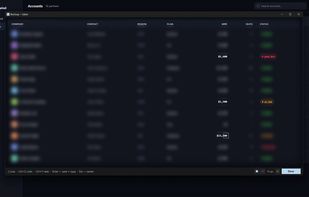


EasyCapture Pro is a screenshot utility designed for Windows users who need a quick and simple way to take screenshots and save images locally.
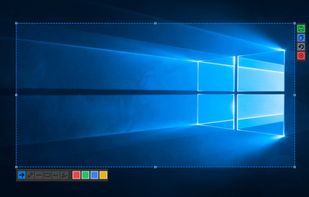
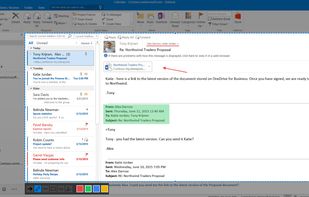
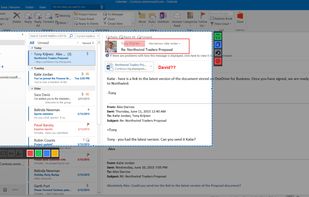


Quilt is your utility for effortlessly turning anything on your screen from books in apps like Apple Books, HTML slides or textbooks even into a PDF with custom keybinds or mouse clicks.
 Canada
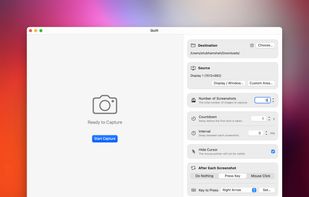

ScreenX is a native Windows screenshot utility designed for speed and aesthetics. Built on a lightweight Rust (Tauri) backend, it replaces slow, memory-heavy Electron apps with a buttery-smooth React interface.
 Nigeria