Gyazo lets you instantly grab the screen and upload the image to the web. You can easily share on Chat, Social, Email, or anywhere!
Cost / License
- Freemium (Subscription)
- Proprietary
Application typeApplication types
Since
- Since 2010
 United States





There are many alternatives to Greenshot for Mac if you are looking for a replacement. The best Mac alternative is Flameshot, which is both free and Open Source. If that doesn't suit you, our users have ranked more than 100 alternatives to Greenshot and loads of them are available for Mac so hopefully you can find a suitable replacement. Other interesting Mac alternatives to Greenshot are macshot, Ksnip, Snagit and Lightshot.
Gyazo lets you instantly grab the screen and upload the image to the web. You can easily share on Chat, Social, Email, or anywhere!
United States
Capture the whole page or any portion, annotate it with rectangles, circles, arrows, lines and text, one-click upload to share.
United States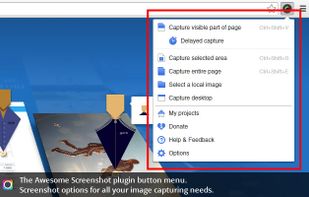

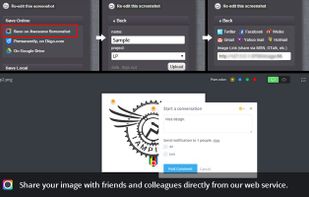


PrintScreenly is a desktop-first screenshot and screen recording app for macOS, Windows, and Linux, with web, iOS, and Android versions. Capture regions, windows, fullscreen, or entire scrolling pages with pixel precision.
United States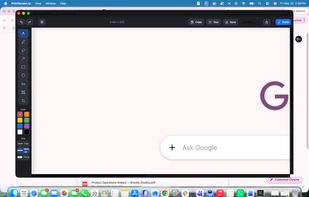
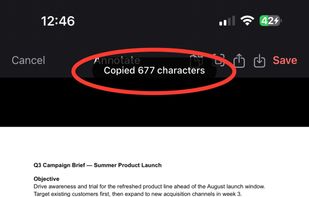


Monosnap allows you to save screenshots easily, conveniently, and quickly, sharing them with friends and colleagues at once.
 Cyprus
 EU


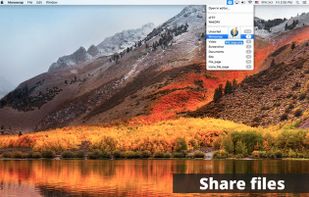


The definitive screen capture utility for macOS, designed with simplicity and efficiency in mind.
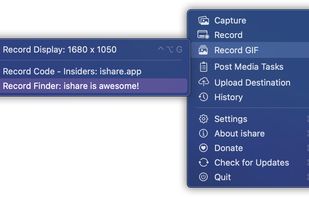


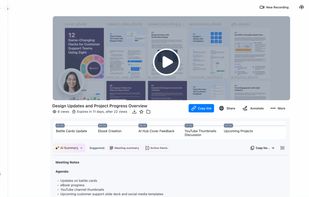
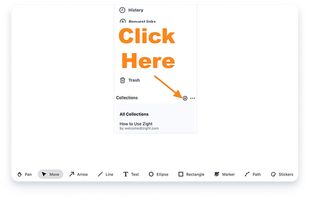
Enables screen and webcam capture, detailed video and screenshot editing, organized meeting notes, AI-powered transcription, and cloud-based instant sharing of annotated visual content via direct links or drag-and-drop integration with communication apps on Windows and Mac.
United States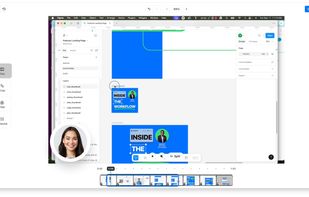


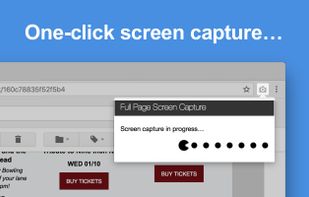
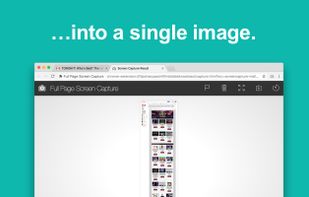
The simplest way to take a full page screenshot of your current browser window. Click on the extension icon (or press Alt+Shift+P), watch the extension capture each part of the page, and be transported to a new tab of your screenshot where you can download it as an image or PDF...
United States


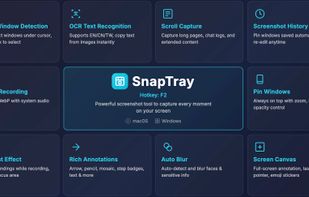
SnapTray is a tray-native screenshot and screen recording app for macOS and Windows. It is built for fast desktop workflows: capture a region, explain it instantly, keep references on screen, and turn the same moment into a shareable image or video.
 Taiwan
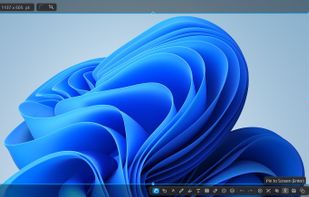


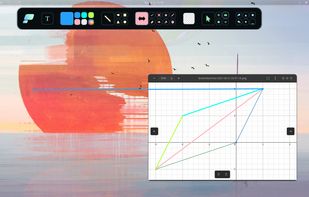
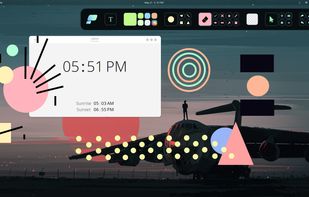
Pensela is an screen annotation tool that can also take screenshots available cross-platform.


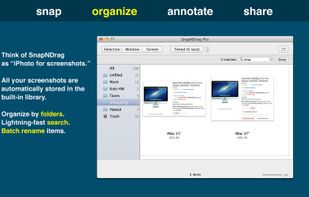
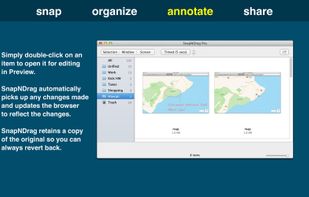
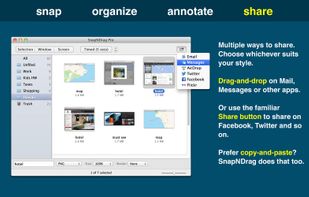
SnapNDrag makes taking screenshots super easy. Click, select and the screenshot is added to your library. SnapNDrag maintains a library of all the screenshots you have ever taken. Think of it as iPhoto for screenshots.
United States


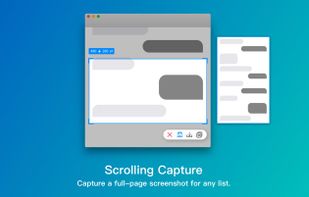
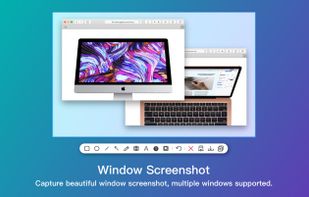
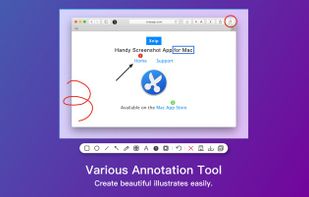
Screenshot app for macOS includes scrolling capture for full-page screenshots, multi-window selection, annotation tools, color picker, shadow effects, object measurement, pixel accuracy, and pinning images—ideal for code, chats, articles, and design references.
 China


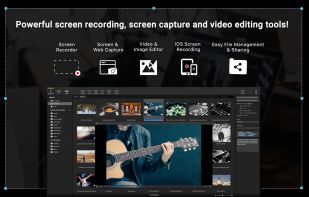
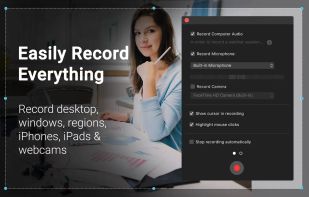
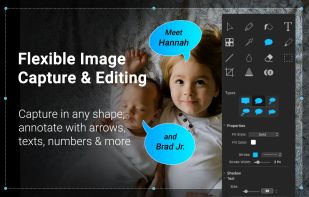
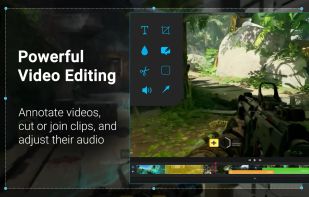
Capture HD video at 60 FPS, record iOS devices, and edit screen or image content with annotation, voiceover, and advanced file management. Includes fullscreen, selection, and web capture, quick sharing to cloud, FTP, YouTube, and fast search for Mac users.
 India