


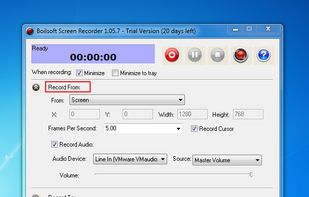
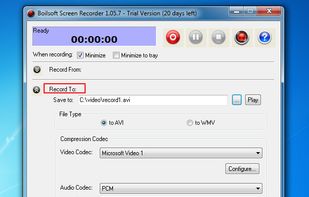
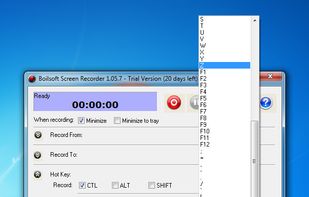
Boilsoft Screen Recorder is a screen-recording software helps to capture screen activities and record video to avi, wmv from microphone, line-in, or speakers for screen sharing.
 China



+1





The best Screenshot Capture alternative to Greenshot is ShareX, which is both free and Open Source. If that doesn't suit you, our users have ranked more than 100 alternatives to Greenshot and loads of them are Screenshot Capture Tools so hopefully you can find a suitable replacement. Other interesting Screenshot Capture Tool alternatives to Greenshot are Flameshot, Snipping Tool, PicPick and macshot.
Boilsoft Screen Recorder is a screen-recording software helps to capture screen activities and record video to avi, wmv from microphone, line-in, or speakers for screen sharing.
China
Snipper is a modern screenshot tool for Windows designed to make capturing and sharing screenshots faster.
 New Zealand
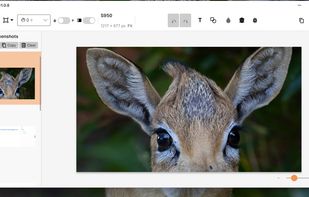
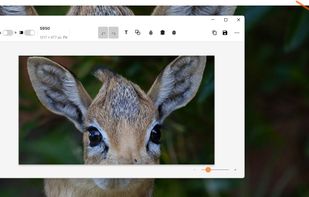


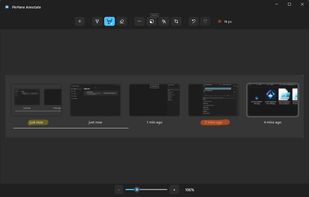
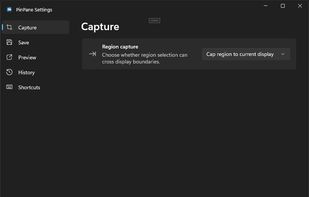
PinPane is a Windows screenshot tool built for captures you still need after taking them. Take a region, window, or full-display capture with familiar Print Screen shortcuts, then pin it as a floating reference image that stays above all other windows.


Boxoft Screen OCR is fast and easy-to-use software which helps to extract any area on your screen, recognize every character and then save as TXT file. Price: 27 USD. The smart tool enables you to select text from anywhere on the screen, including areas that you cannot highlight...
China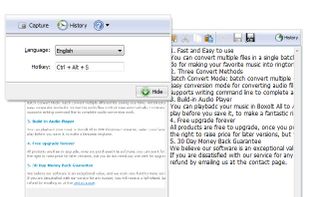


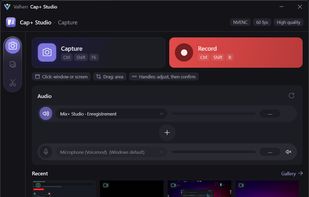
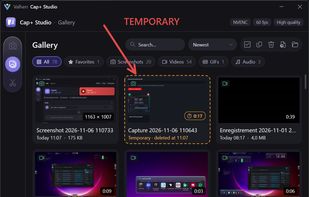
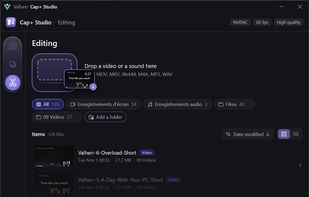
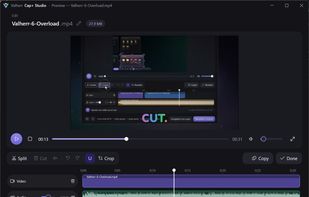
Screen capture, recording and quick editing photo, audio, video and gifs for Windows, with independent audio source selection.
 France
 EU


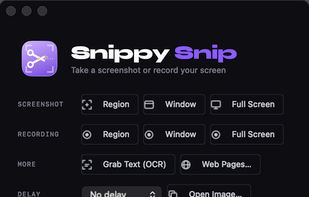
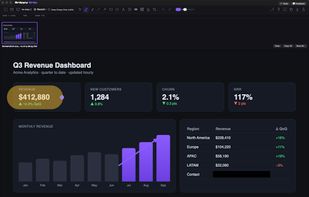
Snippy Snip is the snipping tool your Mac always needed: paste-ready screenshots that land on your clipboard instantly, a full annotation editor that keeps the clipboard in sync as you edit, and screen recording you can watch before you keep it.
 United States


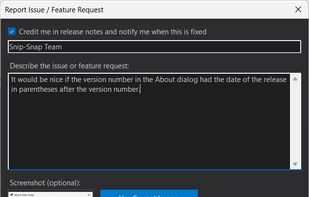
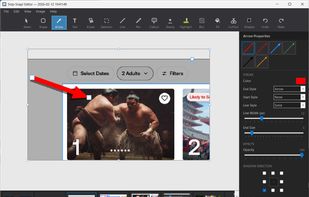
Snip-Snap! is a lightweight, privacy-focused screenshot utility for Windows 10/11. Capture regions, windows, or full screens with pixel-perfect precision using a built-in magnifier. Features a powerful editor with annotations (arrows, text, shapes, highlighters), quick styles...
United States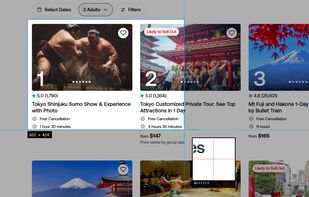
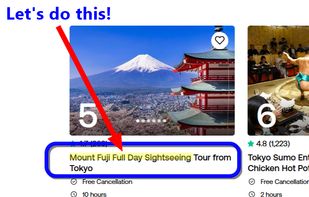


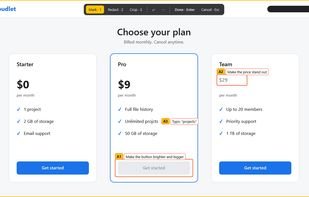
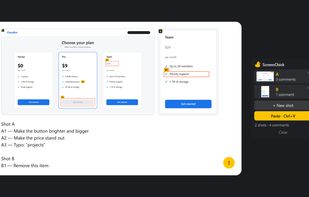
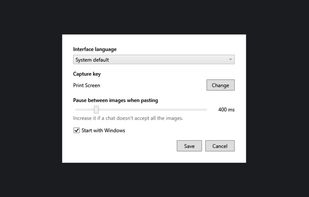
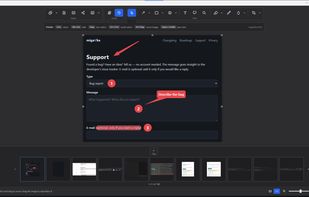
Annotated screenshots for AI chats: circle a spot, add a comment, paste it all with one Ctrl+V. Windows, offline, free and open source.


Fast, private screenshot and screen recording tool for Windows 11 — capture, annotate, record MP4/GIF and OCR, all fully offline.

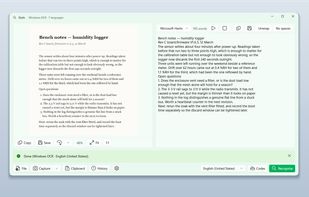
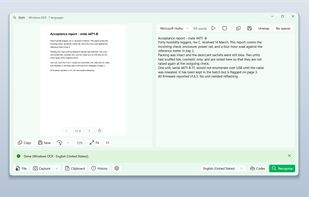
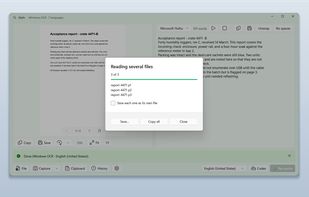
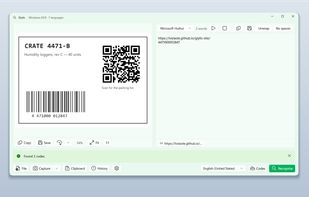
Glyfo turns pictures of words back into words. Drag a box around part of the screen with Alt+Z, open an image or a PDF with Ctrl+O, paste from the clipboard, or send a file over from Explorer, Photos or Snipping Tool.

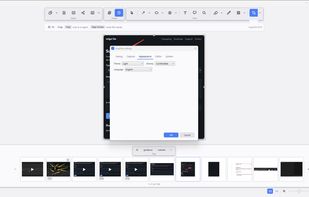
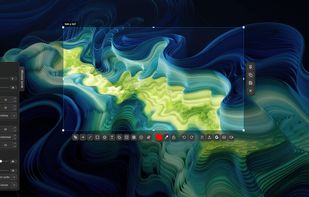
Fast, lightweight screenshot and screen recording tool for Windows and Linux with annotations, OCR, uploads, pinned captures, GIF and MP4 recording.
 Türkiye


 South Korea


