

GOM Cam is described as 'Record what you see on your PC screen exactly as it appears. GOM Cam also records all audio outputs from your PC, allowing you to make more dynamic videos. Record your computer screen, webcam video or games, and share with others on YouTube, Google Drive or Facebook' and is a screenshot capture tool in the photos & graphics category. There are more than 50 alternatives to GOM Cam for a variety of platforms, including Windows, Mac, Linux, Web-based and Android apps. The best GOM Cam alternative is OBS Studio, which is both free and Open Source. Other great apps like GOM Cam are SimpleScreenRecorder, MSI Afterburner, VokoscreenNG and Bandicam.


Debut is a screen capture and video recording software that records videos from your screen, webcam or other video devices.


recordMyDesktop is a desktop session recorder for GNU / Linux that attemps to be easy to use, yet also effective at it's primary task. As such, the program is separated in two parts; a simple command line tool that performs the basic tasks of capturing and encoding and an...


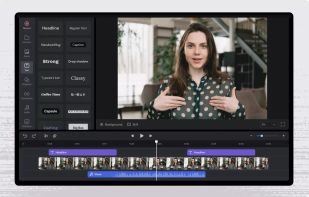
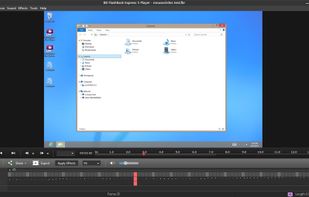
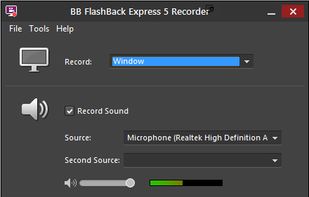
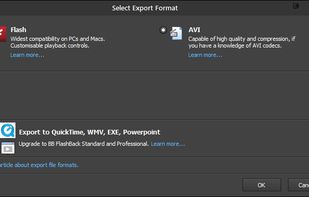
Free software which lets you record your screen, add a PIP webcam and select multiple options to export your video to. It will first store a lossless proprietary file which you can review frame by frame and then easily experiment with the output options to select best suited.


Screen recorder for Android and Wear OS that allows to record/capture the microphone audio while sharing it with other apps.


Designed for content creators, Elgato Game Capture is a professional videogame recording and live-streaming software for Windows.


ShadowPlay is a graphics-accelerated overlay to record and share high-quality gameplay videos, screenshots, and livestreams.


Ultimate screen recorder software for game recording, video tutorials, product demos, YouTube videos and more. Screenbits allows you to capture screen content, system sound, microphone and camera into HD/4K quality video files.


VSDC Free Screen Recorder is an easy-to-use lightweight screen recorder software that lets you capture your PC screen and save it in the MP4 format. It lets you capture the entire desktop screen, a selected area or even a videogame window of any resolution.


Enables screen video, audio, and webcam capture with support for system sounds, microphone input, annotation tools, zoom, custom watermarks, automated scheduling, screenshot upload, adjustable quality, region selection, and support for over 45 languages.


If you spend too much time on email and chat, try sending instant video messages and screenshots with ScreenRec. You'll get your point across faster and save precious hours.


Apowersoft Screen Recorder captures screen and audio activity, saving it as WMV video files. It includes a converter for transforming WMV files into formats like AVI, MP4, FLV, SWF, and more. The software records PC screen activity with audio, webcam videos, external device...