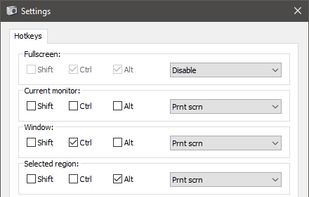
Freeware tool for taking fast and simple screenshots of the entire screen, windows and regions.
 Kazakhstan





Apps similar to Firefox Screenshots include ShareX, which is free and open source. Other options are Greenshot, Flameshot, Snipping Tool and PicPick. There's no shortage of Screenshot Capture Tools like Firefox Screenshots, with more than 100 alternatives for Windows, Mac, the web, Linux and iPad.
Freeware tool for taking fast and simple screenshots of the entire screen, windows and regions.
Kazakhstan
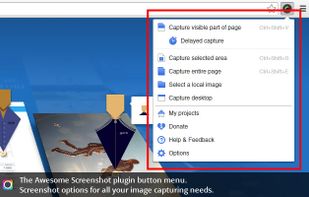
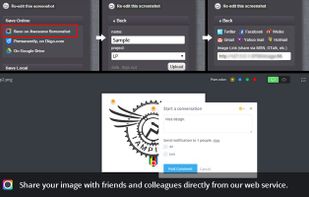
Capture the whole page or any portion, annotate it with rectangles, circles, arrows, lines and text, one-click upload to share.
 United States






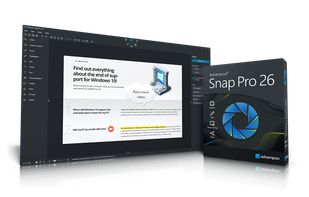
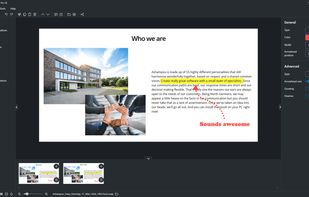
Capture screenshots or record videos with Ashampoo Snap’s efficient tools. Enjoy easy editing, multi-display support, OCR for 180 languages, and instant sharing capabilities. Revamp your projects with video cutting, annotations, and custom capture options.
 Germany
 EU


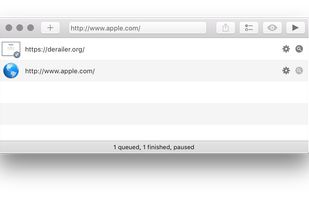
Paparazzi! is a small utility for Mac OS X that makes screenshots of webpages.
It’s written in Objective-C using the Cocoa API and the WebKit framework.
It was inspired by webkit2png which is a commandline tool written by Paul Hammond in pyObjC, so all intellectual credit for t.
United States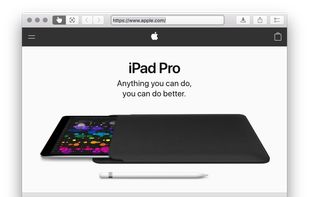
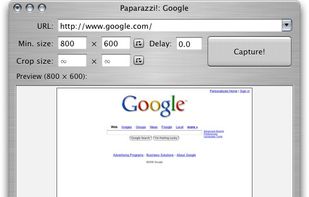
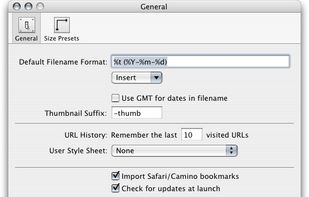


Full page screenshot, region capture, OCR text extraction, annotations, PDF export and scheduled captures. Free with $2.99 lifetime premium.


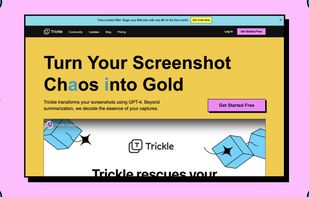
Trickle helps you summarize and organize screenshots, extracting insights for easy search and query. Transform visual chaos into an intelligent archive, allowing you to screenshot anything and effortlessly retrieve and utilize its contents later.





This extension is able to capture 100% of both the vertical and horizontal content appearing on any webpage on the Internet.


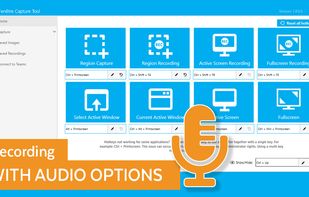
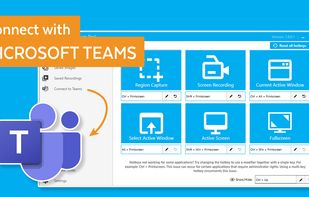
The Fenêtre Capture Tool for making professional screenshots and screen recordings. With advanced functions and abilities that other free capture tools don't offer.
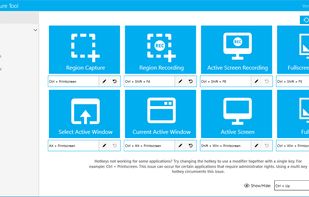
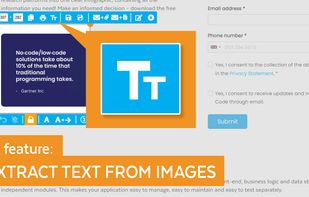


Meet MiniSnip, the smallest and fastest way to capture your screen and extract text with OCR on Windows. Open-source, feather-light, uses minimal resources, and stays completely out of your way.
Just one hotkey (Ctrl+Shift+C) is all you need to start.
United States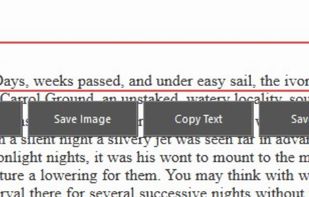


Screenshot Captor is a program for taking screenshots on your computer. Its different from other screenshot utilis in several notable ways:
United States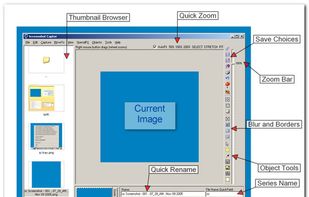
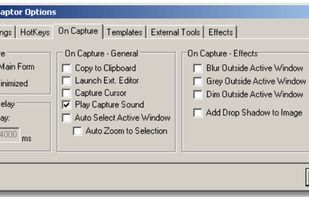
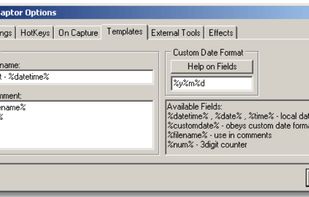
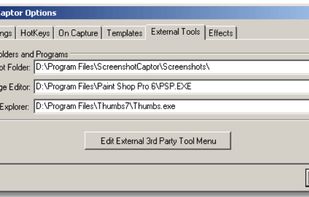


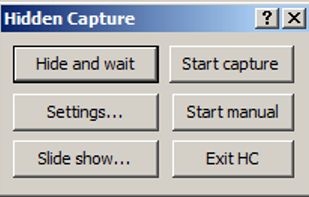
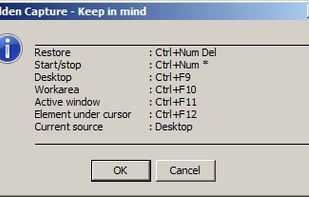
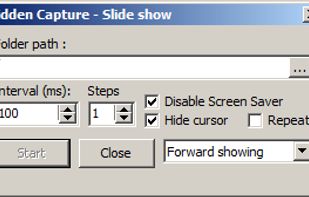
Grab screenshots in a stealth mode, and start the capturing process at a user-defined time with the help of this simple to use and efficient software tool.