
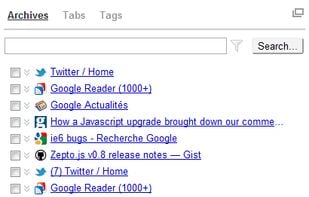
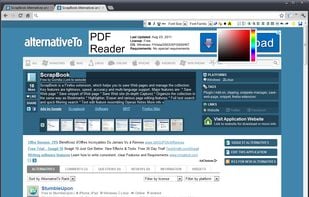
PageArchiver (previously called "Scrapbook for SingleFile") is a Chrome extension that helps you to archive web pages for offline reading.
Cost / License
- Free
- Open Source
 France
 EU
EUAlerts
- Discontinued
Platforms
- Mac
- Windows
- Linux
- Google Chrome



Find in Files (quick search text) is described as 'Find in Files is a free web tool that can quickly find a desired information in a dozen of files right in a browser. It can search a text in PDF files by phrases or regular expressions' and is a File Search utility in the file management category. There are more than 100 alternatives to Find in Files (quick search text), not only websites but also apps for a variety of platforms, including Windows, Mac, Linux and Mozilla Firefox apps. The best Find in Files (quick search text) alternative is SingleFile, which is both free and Open Source. Other great sites and apps similar to Find in Files (quick search text) are HTTrack, FSearch, Diigo and DocFetcher.
PageArchiver (previously called "Scrapbook for SingleFile") is a Chrome extension that helps you to archive web pages for offline reading.

PowerGREP is a powerful Windows grep tool. Quickly search through large numbers of files on your PC or network, including text and binary files, compressed archives, MS Word documents, Excel spreadsheets, PDF files, OpenOffice files, etc.
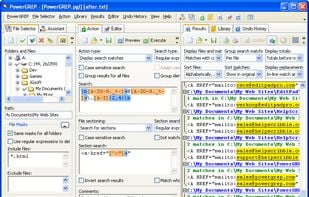
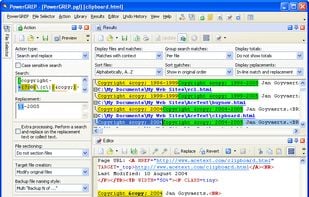

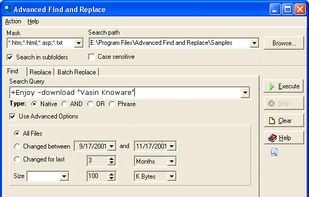
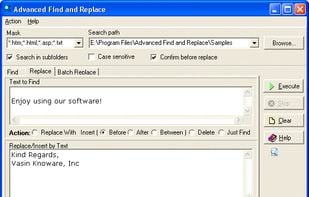
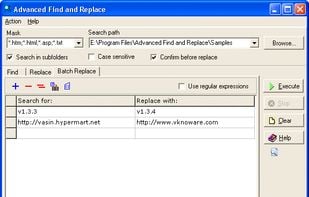
Search files with smart queries as with Google, replace simple or multiline text in multiple files. The batch replace operation easily updates hundreds of different links in several files. Extremely fast, easy to use, with excellent help.

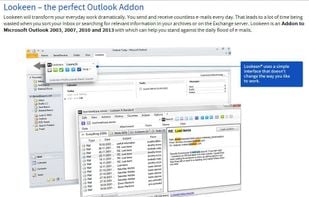
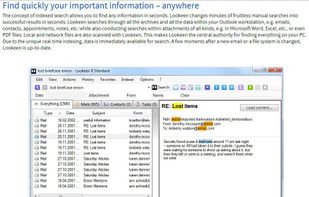
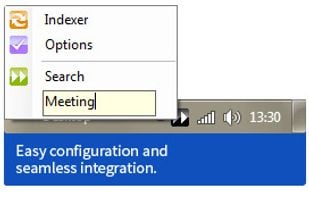
A fast and next-generation desktop search and productivity tool for standard and virtual desktops, for private and enterprise search requirements. Finds documents, outlook archives and e-mails, contacts, appointments, folders, etc.


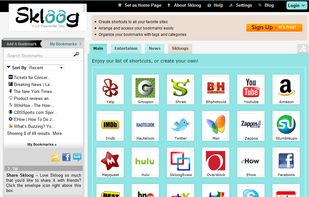
Skloog is a simple but powerful bookmark manager, that lets you organize your links by tag and category.

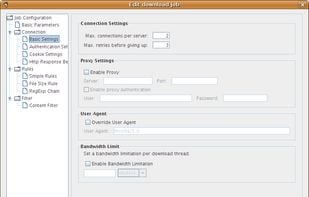
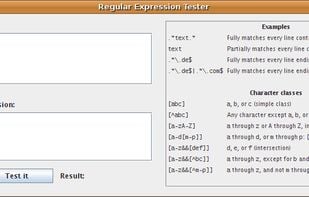
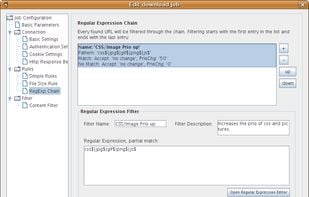
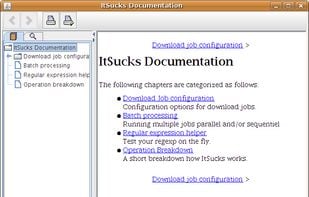
This project is a java web spider (web crawler) with the ability to download (and resume) files. It is also highly customizable with regular expressions and download templates.

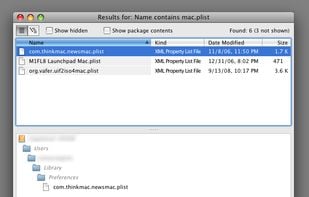
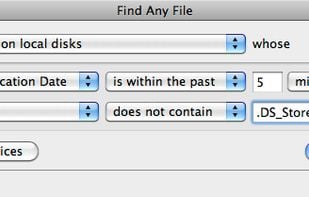
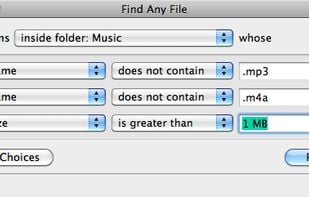
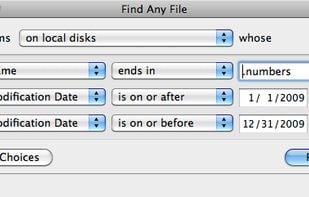
Find Any File searches your local disks for files by name, creation or modification date, size, or type and creator code (not by content, though). As there are other tools with a similar search operation, here are the special features unique to Find Any File:

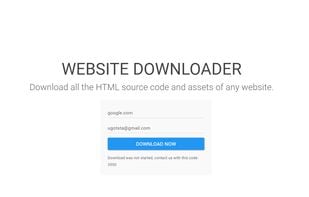
The Best Tool ever to download offline websites that can even download password and payment protected websites, you just have to click Download after you logging in to that website, and if some website has some notice like cookie notice then desktop software make a mess but this...
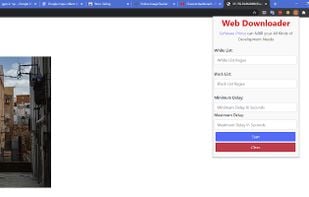
Web Downloader (Chrome Extension) is the most popular Android Tablet alternative to Find in Files (quick search text).

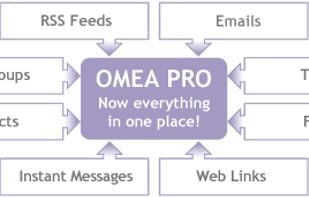
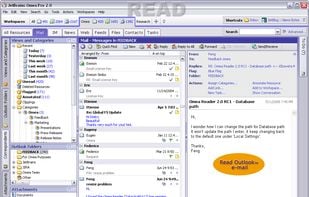
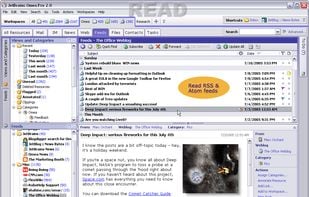
Omea Pro replaces tools like your Email Organizer, Desktop Search Utility, RSS Reader, Personal Information Manager, Newsgroup Reader, Task Manager, Contact Manager, Bookmark Manager, and Instant Message History Manager.

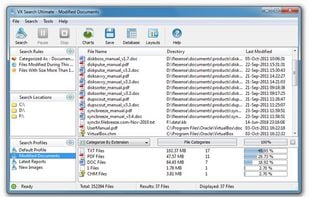
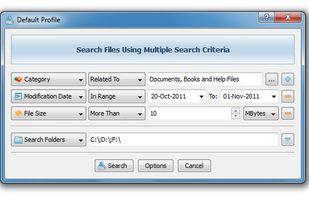
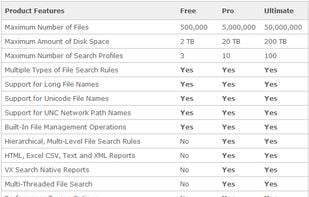
VX Search is an automated, rule-based file search solution allowing one to search files by the file type, category, file name, size, location, extension, regular expressions, text and binary patterns, creation, modification and last access dates, EXIF tags, etc.


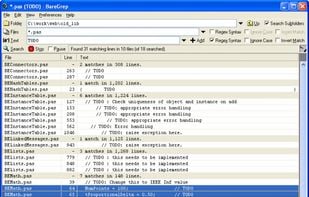
A free file finding and text searching tool:

 United Kingdom
 United States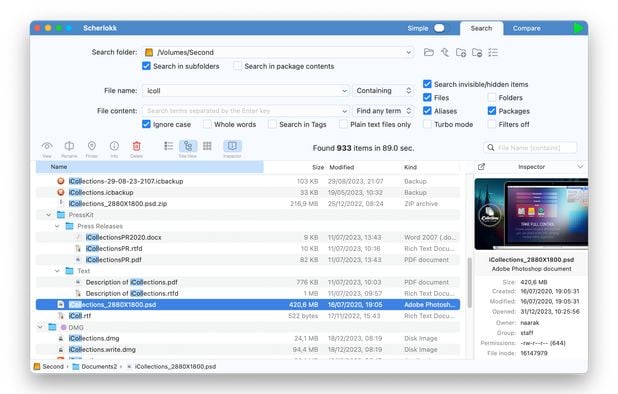


 Germany


 Czechia
 Cyprus
