An administrative tool that finds files and folders by filename instantly, displaying all files on local or network drives. Supports filters, 19 languages, portable usage, lightweight resource consumption, no tracking, and dark mode.
 Australia
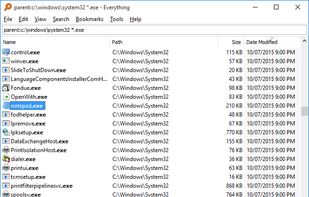


Apps similar to Filesmash include Everything, which is free. Other options are Double Commander, Files, Spacedrive and Total Commander. You can choose from more than 10 File Managers like Filesmash for Windows, Linux, Mac, the web and Android.
An administrative tool that finds files and folders by filename instantly, displaying all files on local or network drives. Supports filters, 19 languages, portable usage, lightweight resource consumption, no tracking, and dark mode.
Australia
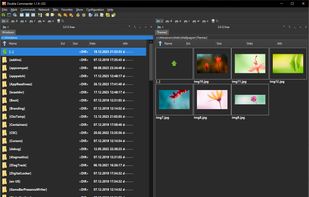
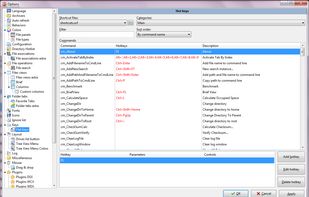
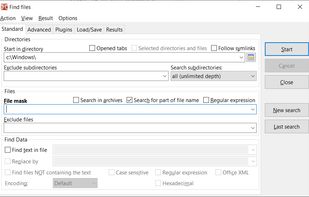
Open-source file manager with dual-panel interface, inspired by Total Commander. Supports plugin use, advanced search, tabbed browsing, and runs smoothly with background operations. Unicode and multi-platform compatibility enhance its versatility.
 Russia


Advanced Windows file manager offers tabbed browsing, dual-pane drag-and-drop, column navigation, built-in archive creation and extraction, file tagging, QuickLook previews, context menu integration, quick search, and customizable appearance for streamlined organization.
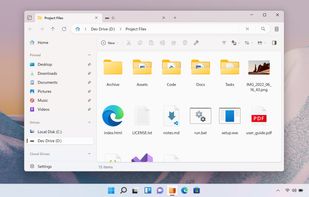
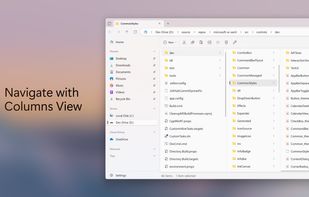
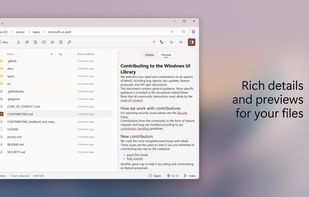
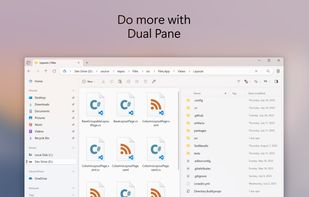


Open-source file explorer integrates cloud, local, and offline storage across devices using a secure virtual distributed filesystem in Rust, enabling unified management, file syncing, privacy control, intuitive interface, and ownership without centralized servers.
 United States


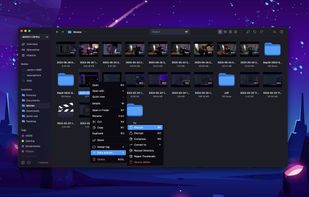
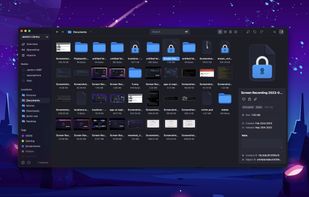


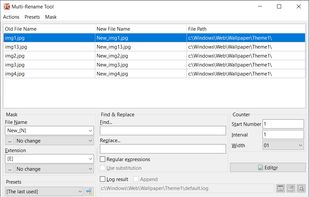
A versatile file manager offering side-by-side dual-pane for intuitive navigation, powerful built-in FTP client, extensive archive format support, robust file comparison tool with editor, advanced multi-rename using regular expressions, and scalable customization options.
 Switzerland
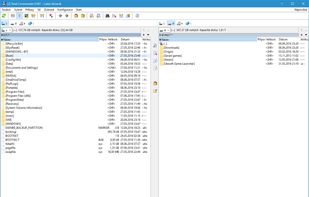
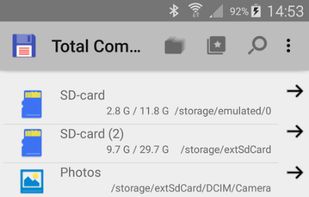
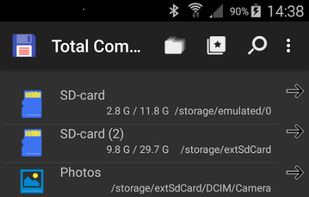


Dual-pane Windows file manager with tab support, Miller Columns layout, customizable themes, image converter, regex-based renaming, long Unicode path support, batch operations, metadata display, ToDo notes in folders, file previews, smart clipboard, and robust archive handling.
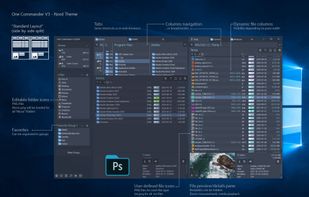
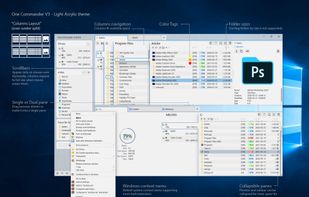
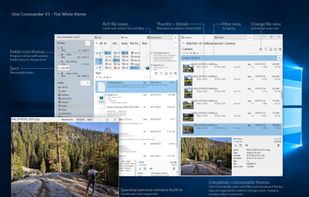
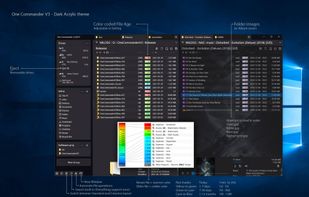


Dual-panel file manager with tabbed navigation, built-in viewer for multiple formats, ZIP/RAR/7z archive support, folder sync and comparison, batch renaming, search within archives, customizable keyboard shortcuts, DOS command integration, and full portability.
 Germany
 EU
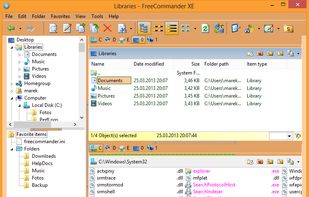
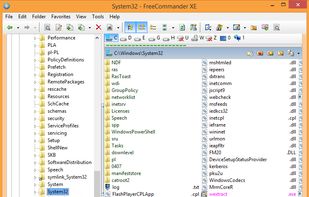
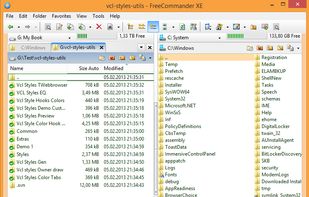


Tabbed browsing, dual pane file management, advanced search with filters, scripting and automation, customizable interface, bulk renaming, integrated file preview for various formats, portable operation without installation, user-defined commands, and multi-language support.
GermanyEU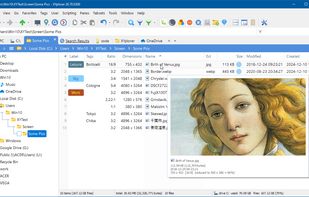
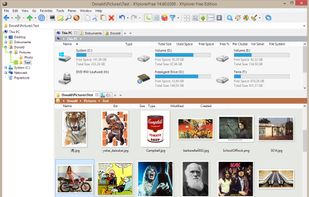
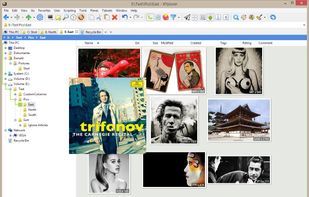
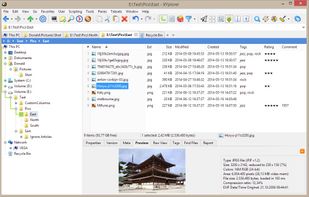


Standalone file explorer engineered for high-speed navigation, customizable themes, panels, and tabs, enabling instant access via hotkeys, command palette, and context menus while supporting real-time interface updates, layout switching, and fast file search for streamlined workflow.
 CroatiaEU


Complete Explorer alternative with dual-pane navigation, folder tabs, batch renaming, built-in image and document viewer, portable device access, scriptable interface, archive and metadata support, robust search, color coding, sync tools, and high DPI compatibility.
Australia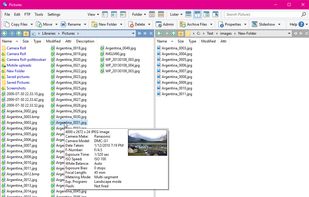
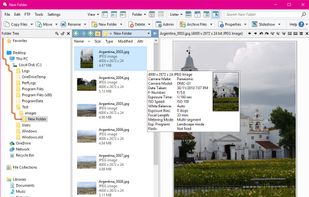
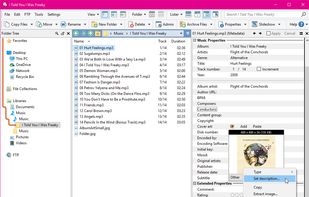
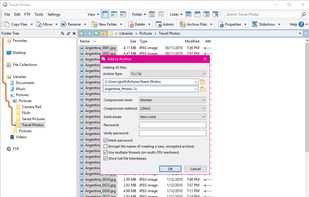

Manage your files using a graphical interface with offline capabilities, no registration, zip support, and a lightweight design. Enjoy features like dark mode and ad-free usage on Windows. Known as Explorer, it helps present the taskbar and desktop elements since Windows 95.
United States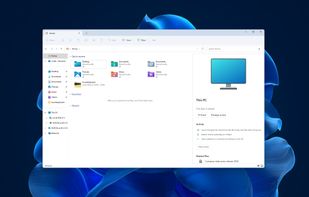
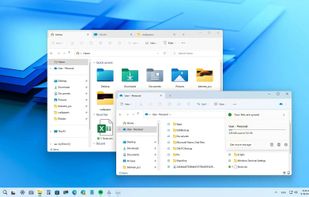
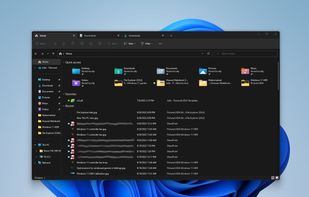
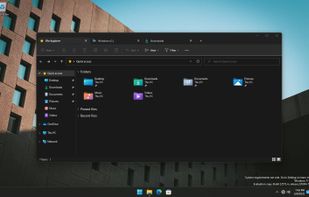

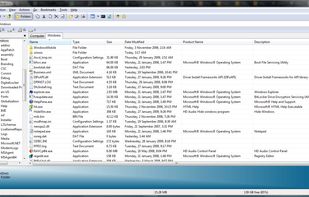
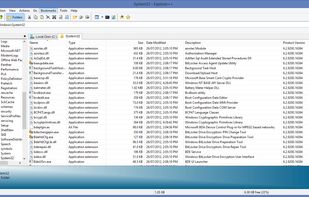
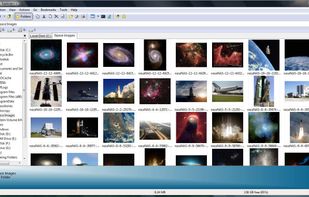
Explorer++ is a free file manager for Windows. Available on Windows XP and above, it features the same familiar interface as Windows Explorer, while introducing several enhancements and improvements for a much richer file browsing experience.
Australia