A GUI for Rclone, with additional features including batch file generation, auto cloud setup, and saved file/folder paths.


FiFe - Secure File Vault is described as 'An open-source, cloud storage backup service built with zero-trust architecture. Your data is encrypted locally before it ever leaves your device' and is a file encryption software in the backup & sync category. There are more than 50 alternatives to FiFe - Secure File Vault for a variety of platforms, including Windows, Mac, Linux, Android and iPhone apps. The best FiFe - Secure File Vault alternative is VeraCrypt, which is both free and Open Source. Other great apps like FiFe - Secure File Vault are Cryptomator, Rclone, TrueCrypt and GnuPG.
A GUI for Rclone, with additional features including batch file generation, auto cloud setup, and saved file/folder paths.


Picocrypt NG (new generation) is a very small (hence Pico), very simple, yet very secure encryption tool that you can use to protect your files. It's designed to be the go-to tool for file encryption, with a focus on security, simplicity, and reliability.

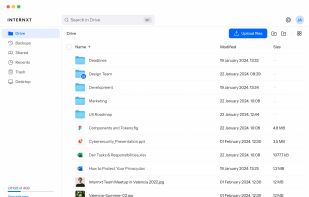
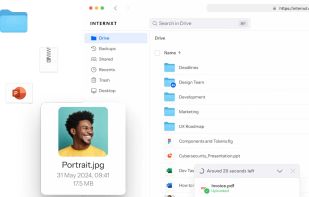
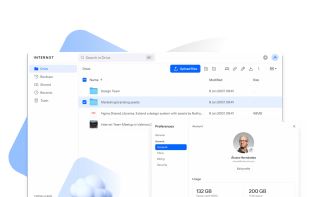
Open-source, privacy-focused cloud storage using zero-knowledge encryption and blockchain technology, provides secure file transfer, end-to-end encryption, free 10 GB plan, desktop and mobile support, full user control, and no data tracking or ads.


Tella is a mobile app designed to protect human rights defenders, advocates, and journalists by encrypting and hiding their sensitive data and safely uploading it to their organization's server.


Encrypto lets you encrypt files before sending them to friends or coworkers. Just drop a file into Encrypto, set a password, and then send it however you normally would — but this time with added security. It’s free for both Mac and Windows.


Syncany is an open-source cloud storage and filesharing application. It allows users to backup and share certain folders of their workstations using any kind of storage, e.g. FTP, Amazon S3 or Google Storage.


CryptSync is a small utility that synchronizes two folders while encrypting the contents in one folder. That means one of the two folders has all files unencrypted (the files you work with) and the other folder has all the files encrypted.