Fenêtre Capture Tool Alternatives
Apps similar to Fenêtre Capture Tool include ShareX, which is free and open source. Other options are Greenshot, Flameshot, macshot and Snipping Tool. There's no shortage of Screenshot Capture Tools like Fenêtre Capture Tool, with more than 50 alternatives for Windows, Mac, Linux, the web and iPad.
Alternatives list
 191 Ashampoo Snap alternatives
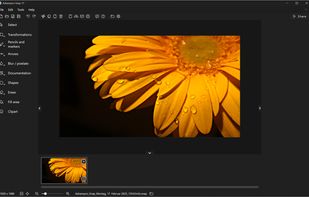
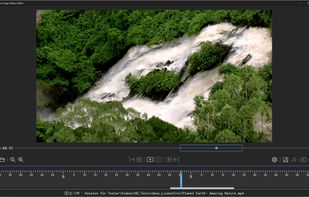
Capture screenshots or record videos with Ashampoo Snap’s efficient tools. Enjoy easy editing, multi-display support, OCR for 180 languages, and instant sharing capabilities. Revamp your projects with video cutting, annotations, and custom capture options.
Cost / License
- Freemium
- Proprietary
Application typeApplication types
Platforms
- Windows
 Germany
 EU
EU

 +3
+3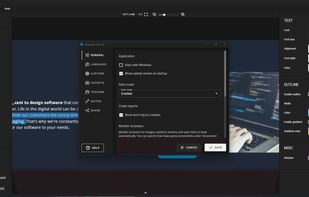


 130 Open Screenshot alternatives
This extension is able to capture 100% of both the vertical and horizontal content appearing on any webpage on the Internet.
Cost / License
- Free
- Proprietary
Application type
Platforms
- Google Chrome


 132 Screenshot Captor alternatives
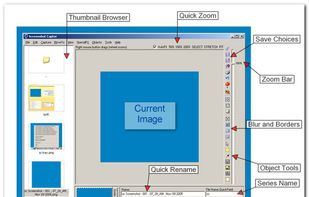
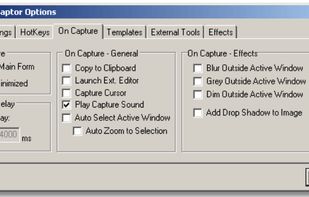
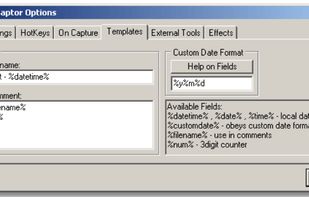
Screenshot Captor is a program for taking screenshots on your computer. Its different from other screenshot utilis in several notable ways:
Cost / License
- Free Personal
- Proprietary
Application type
Platforms
- Windows
 United States
 +7
+7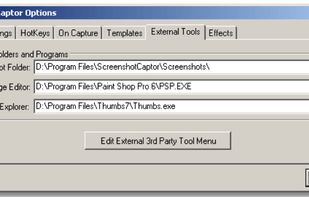

 165 ScreenRec alternatives
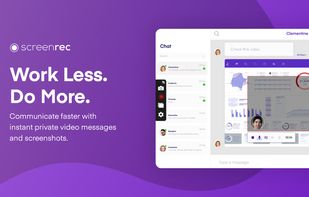
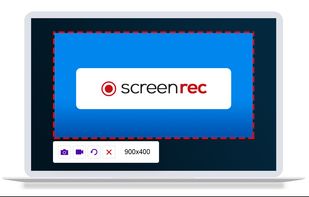
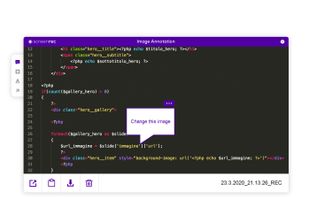
ScreenRec is a free screen recorder for Windows, Linux, and Mac with webcam, microphone, and system audio capture. Record without a watermark or time limit, store videos in free cloud storage, and share instantly with private links.
Cost / License
- Freemium
- Proprietary
Application typeApplication types
Platforms
- Mac
- Windows
- Linux
 Bulgaria
- EU
 +1
+1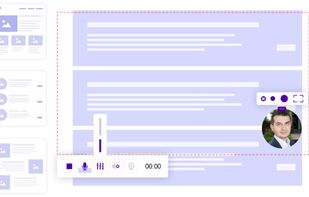

 93 MWSnap alternatives
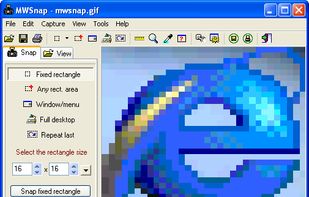
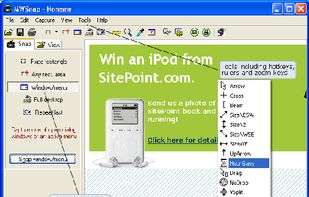
MWSnap is a small yet powerful Windows program for snapping (capturing) images from selected parts of the screen.
Platforms
- Windows
 Poland
- EU


Cost / License
- Free
- Open Source (MIT)
Application type
Platforms
- Linux
- Wayland
G
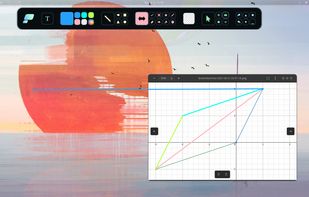
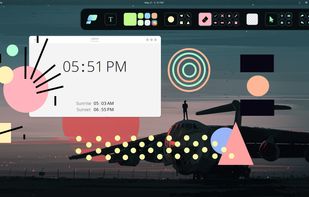
Pensela is an screen annotation tool that can also take screenshots available cross-platform.
Platforms
- Mac
- Windows
- Linux Mobile


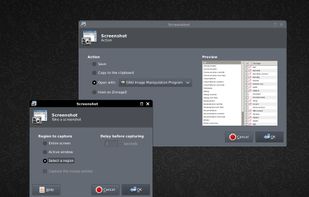
This application allows you to capture the entire screen, the active window or a selected region. You can set the delay that elapses before the screenshot is taken and the action that will be done with the screenshot: save it to a PNG file, copy it to the clipboard, open it...
Cost / License
- Free
- Open Source (GPL-2.0)
Application type
Platforms
- Linux
- BSD
- Germany
- EU

 98 Shotty alternatives
Taking screenshots with Shotty is so natural and easy, you just have to try it. Edit them in minimalistic editor and the upload them with one click. Focusing on simplicity and usability, this tool is probably the most intuitive screenshot utility out there.
Platforms
- Windows
- Germany
- EU


 +2
+2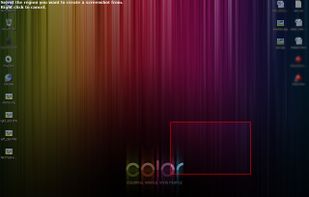


Cropper is a screen capture utility written in C#. It makes it fast and easy to grab parts of your screen. Use it to easily crop out sections of vector graphic files such as Fireworks without having to flatten the files or open in a new editor.
Platforms
- Windows

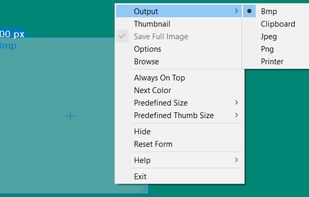


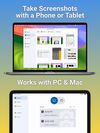
Screenshot Remote enables a seamless and secure way to capture and manage screenshots across multiple platforms and devices. Users can take screenshots on remote computers using their phone, tablet, or another computer via a local network connection or Wi-Fi.
Cost / License
- Free
- Proprietary
Platforms
- Mac
- Android
- iPhone
- iPad
- Android Tablet
- United States