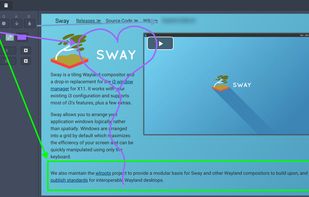
Swappy is a Wayland screenshot editing tool featuring brushes, text, shapes, arrows, and blur. Images can be saved locally or copied directly to the clipboard.
Cost / License
- Free
- Open Source (MIT)
Application type
Platforms
- Linux
 France
 EU
EU


Apps similar to Fenêtre Capture Tool include ShareX, which is free and open source. Other options are Greenshot, Flameshot, macshot and Snipping Tool. There's no shortage of Screenshot Capture Tools like Fenêtre Capture Tool, with more than 50 alternatives for Windows, Mac, Linux, the web and iPad.
Swappy is a Wayland screenshot editing tool featuring brushes, text, shapes, arrows, and blur. Images can be saved locally or copied directly to the clipboard.
FranceEU
WinSnap is a small enhancement utility for taking and editing screenshots. Standard features include easy capture of non-rectangular windows with customized and transparent backgrounds, simple and automatic canvas transformations, coloring effects, and the addition of eye-candy...
 Russia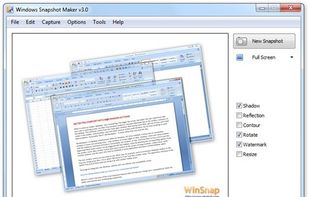

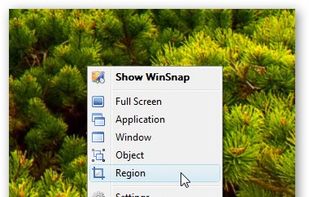


Free Screen Video Recorder is a compact, yet full-featured screen video recorder and screenshot capture tool that allows you to easily record screen activities and capture anything on the screen including windows, objects, menus, full screen and rectangular regions.
 United Kingdom


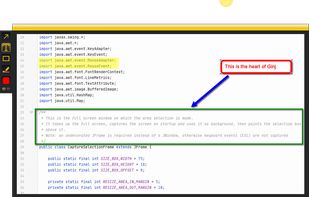
An open source multi-platform screen capture and recording tool for simple "capture / annotate / share" workflow. Ginj was inspired by Jing (now discontinued), but although there are similarities in the way both tools behave, Ginj is not Jing.


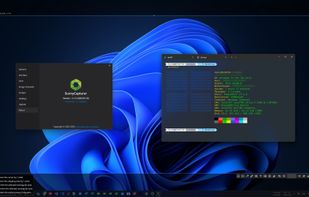
SunnyCapturer is a simple and beautiful cross-platform screenshot software that supports OCR for extracting text from images, image translation, custom stickers, and pinning images to the screen. Supports Windows, MacOS, Linux operating systems.
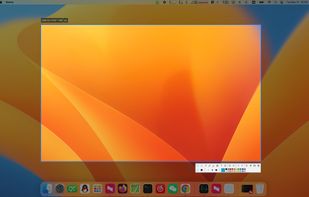
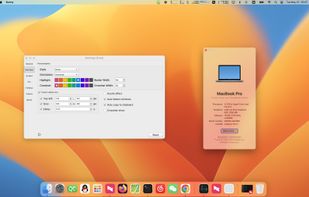
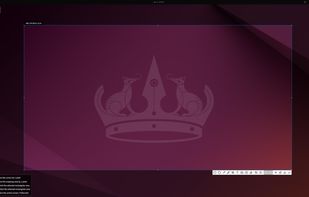


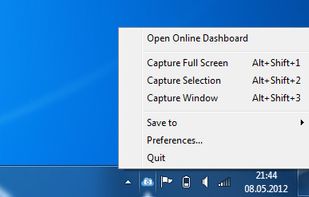
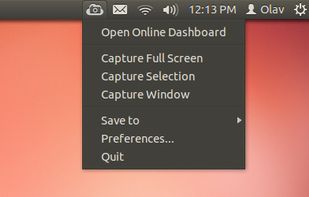
ScreenCloud is an easy to use screenshot sharing application. Take a screenshot using one of the 3 hotkeys or simply click the ScreenCloud tray icon. You can choose where you want to save your screenshot.

 FranceEU


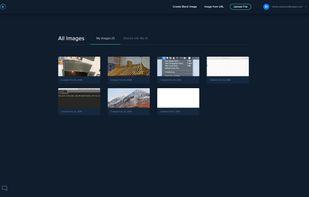
Free web and desktop application that enables quick screen grabs, easy URL-based sharing, and live, multi-person drawing and sketching.
 United States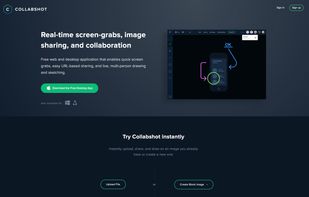



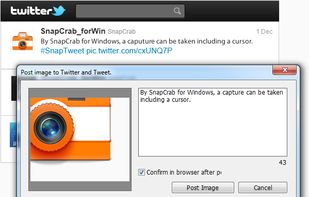
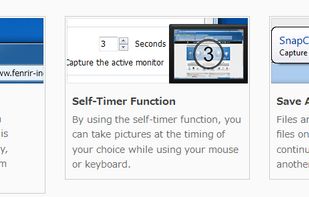
SnapCrab is a photo capture software that can capture any part of your screen. Files are saved in PNG format. Capture the whole screen, specified windows or areas, or wherever you like. With SnapCrab you can directly post captured images to Twitter, or save them to Evernote.
United States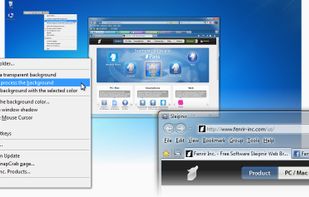

Capture and balance screenshots instantly with auto background colors, sensitive info redaction, text selection, custom shortcuts, social media sizing, history, presets, and compressed images in a native macOS app, supporting annotations and sharing.
 Singapore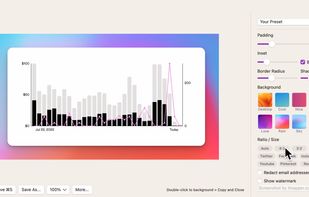


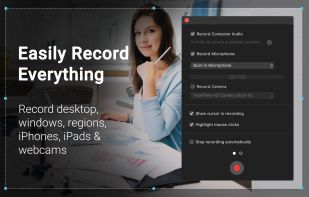
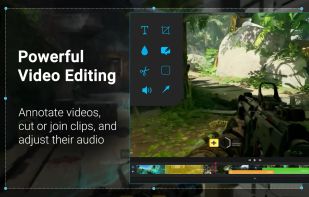
Capture HD video at 60 FPS, record iOS devices, and edit screen or image content with annotation, voiceover, and advanced file management. Includes fullscreen, selection, and web capture, quick sharing to cloud, FTP, YouTube, and fast search for Mac users.
 India
India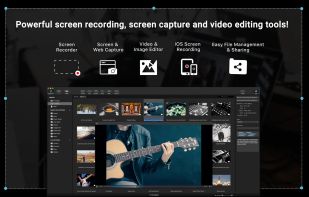
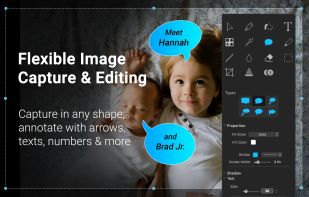


In SnapDraw Free, all the complicated annotation graphics such as Callouts and Magnifier Lens or nice looking effect such as 3D perspective and Reflections - are built-in tools.
 CzechiaEU