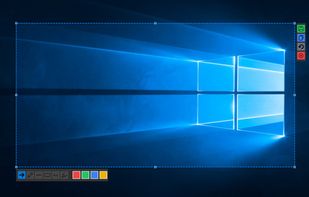
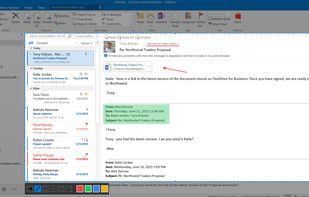
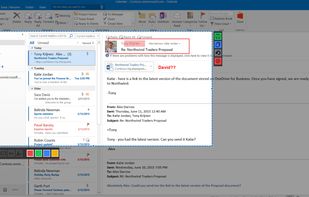
Snip tool is a screen capture tool that lets you capture one or more selected areas on your desktop and save it with optional annotations.
Cost / License
- Free
- Proprietary
Application typeApplication types
Platforms
- Windows
 Germany
 EU
EU




+6
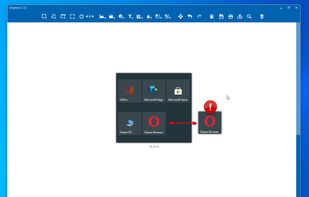


Apps similar to Fenêtre Capture Tool include ShareX, which is free and open source. Other options are Greenshot, Flameshot, macshot and Snipping Tool. There's no shortage of Screenshot Capture Tools like Fenêtre Capture Tool, with more than 50 alternatives for Windows, Mac, Linux, the web and iPad.
Snip tool is a screen capture tool that lets you capture one or more selected areas on your desktop and save it with optional annotations.
GermanyEU
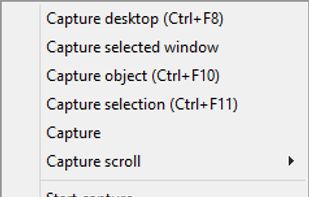
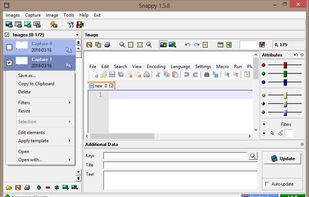
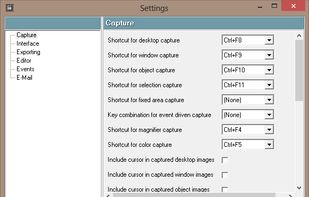
Snappy is a desktop-capture software for Microsoft Windows that allows to capture the screen of your monitor. Compared to other similar applications, Snappy could be less complete, but my purpose is to keep it as immediate as I can. Try it, and let me know if I'm wrong...


Capso is a free and open-source screenshot and screen recording app built natively for macOS in Swift. It offers annotation tools, scroll capture, GIF recording, OCR text recognition, and a smart OCR-powered highlighter. No Electron, no subscriptions, no watermarks.
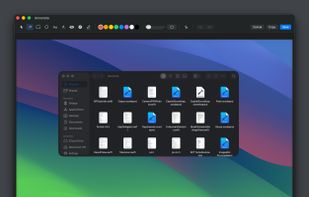
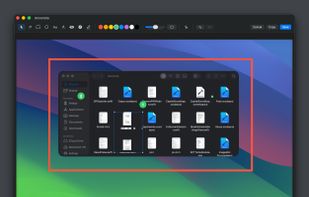
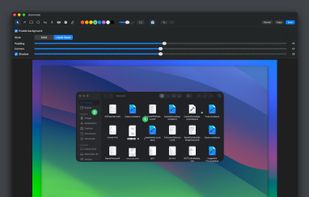
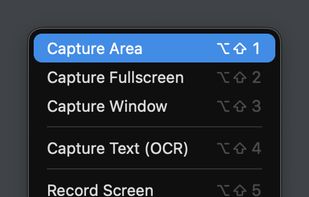


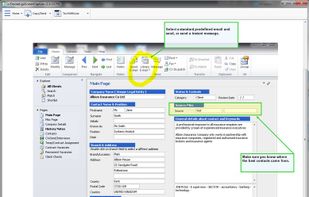
Originally intended for software developers, UX/UI designers and IT support desks, goScreenCapture is the perfect software utility for anyone who wants to create a document, build a slide presentation, check artwork, complete a project and work collaboratively.
 United Kingdom


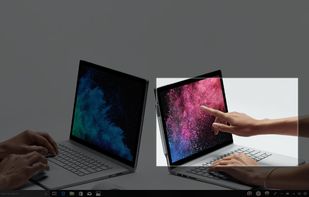
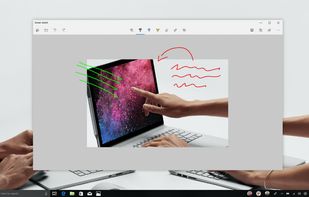
Quickly annotate screenshots, photos and other images with your pen, touch, or mouse and save, paste or share with other apps.


With Free Snipping Tool, not just you create snips, you can save your snips on major backup services like Imgur, Google Drive and Dropbox. Not just this you can also upload them via FTP or simple WebRequest.
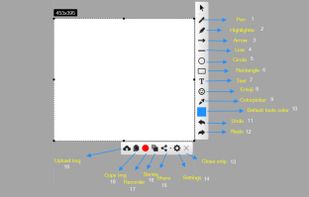
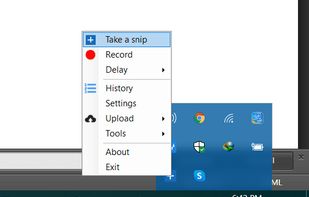
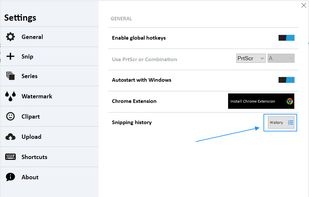


Snip-Snap! is a lightweight, privacy-focused screenshot utility for Windows 10/11. Capture regions, windows, or full screens with pixel-perfect precision using a built-in magnifier. Features a powerful editor with annotations (arrows, text, shapes, highlighters), quick styles...
 United States
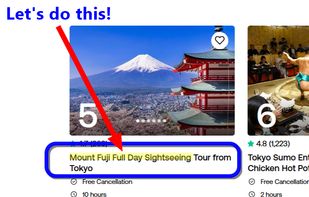
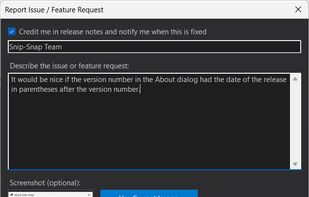
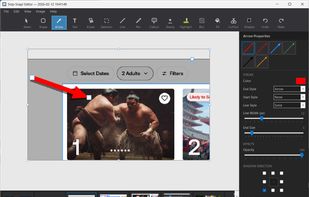


AI-powered screenshot utility for region, window, and full-screen capture, featuring background removal, optical character recognition, image enhancement, annotation, watermark, and signature tools. Supports creatives, professionals, and content sharing workflows.
 China
China


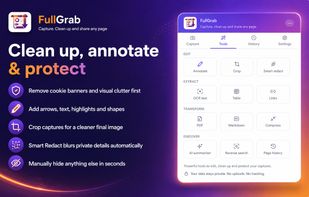
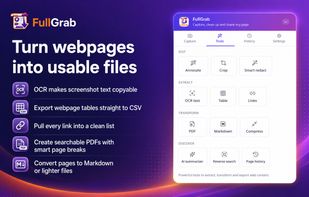
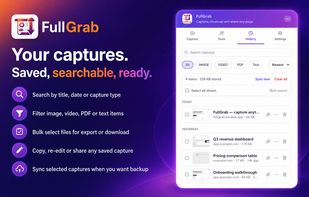
Capture visible areas, full pages, regions, elements and screen recordings, then remove clutter, annotate or redact details. Extract OCR text, tables, links or Markdown; create searchable PDFs, share results or send them to AI while keeping captures local by default.
United States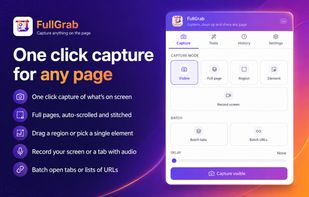

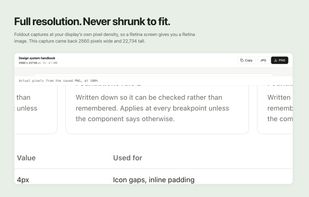
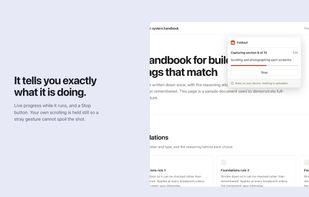
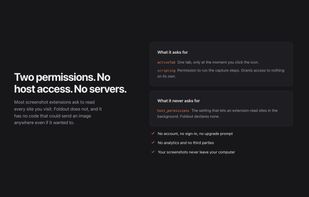
Foldout captures an entire web page as a single image, including everything below the fold. Click the button and it scrolls the page, captures each section, and stitches them together in the browser.
 Canada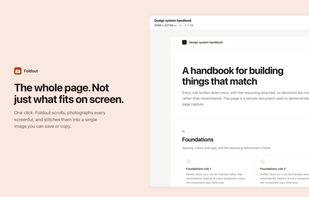

Capture macOS screenshots with a floating thumbnail for quick actions like renaming, copying, extracting text, scrolling capture, and local background removal. Supports custom folders, virtual desktops, Apple Silicon, temporary stashing, privacy, and customization.


EasyCapture Pro is a screenshot utility designed for Windows users who need a quick and simple way to take screenshots and save images locally.