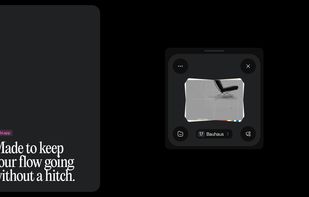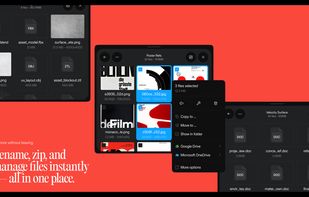


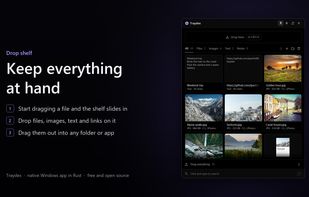
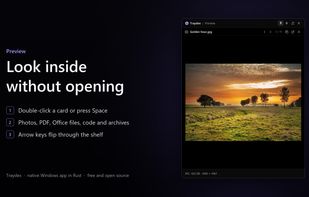
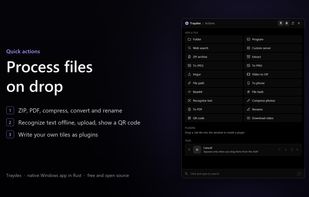
Traydex is a drop shelf for Windows that opens as soon as you start dragging something. Drop files, folders, images, text or links on it to keep them for later, then drag them out into any folder or app, one by one or all at once.






Apps similar to Dropover include Tokri, which is free and open source. Other options are Tendedero, OpenShelf, ShakePin and Shelfinder. There's no shortage of File Managers like Dropover, with more than 25 alternatives for Mac, Windows, Linux, iPhone and iPad.
Traydex is a drop shelf for Windows that opens as soon as you start dragging something. Drop files, folders, images, text or links on it to keep them for later, then drag them out into any folder or app, one by one or all at once.
All-in-one menu bar app for Mac with custom shortcuts and automations, window tiling, a notch shelf, clipboard tools and screenshots.
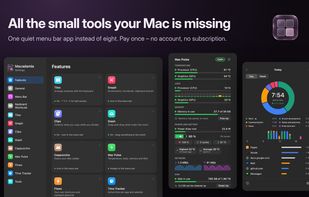
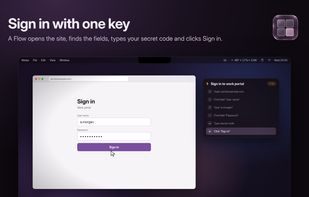
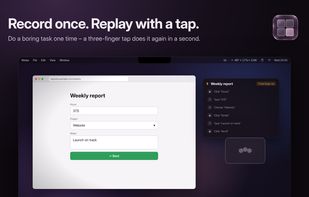
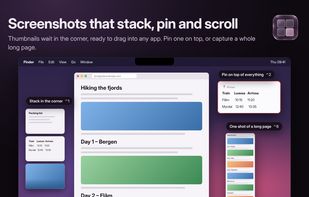


Gojo puts dictation, clipboard history, window controls, file staging, and media controls in the MacBook notch. Hover over the notch to open the tools.



Native macOS utility that opens a searchable, editable clipboard history alongside a drag-and-drop file shelf, letting you gather files from several windows before moving them together. It also provides on-device dictation and masks detected password-like copies.
 France
 EU
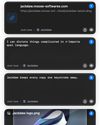


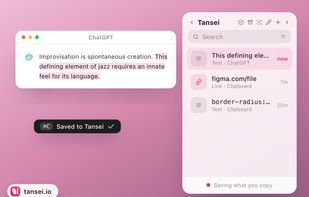
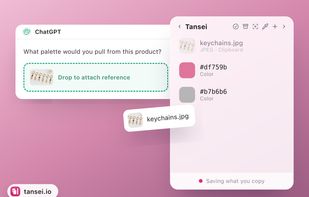
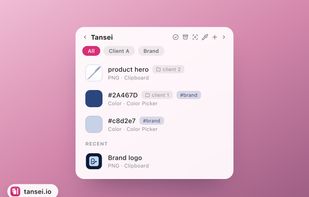
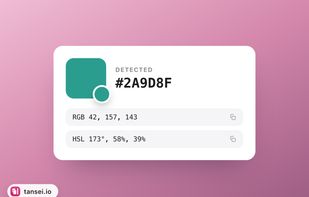
An edge-docked workspace keeps copied text, links, images, colors, code and files ready to drag into other apps. It organizes items with groups, tags, pins and search, and also captures screenshots, screen recordings and voice memos with on-device transcripts.
 Australia


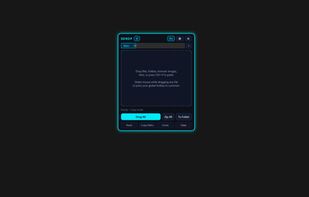
SDrop is a free, open-source floating file shelf for Windows 10 and 11. Inspired by macOS drag-and-drop staging tools, SDrop lets you drag files, folders, screenshots, and links onto a sleek neon floating shelf, switch windows cleanly, and batch-drop everything into emails...
 Bangladesh


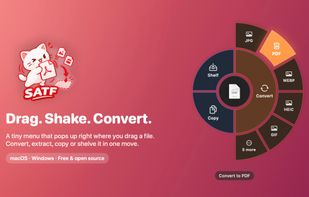
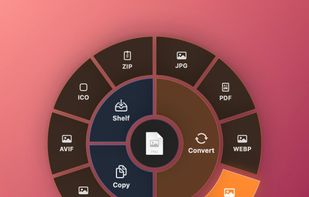
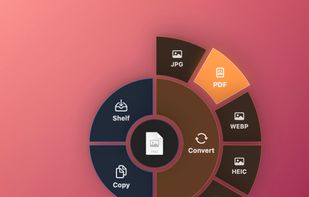
SATF (Shake And Throw Files) is a free, open-source file converter that works while you drag. Start dragging any file, give it a little shake (or press ⌥⇧Space / Alt+Shift+Space), and a small radial menu pops up under your cursor.
 Vietnam


Droper is a temporary shelf for drag and drop. Start dragging a file and the shelf appears; drop it there, switch apps at your own pace, then drag it out wherever it belongs.
 SpainEU
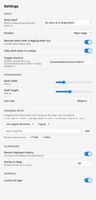




Windows workspace for temporarily holding reference images, exports, client assets, and screenshots. Organize them in named, color-coded folders, then drag them into creative apps, upload forms, messages, email, or cloud storage; pin it anywhere when needed.
SpainEU