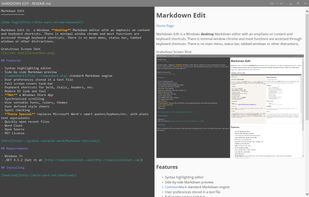
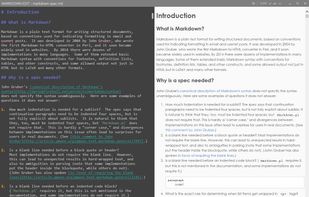
Markdown Edit is a Windows desktop Markdown editor with an emphasis on content and keyboard shortcuts. There is minimal window chrome and most functions are accessed through keyboard shortcuts.
Platforms
- Windows
 United States



Apps similar to Downright include Typora. It's paid, but ghostwriter and Clearly Markdown are free. Other options are Marknote, Ferrite, marka.md and Hemingway Editor. There's no shortage of Text Editors like Downright, with more than 50 alternatives for Mac, Windows, Linux, the web and iPad.
Markdown Edit is a Windows desktop Markdown editor with an emphasis on content and keyboard shortcuts. There is minimal window chrome and most functions are accessed through keyboard shortcuts.
United States
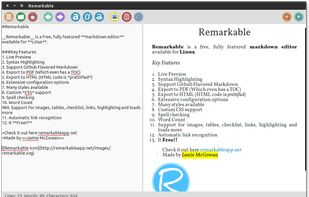
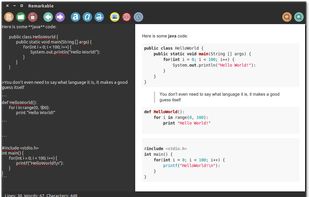
A fully featured markdown editor for Linux. Features include Live Preview, PDF/HTML export, MathJax support, Syntax highlighting, customizable, keyboard shortcuts, GFM, images, tables and much more.


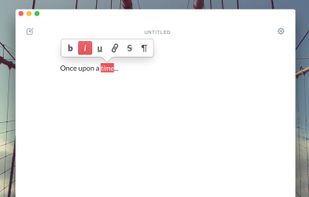
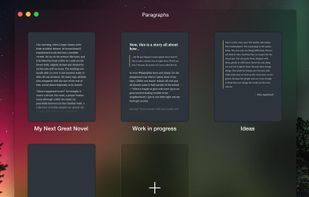
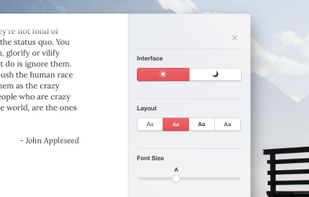
Paragraphs is an app just for writers. It was built for one thing and one thing only: writing. It gives you everything you need to create brilliant prose and does away with the rest.


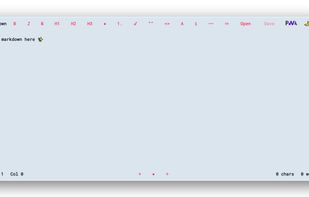
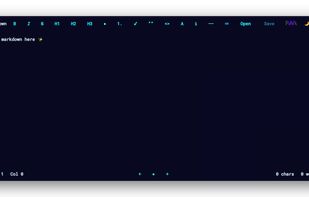


A Markdown editor with syntax highlighting and live preview.
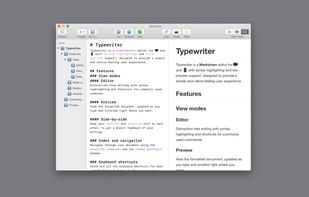
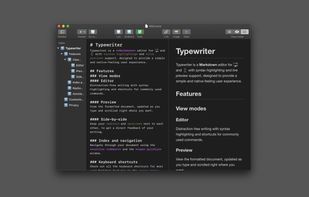


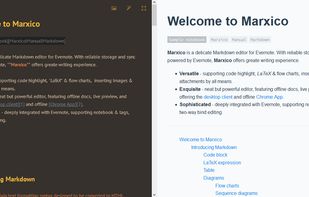
Marxico is a neat Markdown editor that features :
code highlight, tables, images, attachments, LaTeX etc.
live preview, offline desktop client and Chrome App.
Evernote integration with notebooks & tags, two-way bind editing etc.


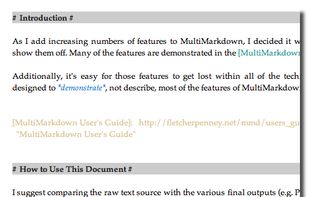
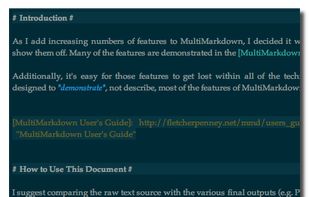
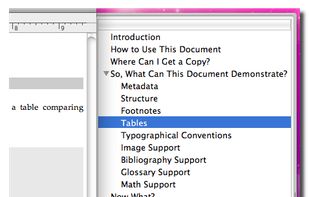
MultiMarkdown Composer is a text editor for Mac that is designed from the ground up around the MultiMarkdown Syntax. It is designed to make writing in MultiMarkdown even easier than it already is, with automatic syntax highlighting, built in previews, easy export to any format...
United States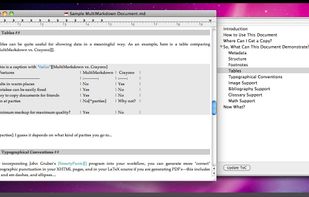


Get thoughts down quick, do things with them later. Just start typing.

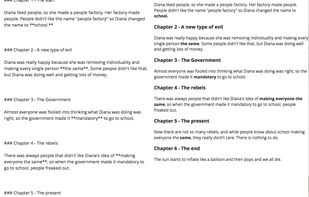
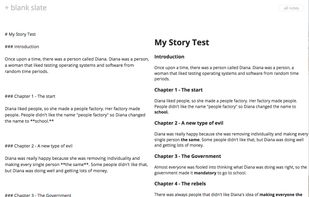


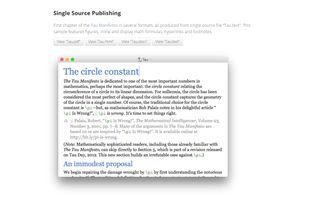
Advanced text editor tailored for creating structured documents. Leverages Markdown to differentiate content and formatting, ensuring streamlined editing and publishing to a multitude of formats.
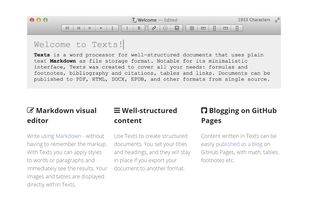
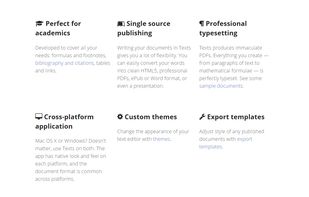


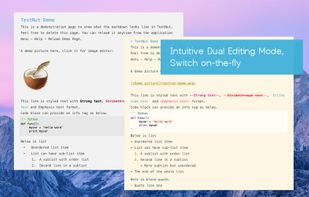
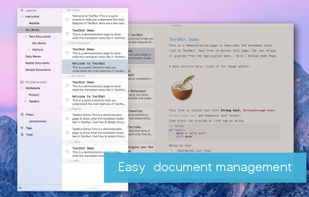
TextNut will convert your edits into markdown on-the-fly. If you are familiar with Markdown, it is add-on, with a powerful markdown editing mode.
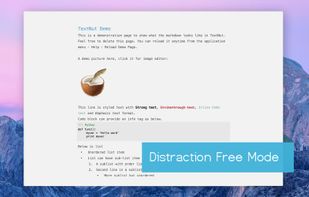
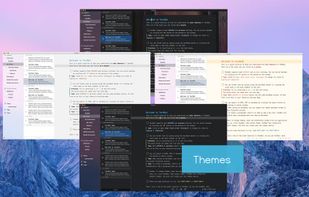


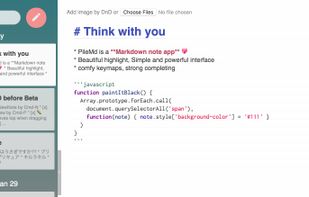
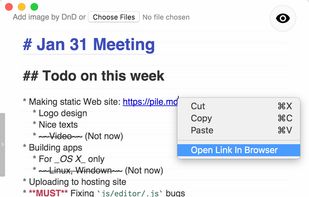
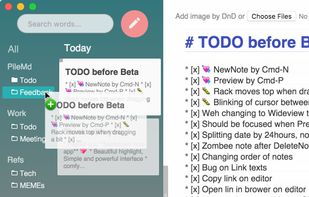
PileMd has a really beautiful Markdown Editor, looks like Preview. It's like a RichText Editor but it's actually Markdown, and it works like a word processor, complete with Undo/Redo histories, list completion and clickable urls.
 Japan
Japan