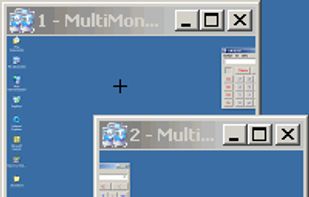
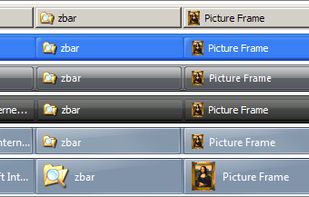
ZBar is a utility for those who use multiple monitors. If you have a single screen, then theres nothing to see here. Move on.
 United Kingdom




There are many alternatives to DisplayFusion for Windows if you are looking for a replacement. The best Windows alternative is Dual Monitor Tools, which is both free and Open Source. If that doesn't suit you, our users have ranked more than 50 alternatives to DisplayFusion and many of them are available for Windows so hopefully you can find a suitable replacement. Other interesting Windows alternatives to DisplayFusion are AquaSnap, Actual Multiple Monitors, Actual Window Manager and Ultramon.
ZBar is a utility for those who use multiple monitors. If you have a single screen, then theres nothing to see here. Move on.
United Kingdom
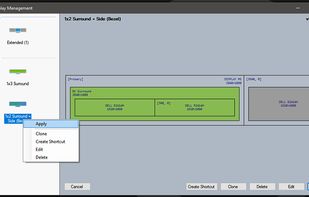
An open source tool for display profile management. Readily switch between display profiles & settings.


WindowSpace is a powerful desktop enhancement utility for large monitors, widescreens and multi-monitor systems. Once installed, it allows you to manipulate windows in many new amazing ways – snap windows to the screen edges and other windows, move and resize them with keyboard...
 Russia

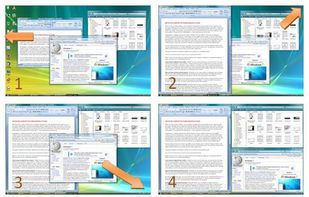


Monitors AnyWhere lets you control digital signage on up to 20 different content channels – anywhere in your building – and you control everything from a single PC.


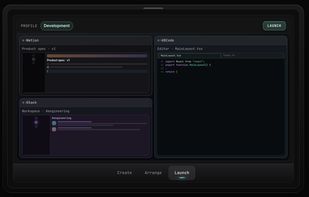
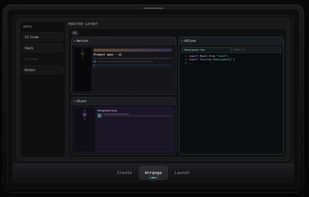
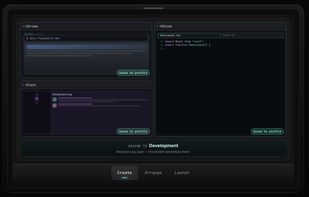
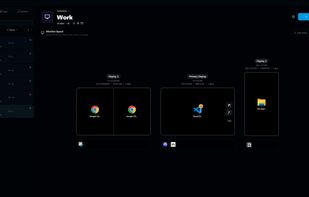
Save per-monitor app layouts on Windows—built from what's running or from scratch—then switch the whole workspace in one click.
 United States


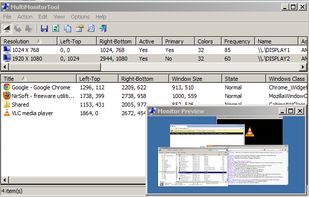
With MultiMonitorTool, you can disable/enable monitors, set the primary monitor, save and load the configuration of all monitors, and move windows from one monitor to another.
 Israel


Save monitor configurations of Windows 7 or 10 and easily switch between them with a click in a popup menu of your taskbar.


MurGeeMon is a Dual Monitor Software Utility to provide more control over dual monitors / displays connected to your computer. MurgeeMon has an easy to follow graphical user interface and provides various useful functionalities such as change background of a specified monitor...
 India


Enhance the display on a secondary monitor beyond the standard Windows screen duplication or extension. The software offers advanced features such as displaying specific parts of the screen, real-time or static image display, drawing and highlighting over the screen, scrolling...
United Kingdom


Actual Window Rollup lets you roll your windows up like blinds/shades/curtains by hiding window's content area and leaving only its title bar visible.


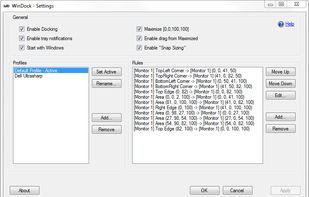
WinDock is a window manager ideal for large, or multi-monitor setups.
Features: -Easy and intuitive drag-and-drop action to simplify moving and resizing Windows. -Highly customizable docking rules that specify how you want your windows to behave. -Multiple rule profiles/layouts.
 Canada