


Cost / License
- Freemium
- Proprietary
Application type
Platforms
- Windows
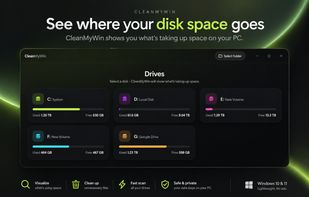

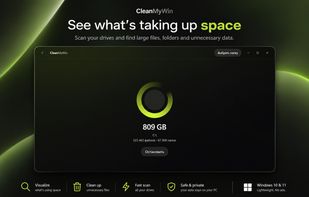

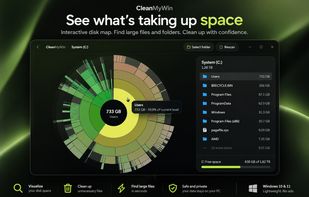


Apps similar to DiskPoint include WinDirStat, which is free and open source. Other options are WizTree, Baobab Disk Usage Analyzer, SD Maid SE and Filelight. There's no shortage of Disk Usage Analyzers like DiskPoint, with more than 50 alternatives for Mac, Windows, Linux and Android.
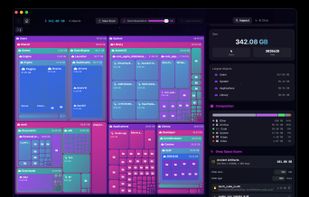
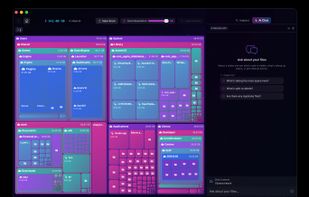
DiskNebula turns your storage into a living treemap, then uses private on-device AI to explain what is taking up space, what is likely safe to remove, and where to start cleaning up.
 Japan
Japan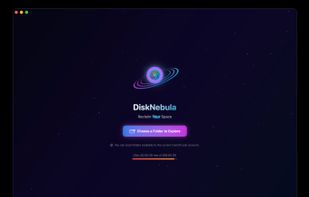



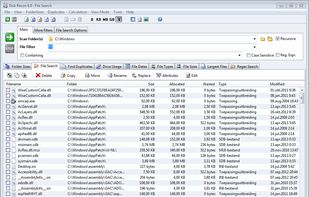
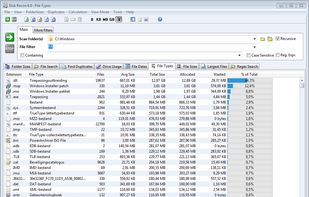
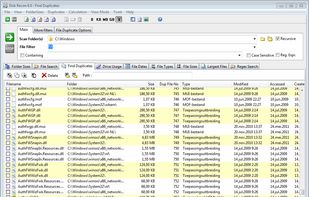
Disk Recon is a disk space utility that reveals all the crucial information that you need to find out where all your disk space has gone and how you can recover it.
 Netherlands
 EU
EU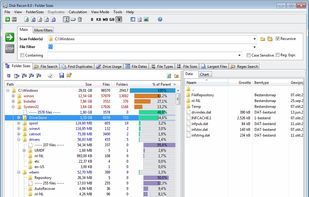

Disk Usage Analyzer - a free program to analyze disk space of the computer. It helps you to quickly and easily determine the size of folders on your computer, as well as the number of files they contain.
 Russia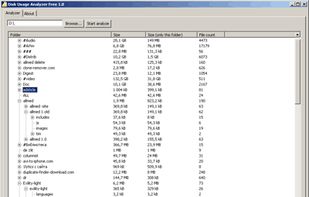

Disk Usage Visualizer v1.5.1
Mac app to see your data at a glance.
A nice tool to track your disk usage and see your data. Helpful and respectful.
Visual presentation of your disk usage in sunburst diagram Fast scanner of local folders or mounted volumes Drag files to copy or.
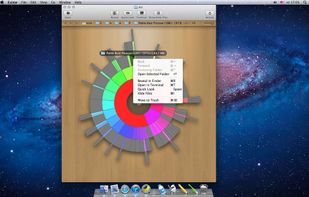
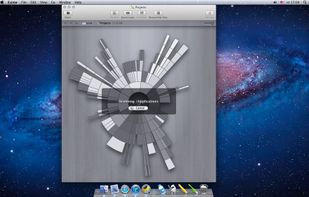
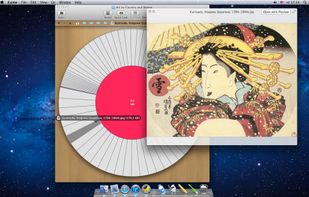


Help you to view at a glance all the folders, files inside them and the space occupied by them on your system
 China
China

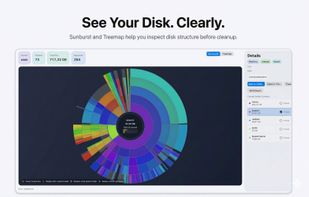
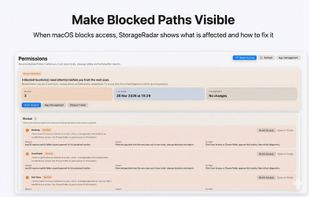
StorageRadar maps your disk, shows blocked paths instead of hiding them, lets you dry-run cleanup, and compares what changed over time. Scan data stays local, while analytics and diagnostics remain separately controllable in settings.
 Thailand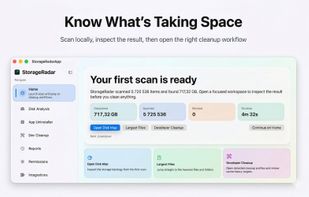
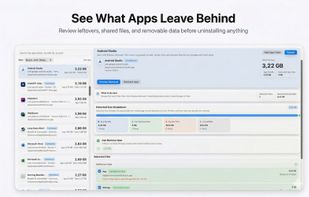

MacDirStat is a free, open-source disk space analyzer for macOS, inspired by WinDirStat. It scans a drive or folder and draws every file as a color-coded rectangle sized by its disk usage, so the biggest files and folders stand out at a glance.
 United States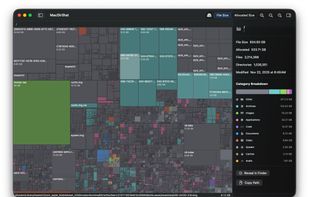


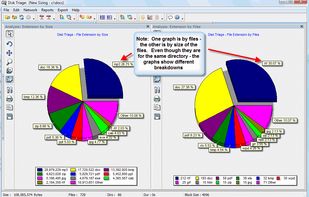
The most powerful disk space sizing and analysis utility there is! Answering the Who/What/Where/When of your Disk Space.



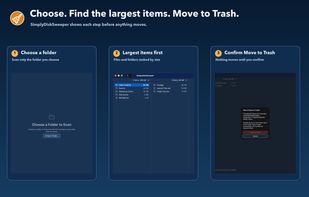
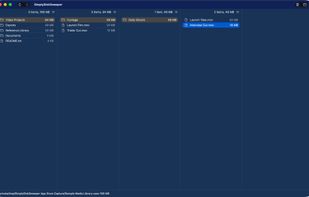
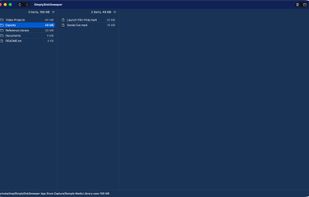
SimplyDiskSweeper is a sandboxed macOS disk-space utility for folders you choose. It ranks accessible files and folders by allocated size in a Finder-like hierarchy. You select what to remove, then confirm before macOS moves those items to Trash.


 Canada


