

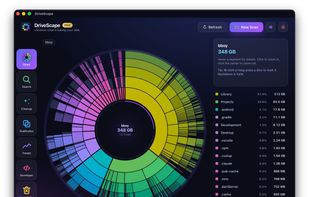
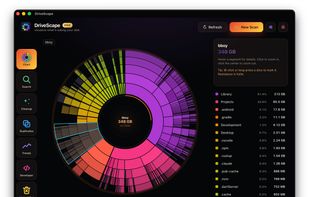
A fast, native disk space analyzer for macOS, Windows and Linux that maps your storage as an interactive sunburst and helps reclaim wasted space.
Cost / License
- Paid
- Proprietary
Application type
Platforms
- Windows
- Mac
- Linux
 Ukraine



+4
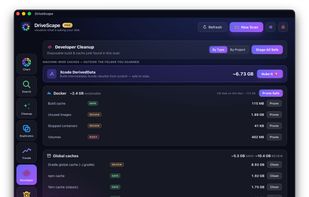


Apps similar to Disko include Baobab Disk Usage Analyzer, which is free and open source. Other options are TreeSize, SquirrelDisk, DiskUsage and DiskPoint. You can choose from more than 10 Disk Usage Analyzers like Disko for Mac, Windows, Linux and Android.
A fast, native disk space analyzer for macOS, Windows and Linux that maps your storage as an interactive sunburst and helps reclaim wasted space.
Ukraine
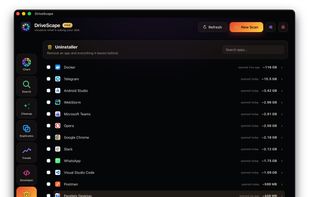
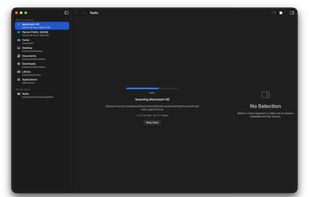
A fast, native macOS disk space analyzer that helps you find where your storage is going. Scan any folder or volume, explore results with an interactive sunburst chart and file browser, and clean up — all without leaving the app.
 United States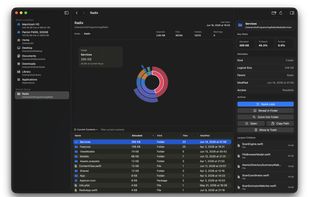

 Czechia
 EU
EU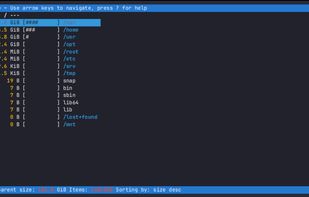

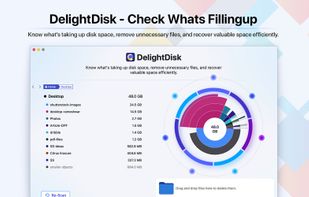

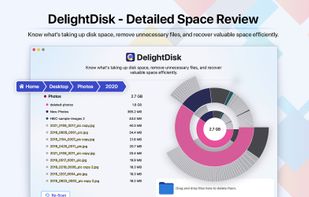
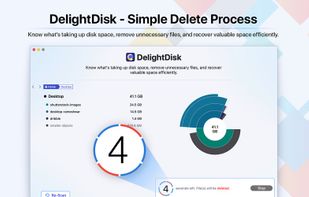


WhatSize is a simple tool that allows the user to quickly measure the size in bytes of a given folder and all subfolders and files within it. You would be surprised at how many useless files might be laying around on your hard disks.
United States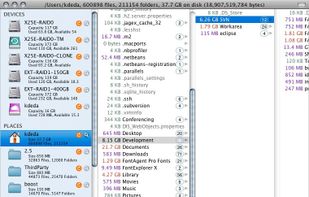
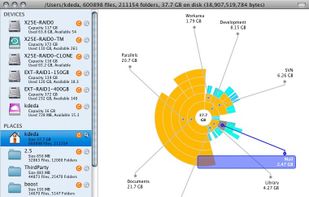
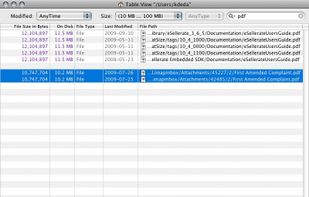


Diskitude helps you figure out what is taking up space on your hard drive using a ring chart. Its intuitive and animated interface allows you to easily explore your file system and prune your files. Plus its super small (only 10 KB) so it loads really fast and wont take up any...

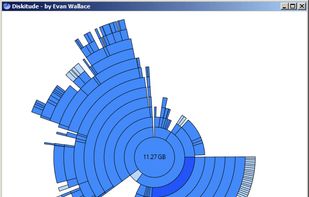


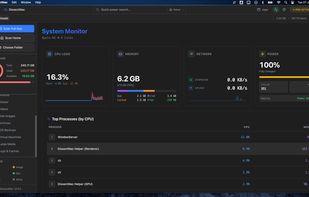
DissectMac is a native, privacy-first macOS utility that uses an interactive treemap to visualize storage, allowing users to reclaim gigabytes in seconds through deep app uninstallation and real-time system monitoring.
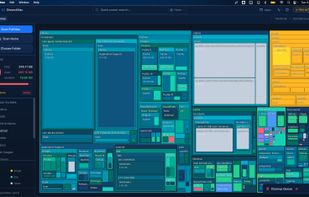
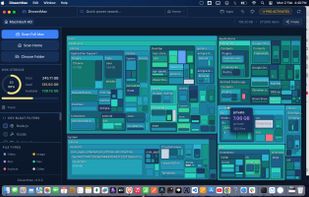
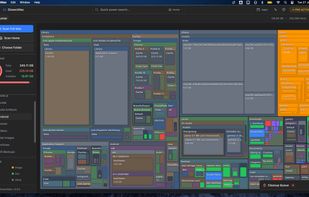


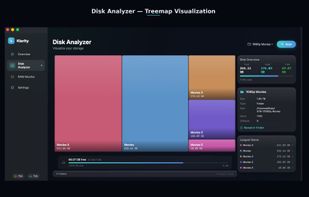
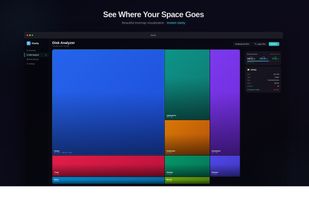
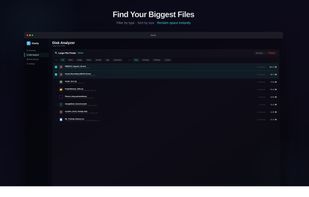
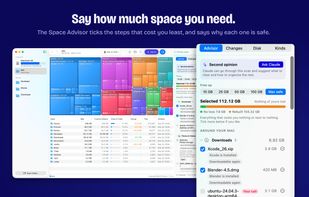
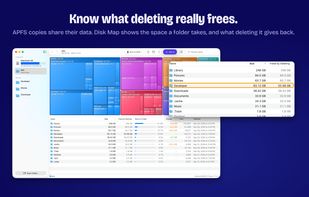
Klarity is a disk space analyzer for macOS that shows where your storage went as a treemap: every file and folder is a rectangle sized to scale, so the biggest items are visible at a glance instead of being found one folder at a time.
 India
India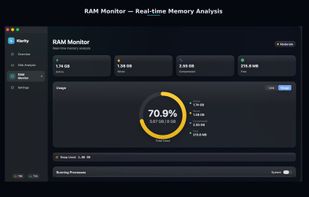

 Canada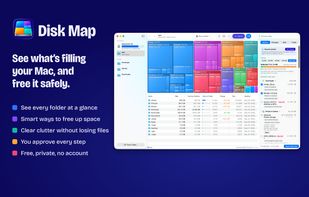


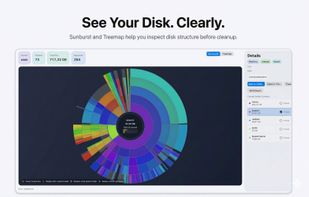
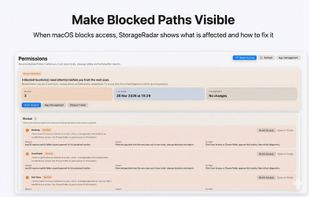
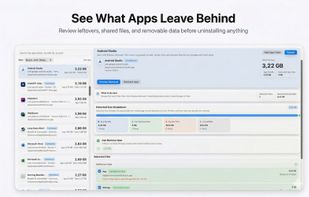
StorageRadar maps your disk, shows blocked paths instead of hiding them, lets you dry-run cleanup, and compares what changed over time. Scan data stays local, while analytics and diagnostics remain separately controllable in settings.
 Thailand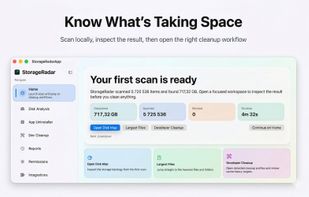


Help you to view at a glance all the folders, files inside them and the space occupied by them on your system
 China
China

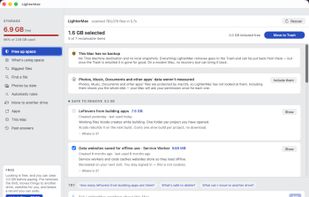
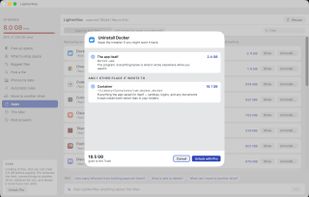
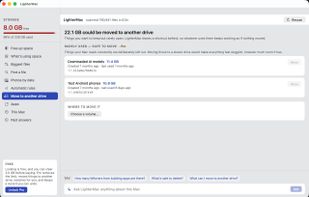
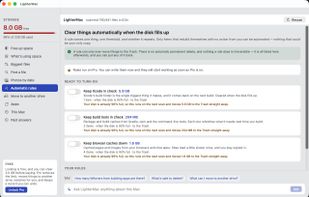
LighterMac opens up the “System Data” your Mac won't explain and tells you, item by item, what each thing is and what happens if you delete it (“Xcode rebuilds it on the next build”, “this may be your only copy”).