Cost / License
- Free
- Proprietary
Application typeApplication types
Platforms
- Mac



+2


Digital Wellbeing is described as 'Use Android's Digital Wellbeing tools to find better balance with your phone. More productivity, more time unplugged, or more controls for the whole family' and is an app. There are more than 100 alternatives to Digital Wellbeing for a variety of platforms, including Android, Mac, iPhone, Windows and Google Chrome apps. The best Digital Wellbeing alternative is ActivityWatch, which is both free and Open Source. Other great apps like Digital Wellbeing are Mindful : Focus & Screen Time, LeechBlock, Cold Turkey and ScreenTally.




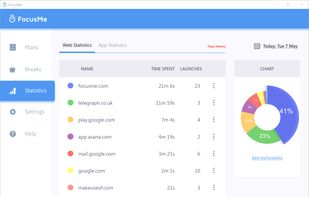
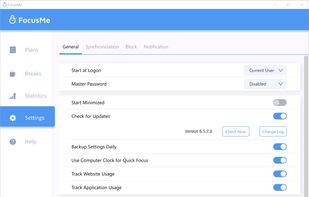
Block distractions on Windows, Mac, and Android with FocusMe's Blacklist, Whitelist, Time Tracker, Scheduler, Pomodoro Timer, and security features like Password Protection and Forced Mode to boost productivity by customizing user feedback-based settings.
 United States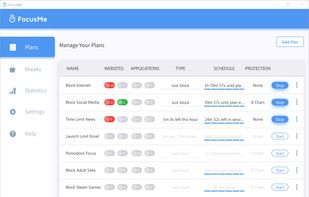


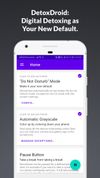
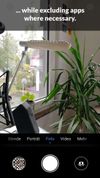
Modifies Android devices to eliminate attention-seeking elements through grayscale visuals, automatic Do Not Disturb, selective app exclusions, and user empowerment with opt-out toggling, offering a self-guided, penalty-free alternative for healthier device use.



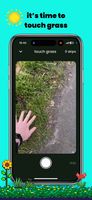
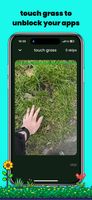
Touch Grass is an app that helps you limit screen time by blocking distracting apps until you physically touch grass.
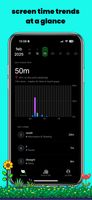


Inscreen is more than a screen time tracker. Inscreen helps you pause and reflect on your screen time at regular intervals throughout the day. Designed for simplicity and privacy, Inscreen has minimal features and a zero learning curve, helping you get started quickly.
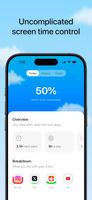
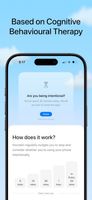
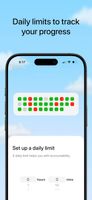


Break free from phone addiction. Taps are too easy. That’s why Recode makes you scan a real barcode or QR to take a break from blocking. A tiny hurdle for your phone, a giant leap for your focus.


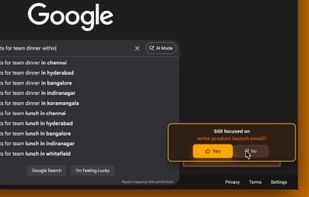
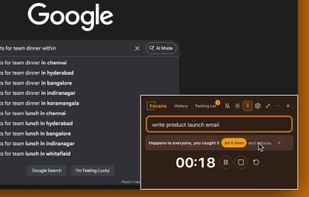
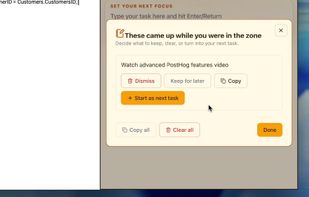
The always-on-top focus buddy for busy brains — 7 science-backed ADHD coping mechanisms layered into one calm desktop focus system.


KMO controls phone addiction and boosts productivity by curtailing screen time. It enables phone locking, app usage monitoring, and digital detoxing. Features include:
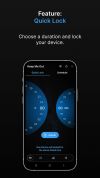
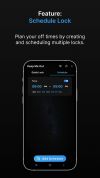
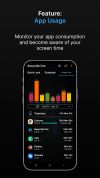

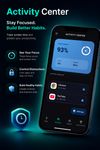
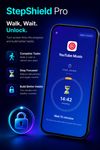
StepShield Pro is an app blocker for Android that combines a pedometer, screen time manager, and personal focus coach in one tool. The core idea is simple but powerful: your apps stay locked until you've walked enough steps to earn access. No steps — no scroll.
 Ukraine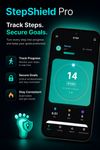


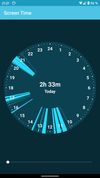
Displays your screen time in a permanent notification.
 Germany
 EU
EU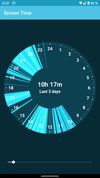


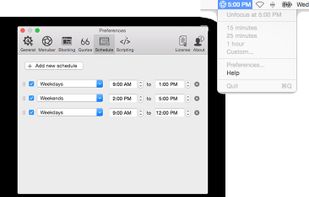
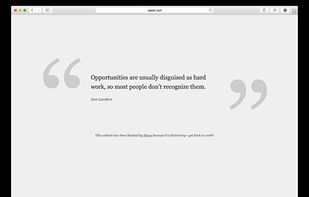
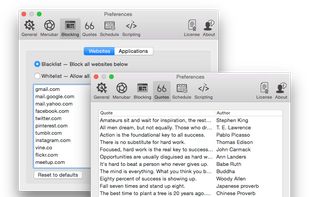
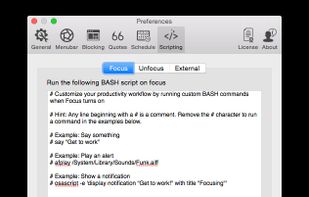
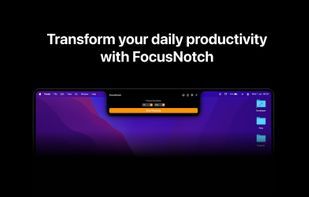
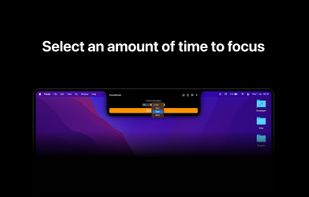
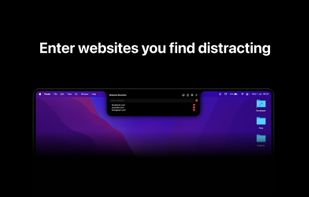
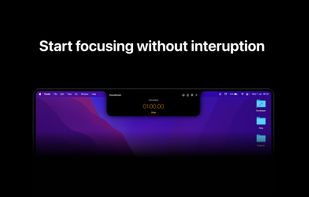
Focus is a Mac app that blocks distracting websites and applications so you can get peace of mind, and get some work done!.