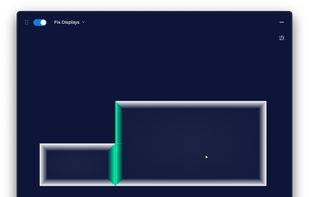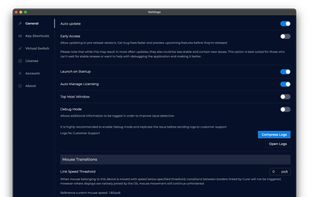
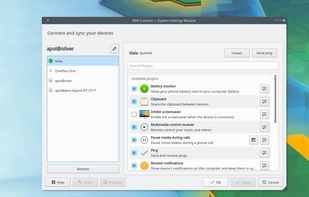
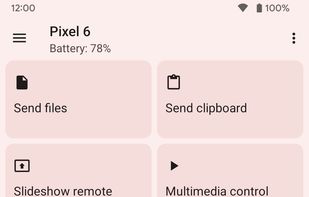
Empowers seamless interaction between devices, offering notifications, SMS replies, music control, file sharing, volume control, secure connections, and cross-platform compatibility.
 Germany
 EU



+3
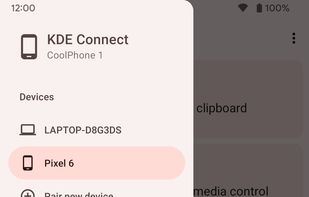




Apps similar to Deskflow include KDE Connect, which is free and open source. Other options are Synergy, Input Leap, Barrier and PeerPayload Connect. Keyboard Sharing Utilities like Deskflow are a crowded field, with more than 25 alternatives for Windows, Mac, Linux, Android and iPad.
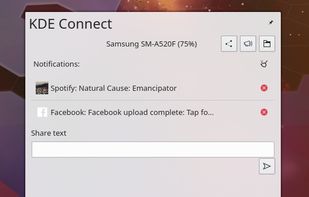
Empowers seamless interaction between devices, offering notifications, SMS replies, music control, file sharing, volume control, secure connections, and cross-platform compatibility.
GermanyEU
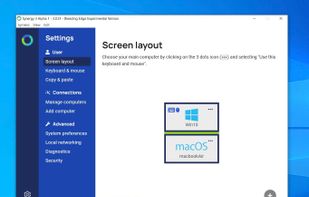
Synergy combines your desktop devices together in to one cohesive experience. It's software for sharing your mouse and keyboard between multiple computers on your desk. It works on Windows, macOS and Linux.
 United Kingdom

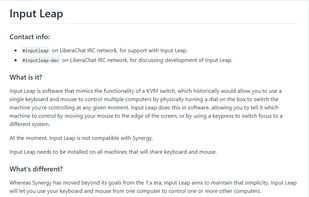
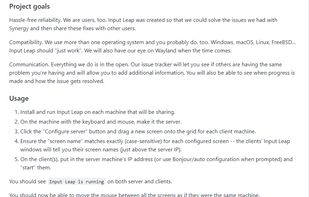
Input Leap is software that mimics the functionality of a KVM switch, which historically would allow you to use a single keyboard and mouse to control multiple computers by physically turning a dial on the box to switch the machine you're controlling at any given moment.

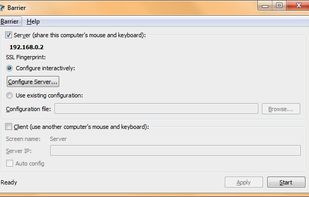
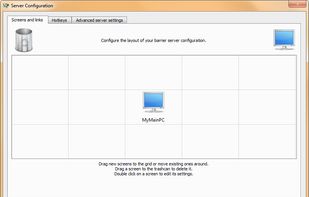
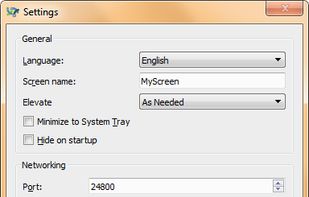
Barrier is a cross-platform software utility for sharing your mouse and keyboard between multiple computers on your desk. It was forked from Synergy version 1.9's codebase.
 United States

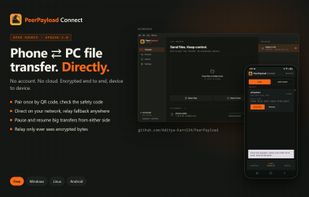
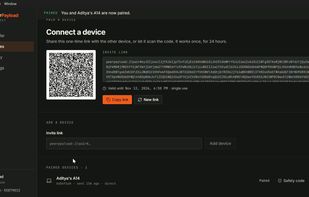
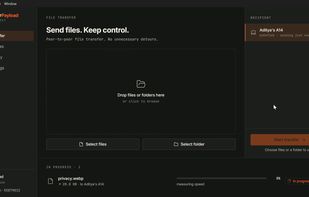
PeerPayload Connect sends files straight from one device to another, on the same network or across networks.
 India


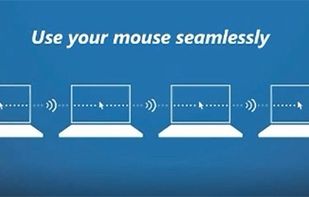
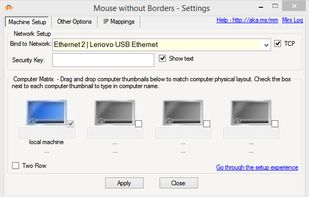
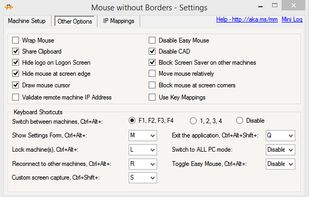
Control multiple PCs effortlessly with a single mouse and keyboard, drag-and-drop files between machines, and customize your screens with Bing images, all without extra gear.



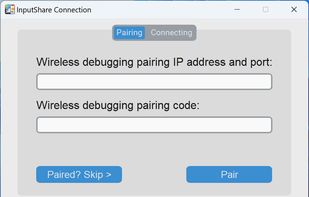
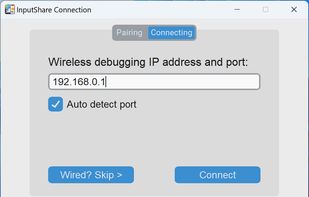
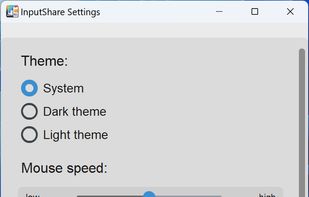
InputShare enables you to share the keyboard and mouse of your computer with an Android device via ADB in wired / wireless way.
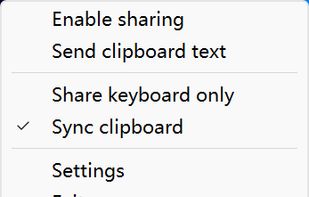


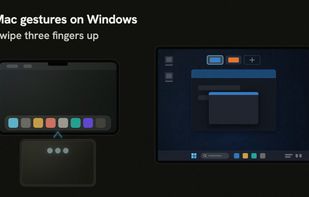
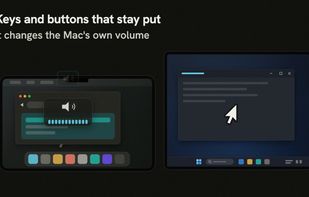
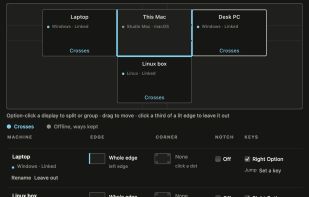
A GPL-3.0 software KVM for Mac, Windows and Linux that shares one keyboard, mouse or trackpad over a local network while each computer keeps its own display. Switch at selected screen edges or with a key; text and images follow the clipboard. Pairing is encrypted.
United Kingdom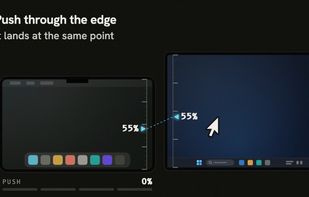

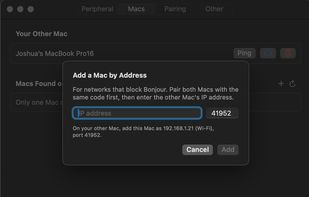
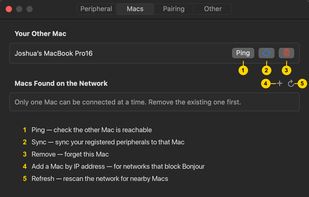
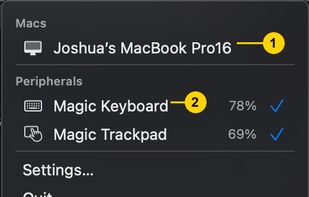
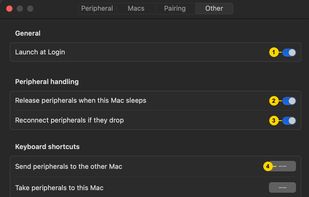
Magic Switch is a simple macOS menu bar utility that lets you quickly (and securely) switch Magic Keyboard, Magic Trackpad, Magic Mouse, and other Bluetooth peripherals between Macs with one click.
 PolandEU

Turn your Mac, Windows, and Linux computers into one seamless workspace with shared keyboard, mouse, clipboard, file transfer, and virtual displays.
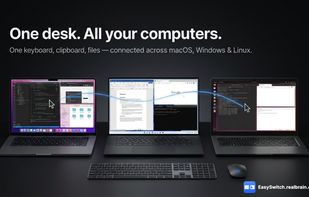
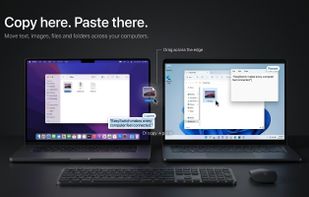
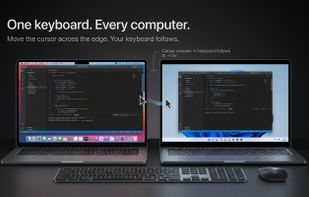
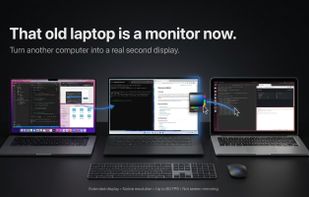

Cross-platform utility tool for seamless mouse, keyboard and clipboard sharing and usage in multi-display, single and multi-device setups.
United Kingdom