


Cursr
7 likes
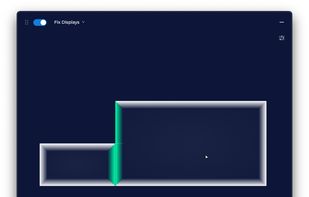
Cross-platform utility tool for seamless mouse, keyboard and clipboard sharing and usage in multi-display, single and multi-device setups.

Cost / License
- Freemium (Pay once or Subscription)
- Proprietary
Application typeApplication types
Platforms
- Mac
- Windows
- Linux


Features
Highlights All activities
Cursr News & Activities
Recent activities
 Paul added Cursr as alternative to Magic Switch
 DeskStitch added Cursr as alternative to DeskStitch
 Mauricio B. Holguin added Cursr as alternative to Switchy for Mac
 Sharif added Cursr as alternative to EasySwitch



Developed by
 Bitgapp
 Licensing
Proprietary and Freemium product.Pricing
One time purchase that costs $14, and / or subscription that costs $2 per month + free version with limited functionality.Alternatives
24 alternatives listedBadge
Get an embeddable badge for CursrSupported Languages


No comments or reviews, maybe you want to be first?