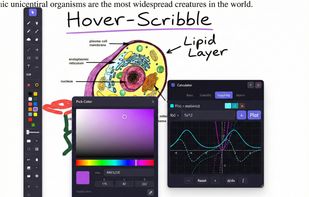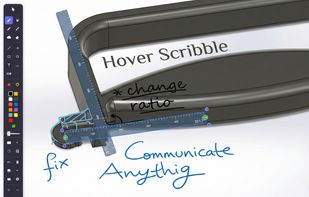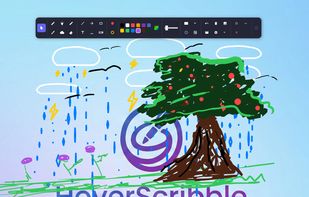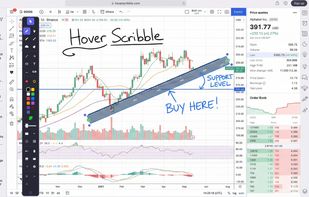
Lightweight screen annotation tool for Windows. Draw on your screen over any application with fading ink, spotlight mode, laser pointer, and shapes. Perfect for presentations, teaching, and streaming.


Cursor Pro is described as 'Highlights your mouse pointer, visualizes clicks and magnifies certain areas of your screen' and is a cursor highligter. There are more than 10 alternatives to Cursor Pro for Mac, Windows and Homebrew. The best Cursor Pro alternative is CapyCursor, which is free. Other great apps like Cursor Pro are SHARA, RePen, Epic Pen and ClickLight.
Lightweight screen annotation tool for Windows. Draw on your screen over any application with fading ink, spotlight mode, laser pointer, and shapes. Perfect for presentations, teaching, and streaming.


A menu bar utility that lets you highlight your cursor, point at stuff with a laser or a spotlight effect, and annotate your screen. Useful when presenting content while you are sharing your screen or recording a video.


Turn your cursor into a powerful visual communication tool, perfect for presentations, video tutorials, screen sharing, and video calls.


A live screen effect layer for macOS that adds real-time zoom, cursor spotlight/highlight, and freehand drawing directly on your screen.