

 Netherlands
 EU
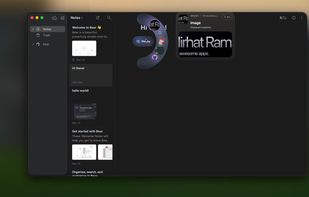

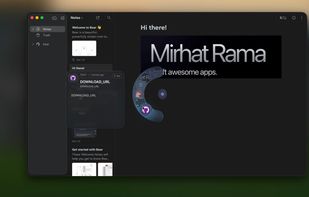

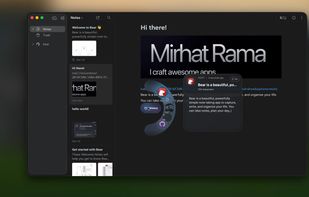

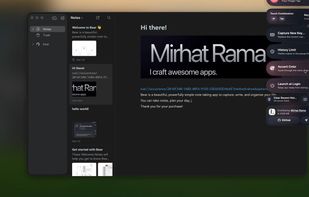


Apps similar to CopyMagic include CopyQ, which is free and open source. Other options are Ditto, PasteBar, Planck and CopyCat Clipboard. There's no shortage of Clipboard Managers like CopyMagic, with more than 50 alternatives for Mac, Windows, iPhone, iPad and Linux.
NetherlandsEU
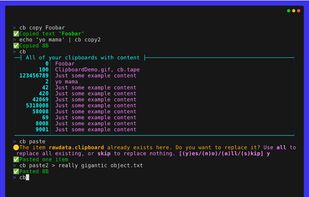
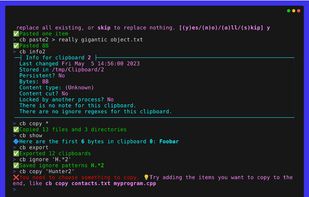
The Clipboard Project (CB for short) is the full-featured yet oh-so-easy-to-use clipboard manager for everyone.

A lightweight, minimal, and fast clipboard manager for macOS built with Python and PySide6.

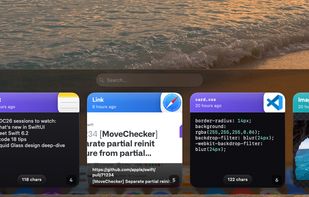
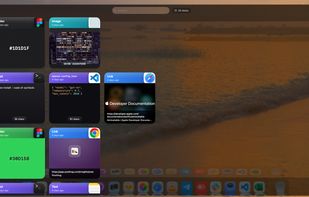
A native macOS clipboard manager that turns everything you copy into a searchable, visual timeline — including your screenshots.
 DenmarkEU




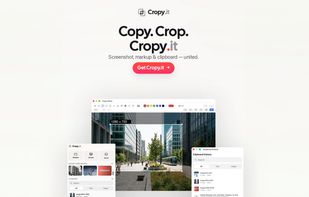
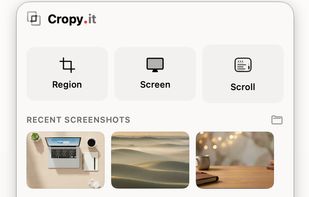
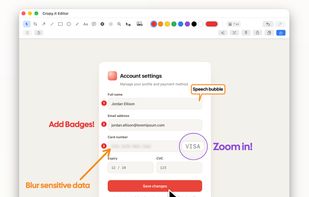
Captures regions, windows, full screens and scrolling pages, then provides arrows, shapes, text, numbered badges, blur, pixelation and pixel-precise cropping. OCR copies image text, while pinned snippets and searchable local clipboard history retain text and images.
 GermanyEU
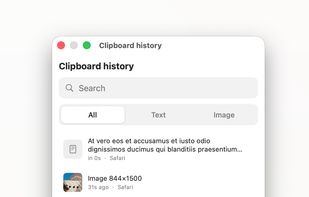

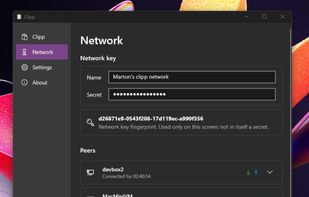
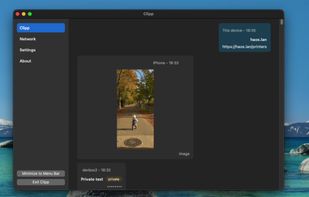
Clipp is a free, open source, peer-to-peer clipboard sync utility for Windows, macOS, and iOS, with a terminal-only client for Linux. It is built for devices you trust, on a network you control, sharing clipboard text and images without routing your clipboard through the cloud.
 United States


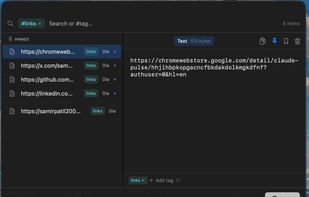
An open-source clipboard manager for macOS featuring ultra-lightweight local storage, searchable history, instant hotkey access, OCR for extracting text from images, developer-friendly large snippet support, bookmarks for favorites, and no cloud syncing.
 India

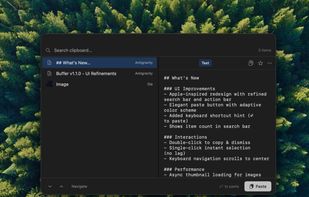

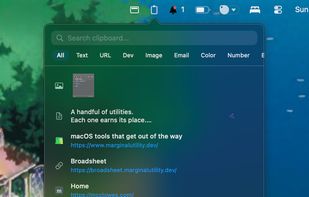
A lightweight, native macOS clipboard manager that lives in your menu bar, fits the platform aesthetic, and gets out of the way.
 United Kingdom

A private clipboard manager for macOS with local history that turns copied material into finished work: searchable history, named Keepers, an ordered paste queue, one-shot transforms, redaction review before pasting, and one-shortcut screenshot framing.
GermanyEU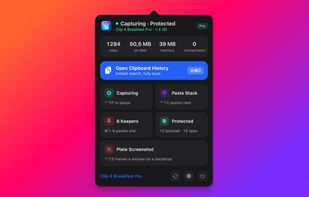

ClipboardMenu is a powerful yet lightweight clipboard manager that lives in your Mac's menu bar. Never lose copied content again - access your complete clipboard history and save frequently used items as snippets for instant reuse.
United Kingdom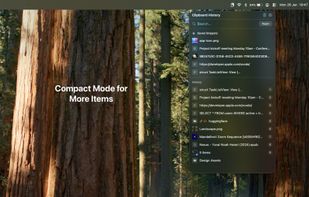
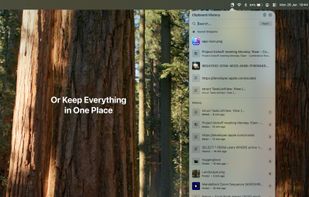
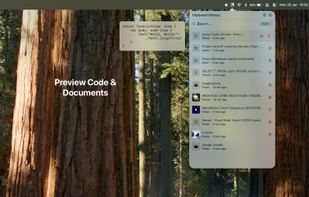
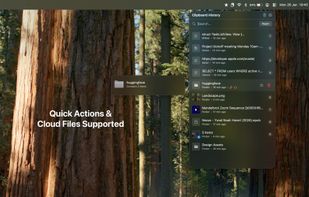


Clipboard history remains searchable and actionable with local network sync, no cloud, content-aware actions, OCR, previews, batch copy, merge, split, paste queue, keyboard controls, URL cleanup, metadata inspection, color conversions, and privacy.
 China